
You may also like
Page 1 of 3

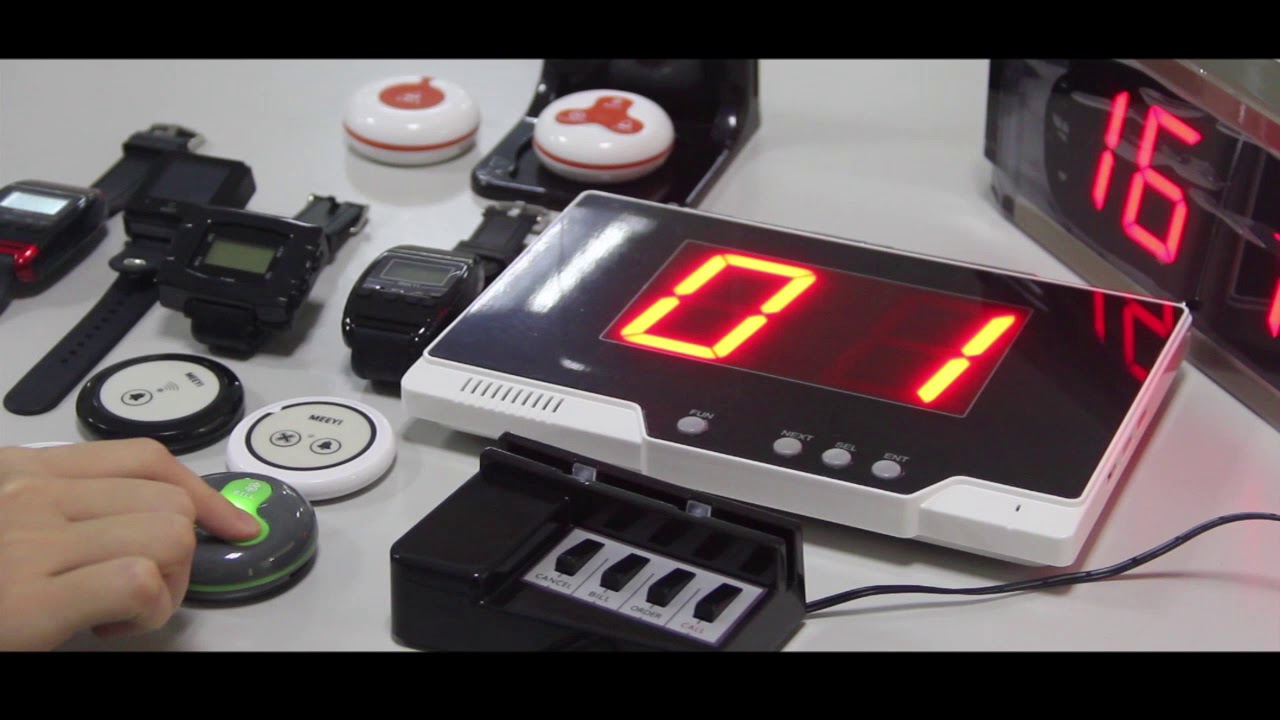
MEEYI Smart wireless call system is with a smart wireless calling receiver to collect the patients’ calling infomation, help hospital get more call data statistics.


MEEYI Wired nurse call system supports patients, nurse, doctors two-way voice communication.

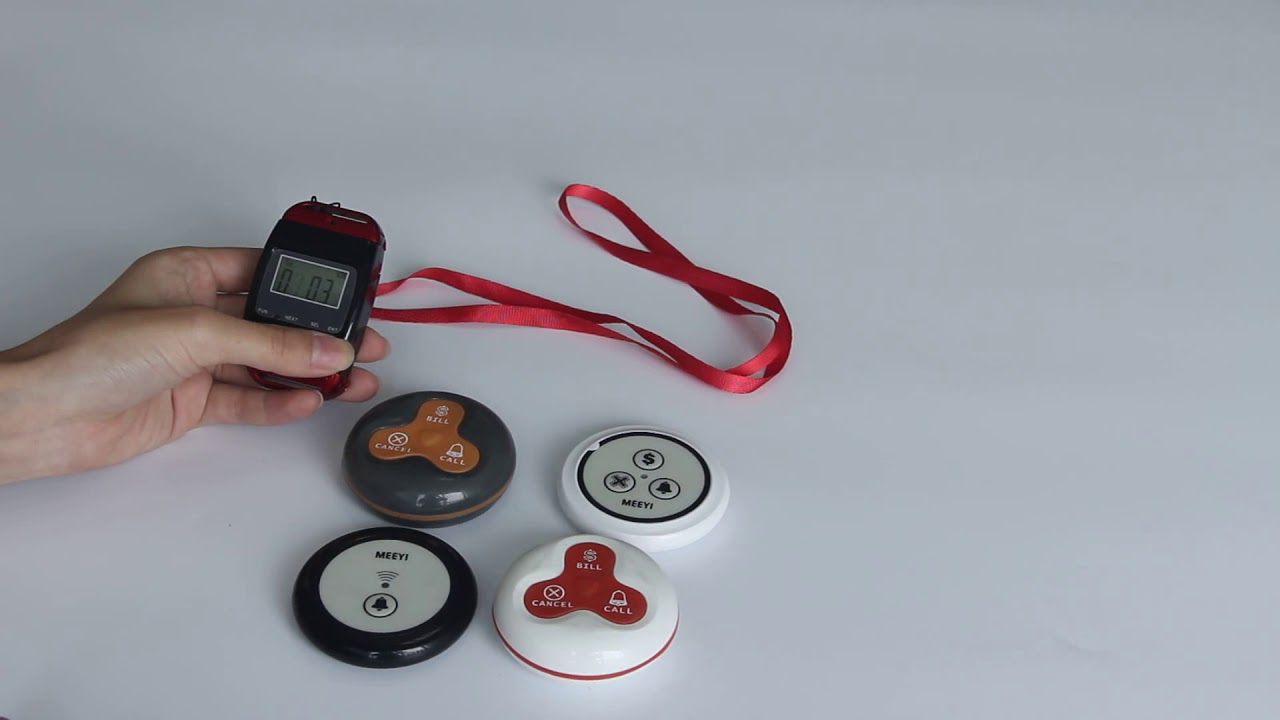
MEEYI pure wireless receiver in elderly care home’s reception can help caregivers fast respond the seniors’ request. MEEYI also provides wireless call lanyards to seniors. When they encounter any security situation, they can get the attention of the caregiver by pressing the call button.
MEEYI Smart Elderly nursing call system not only provide the convenience for the elderly to call and the nursing staff to respond to the call information at the first time, but also provide functions such as data collection and analysis, so that the nursing staff can analyze the situation of the elderly.
MEEYI Code Blue Wireless panic alarm systems provide a quick way to alert Hospitals’ rapid response teams ready to go when they get notified about a code blue. It is water and impact resistant and is a wireless hassle-free system with ODM & OEM support. The main receiver is for the Nurse Station, the Code Blue Lamp is for the corridor, and the Code blue buttons are for the bedside. Repeaters are optional.
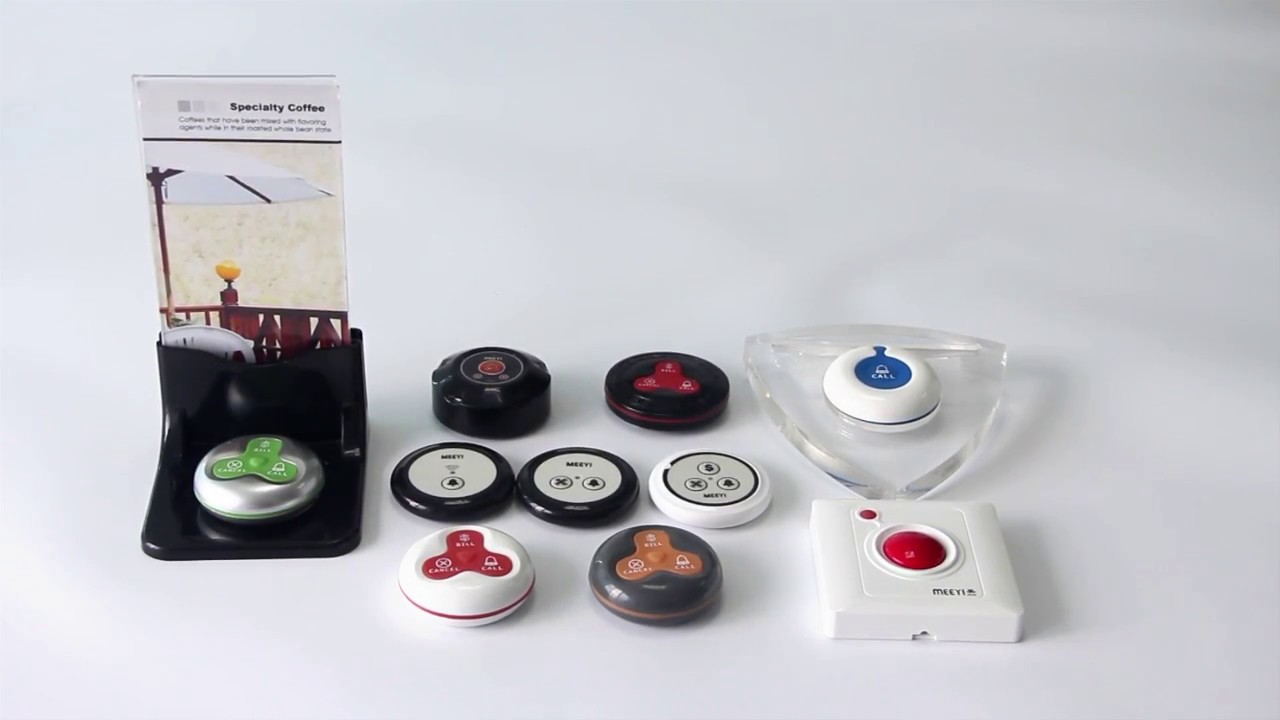
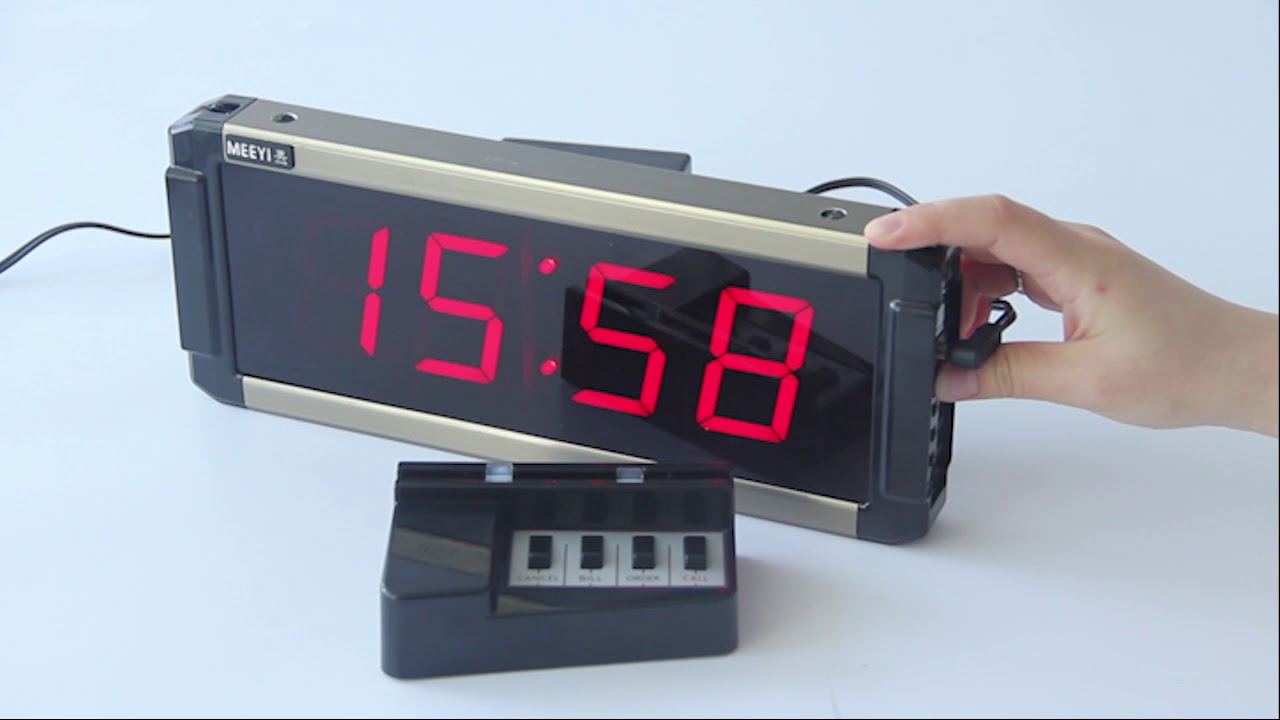
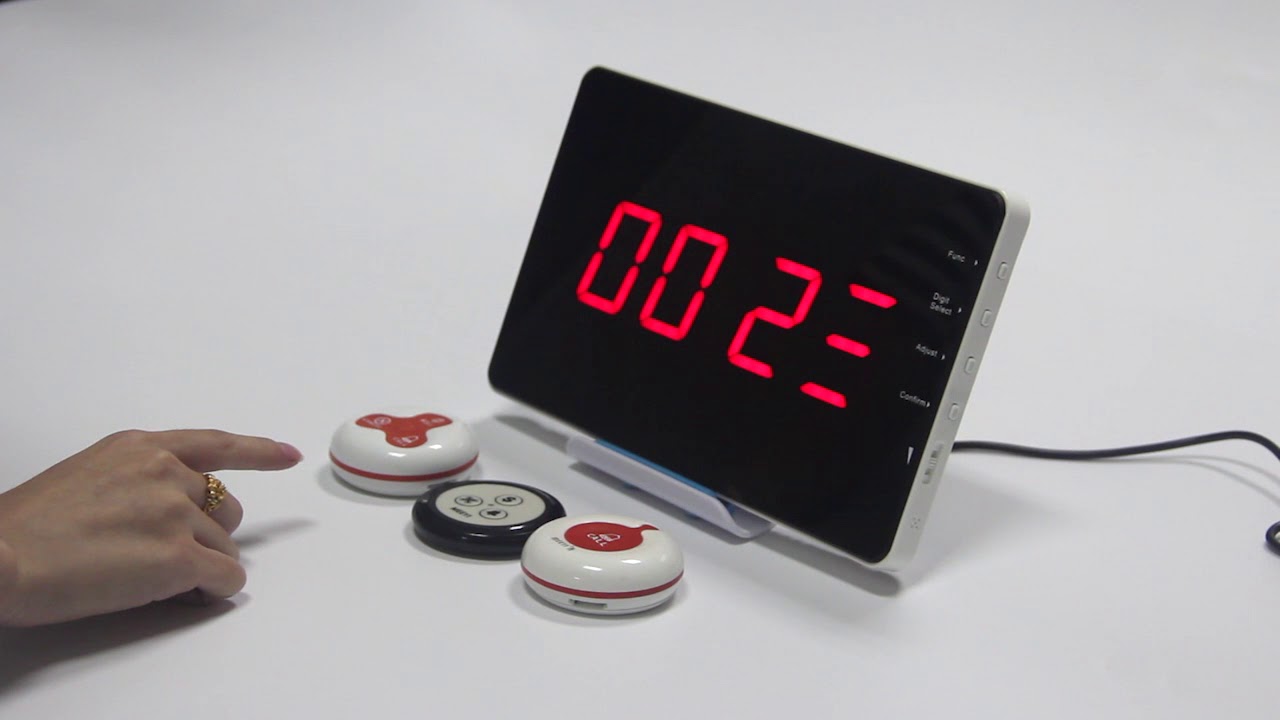
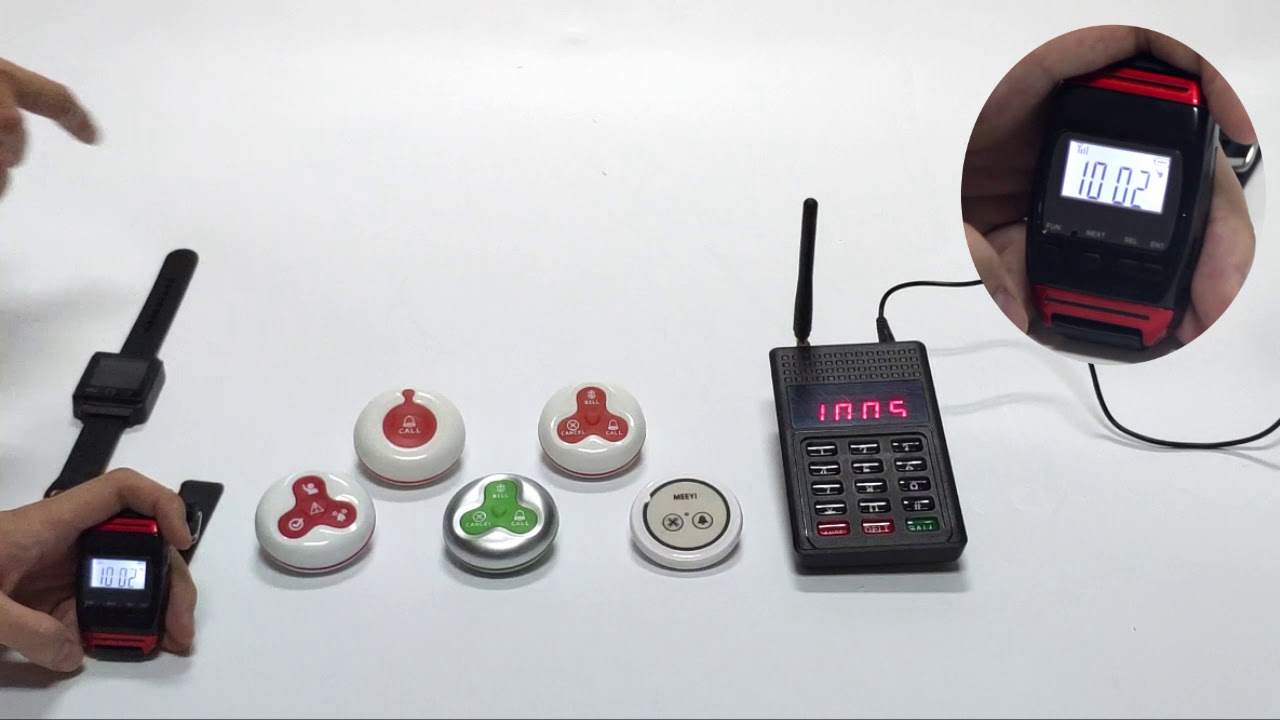
The Y 48 Wireless Calling Receiver + Y A3 Wireless Calling Button system offers a flexible and efficient wireless communication solution ideal for hospitals, restaurants, offices, and other service environments. The Y A3 Wireless Calling Button allows users to easily send assistance requests with a simple press, while the Y 48 Receiver instantly alerts staff with clear audio and visual signals.
This wireless system eliminates the need for complex wiring, enabling quick installation and easy relocation. Its reliable RF technology ensures stable communication with minimal interference. The compact design of both the receiver and button makes them unobtrusive and suitable for various settings where prompt response is essential.
Wireless Communication: No cables required, enabling hassle-free setup.
Instant Alerts: Receiver provides loud audio alarms and bright visual indicators.
User-Friendly Button: Simple press to send an immediate call for help.
Stable RF Signal: Ensures reliable, interference-free communication.
Compact & Portable: Small size fits easily into any environment.
Long Battery Life: Energy-efficient design reduces maintenance.
Insert batteries into the Y A3 Wireless Calling Button and the Y 48 Receiver according to the user manual.
Pair the button with the receiver by pressing the pairing button on the receiver, then pressing the calling button to complete pairing.
Place the calling button where users can easily reach it, such as bedside or service counters.
Position the receiver at the staff station or carry it as a portable alert device.
Users press the Y A3 calling button to send an alert.
The Y 48 receiver sounds a loud alarm and flashes lights, notifying staff immediately.
Staff respond quickly to the call and reset the receiver once the request is handled.
Regularly check battery levels and replace batteries as needed.
Test the calling button and receiver weekly to ensure proper operation.
Keep devices clean and dry to maintain performance.
✅ Note:
Ensure the calling button is always accessible to users for maximum safety and prompt assistance.
 MEEYI
MEEYI