
You may also like
Page 1 of 3

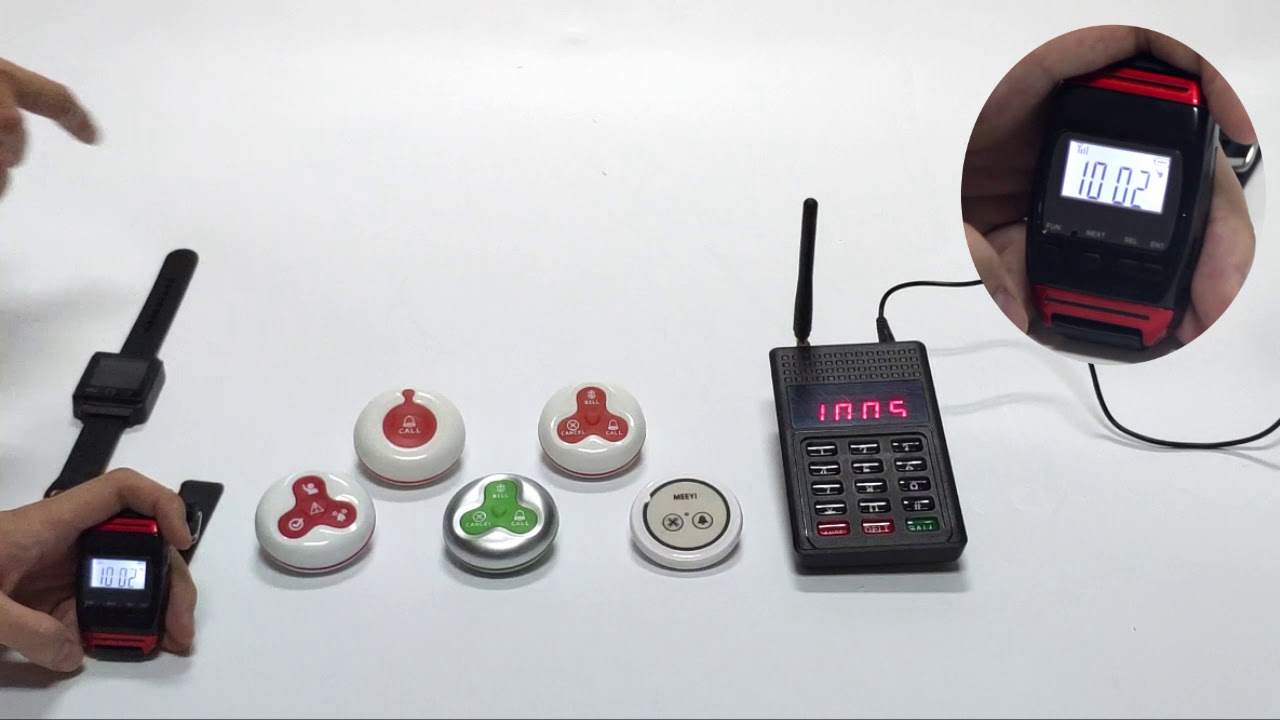
MEEYI Smart wireless call system is with a smart wireless calling receiver to collect the patients’ calling infomation, help hospital get more call data statistics.


MEEYI Wired nurse call system supports patients, nurse, doctors two-way voice communication.

MEEYI pure wireless receiver in elderly care home’s reception can help caregivers fast respond the seniors’ request. MEEYI also provides wireless call lanyards to seniors. When they encounter any security situation, they can get the attention of the caregiver by pressing the call button.
MEEYI Smart Elderly nursing call system not only provide the convenience for the elderly to call and the nursing staff to respond to the call information at the first time, but also provide functions such as data collection and analysis, so that the nursing staff can analyze the situation of the elderly.
MEEYI Code Blue Wireless panic alarm systems provide a quick way to alert Hospitals’ rapid response teams ready to go when they get notified about a code blue. It is water and impact resistant and is a wireless hassle-free system with ODM & OEM support. The main receiver is for the Nurse Station, the Code Blue Lamp is for the corridor, and the Code blue buttons are for the bedside. Repeaters are optional.
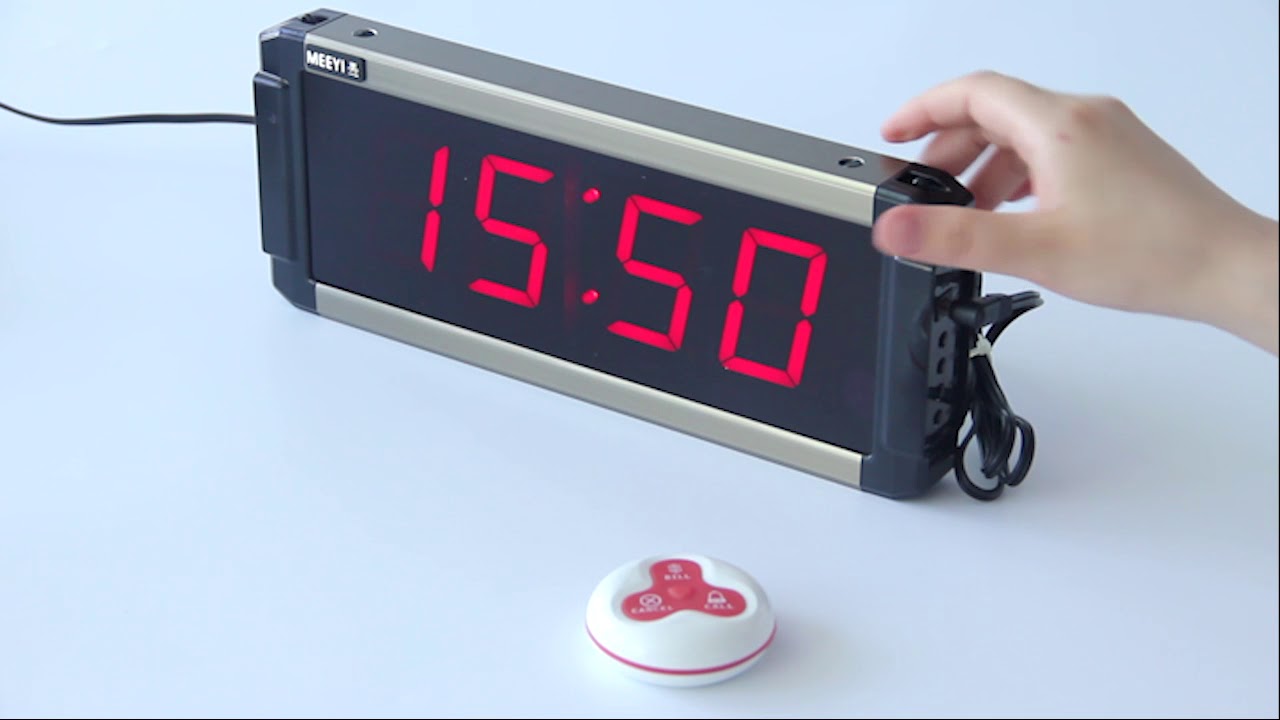
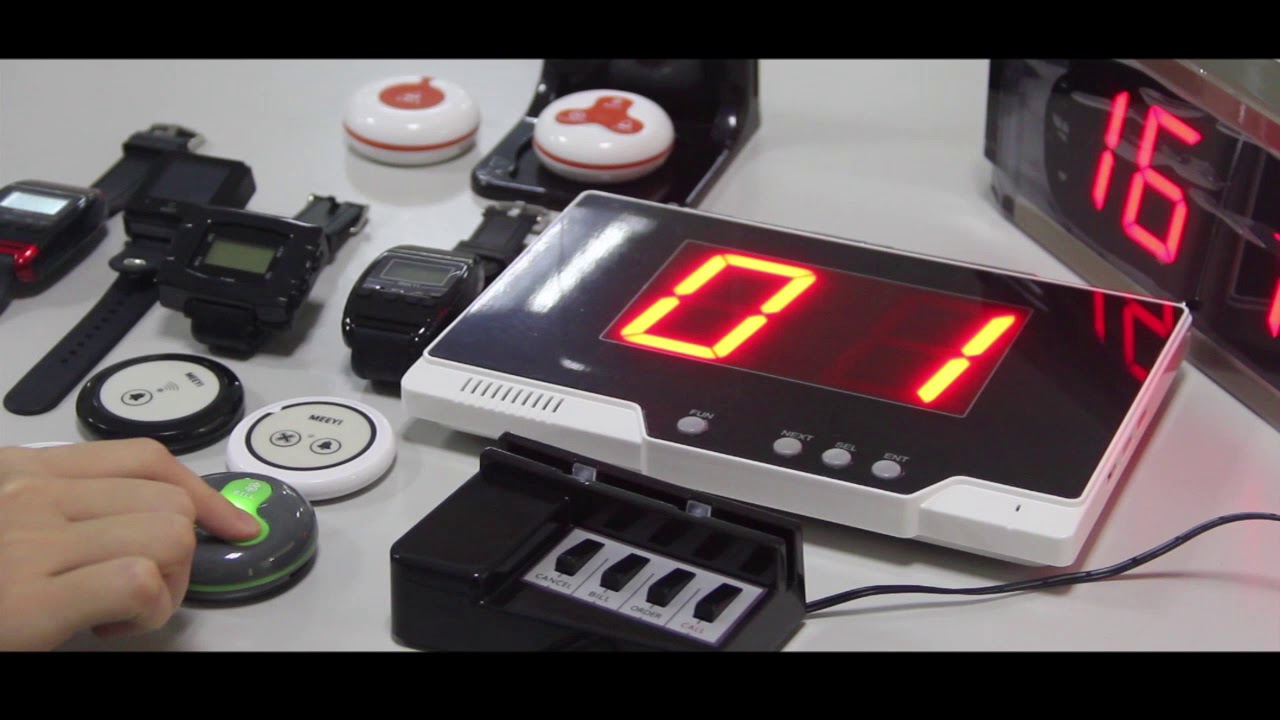
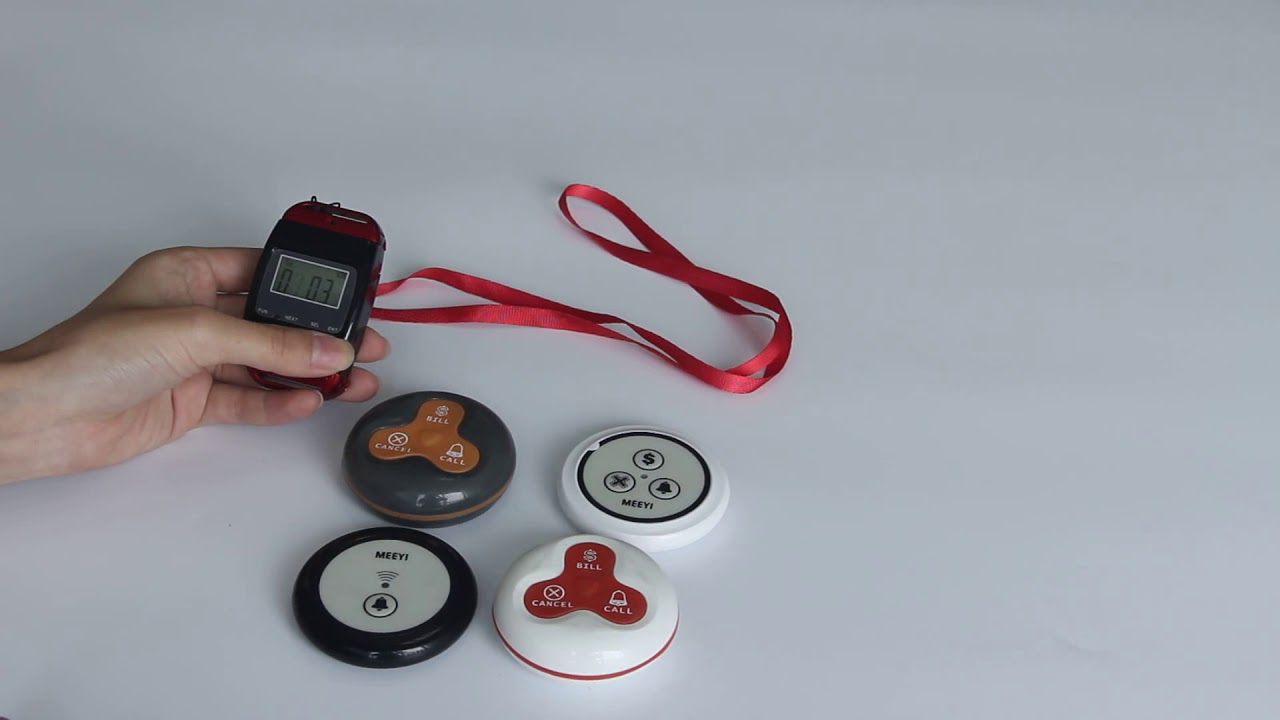
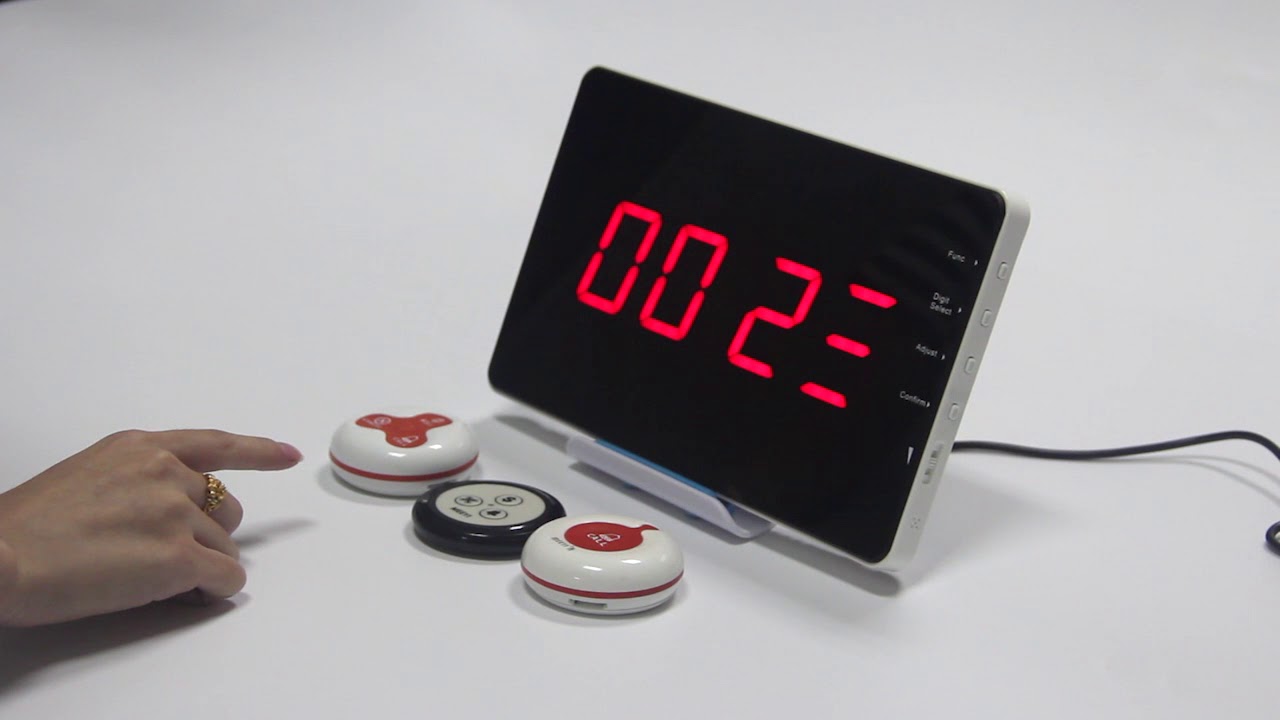
The MEEYI Wireless Call Button provides a convenient and reliable way for patients or residents to request assistance instantly. Designed with wireless technology, it eliminates the need for complicated wiring, making installation quick and flexible.
This compact call button features a user-friendly design, allowing users to send an alert with a simple press. It pairs seamlessly with compatible receivers or nurse call systems, delivering clear audio and visual notifications to caregivers. The device’s long battery life and durable build make it ideal for healthcare facilities, assisted living, and home care environments worldwide..

Wireless Technology: Enables easy installation without cables.
Simple Operation: One-press alert button for instant help requests.
Long Battery Life: Designed for extended use with low power consumption.
Compact & Durable: Small size and sturdy build for daily use.
Wide Compatibility: Works with various MEEYI Wireless Call systems and receivers.
Insert batteries into the call button following the user manual.
Pair the call button with the receiver or nurse call system by following the pairing instructions—usually involving pressing a pairing button on the receiver and then activating the call button.
Place the call button within easy reach of the user, such as bedside, wheelchair, or bathroom.
The user presses the button to send a wireless alert for assistance.
The paired receiver alerts caregivers with audio and visual signals.
Caregivers respond quickly and reset the alert as needed.
Regularly check battery status and replace batteries when low.
Test the call button and receiver periodically to ensure proper function.
Clean the call button with a dry or slightly damp cloth to keep it hygienic.
✅ Note:
Ensure the call button is always within reach of users to maximize safety and quick assistance.
 MEEYI
MEEYI