
You may also like
Page 1 of 3

MEEYI Smart wireless call system is with a smart wireless calling receiver to collect the patients’ calling infomation, help hospital get more call data statistics.


MEEYI Wired nurse call system supports patients, nurse, doctors two-way voice communication.

MEEYI pure wireless receiver in elderly care home’s reception can help caregivers fast respond the seniors’ request. MEEYI also provides wireless call lanyards to seniors. When they encounter any security situation, they can get the attention of the caregiver by pressing the call button.
MEEYI Smart Elderly nursing call system not only provide the convenience for the elderly to call and the nursing staff to respond to the call information at the first time, but also provide functions such as data collection and analysis, so that the nursing staff can analyze the situation of the elderly.
MEEYI Code Blue Wireless panic alarm systems provide a quick way to alert Hospitals’ rapid response teams ready to go when they get notified about a code blue. It is water and impact resistant and is a wireless hassle-free system with ODM & OEM support. The main receiver is for the Nurse Station, the Code Blue Lamp is for the corridor, and the Code blue buttons are for the bedside. Repeaters are optional.
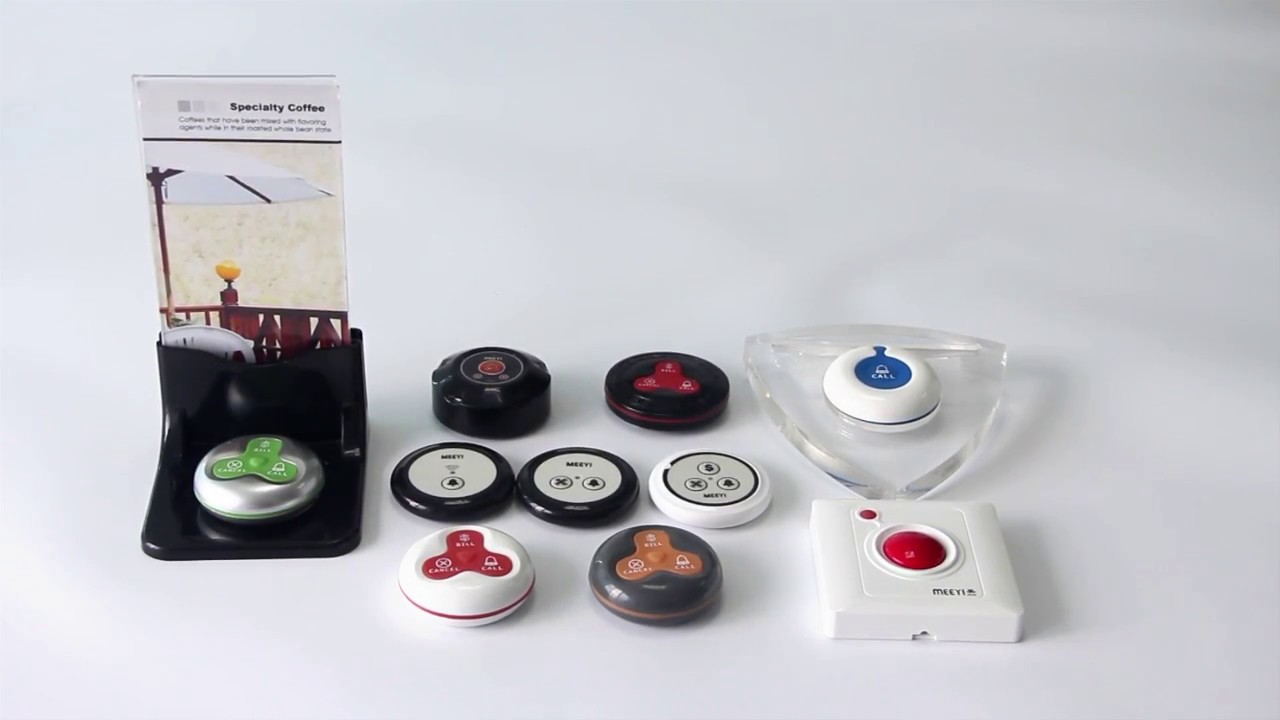
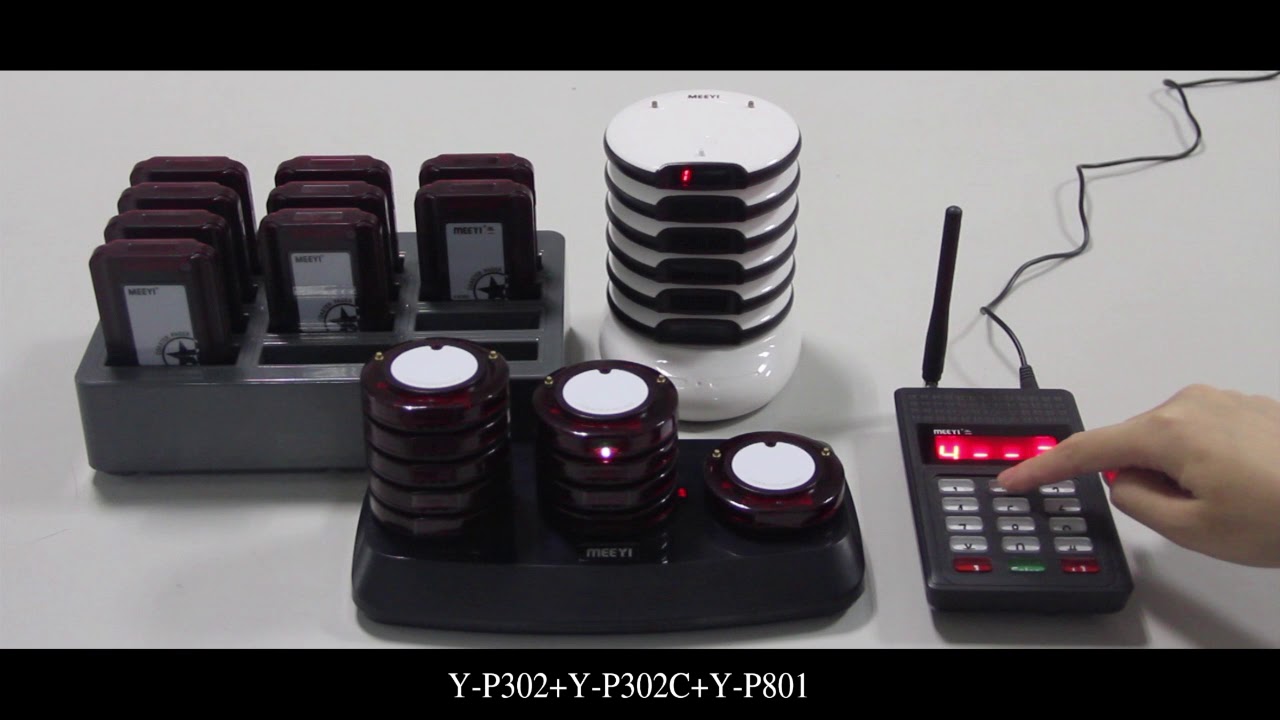
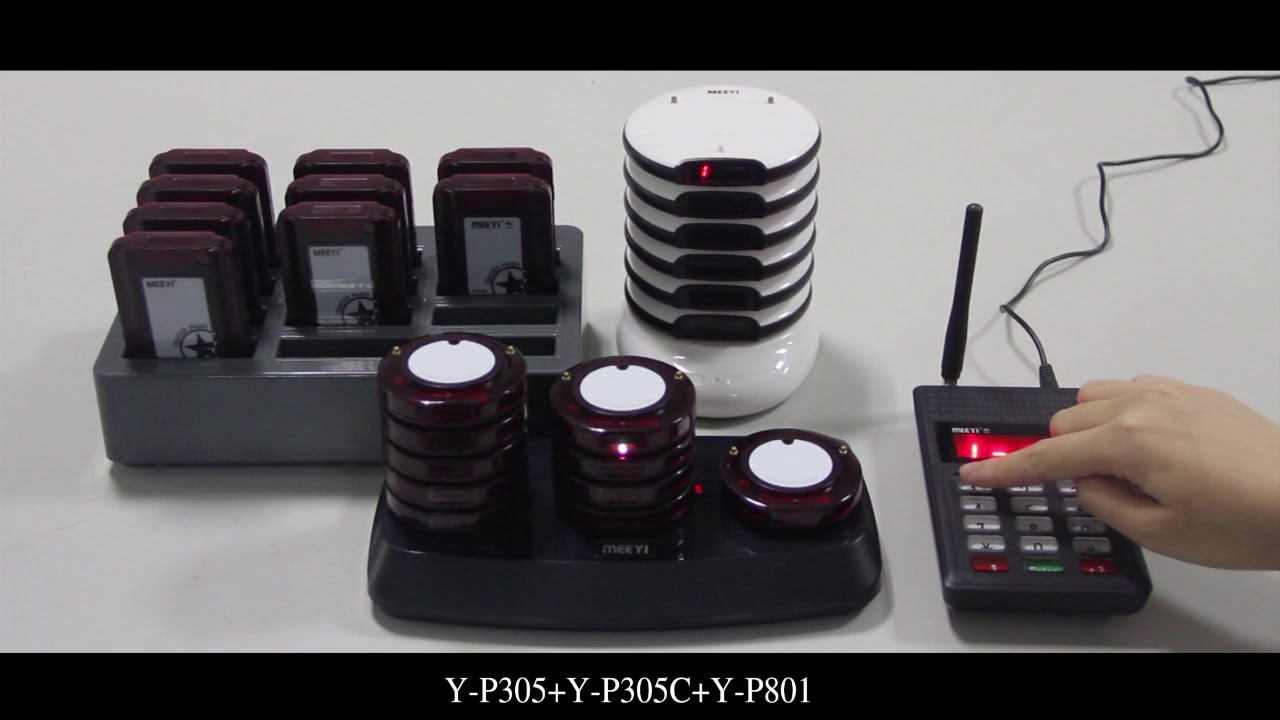
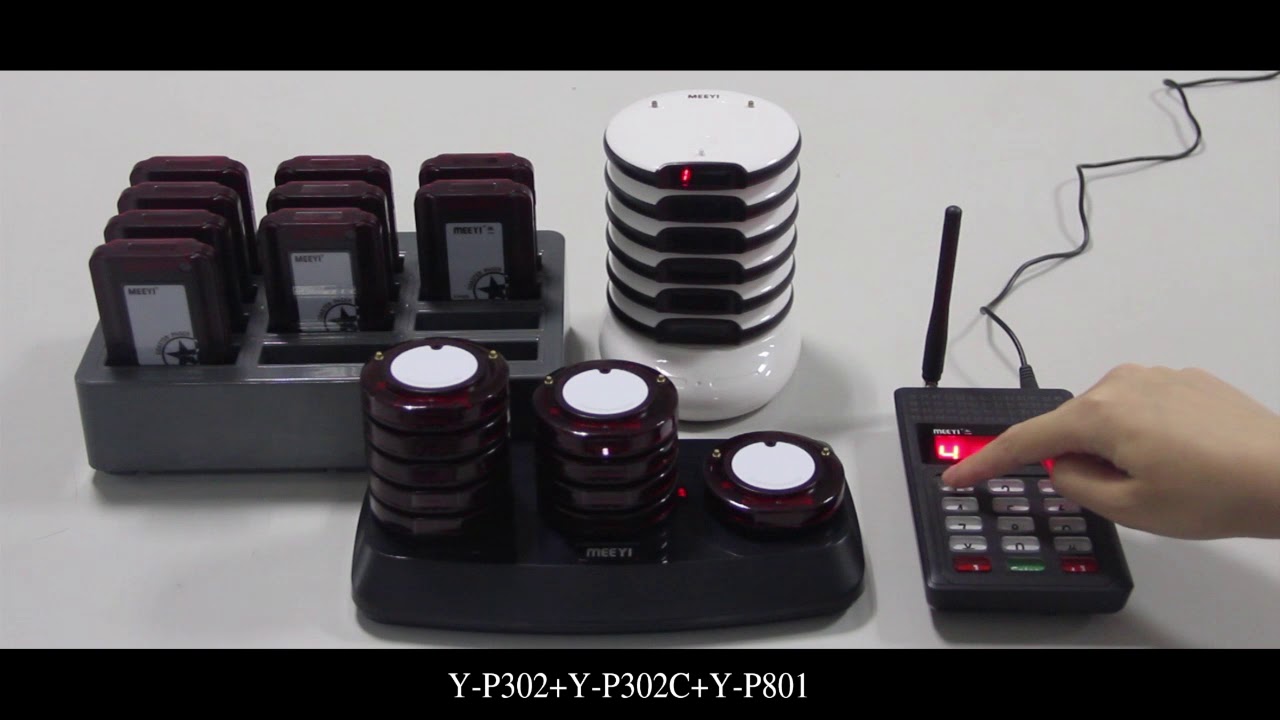
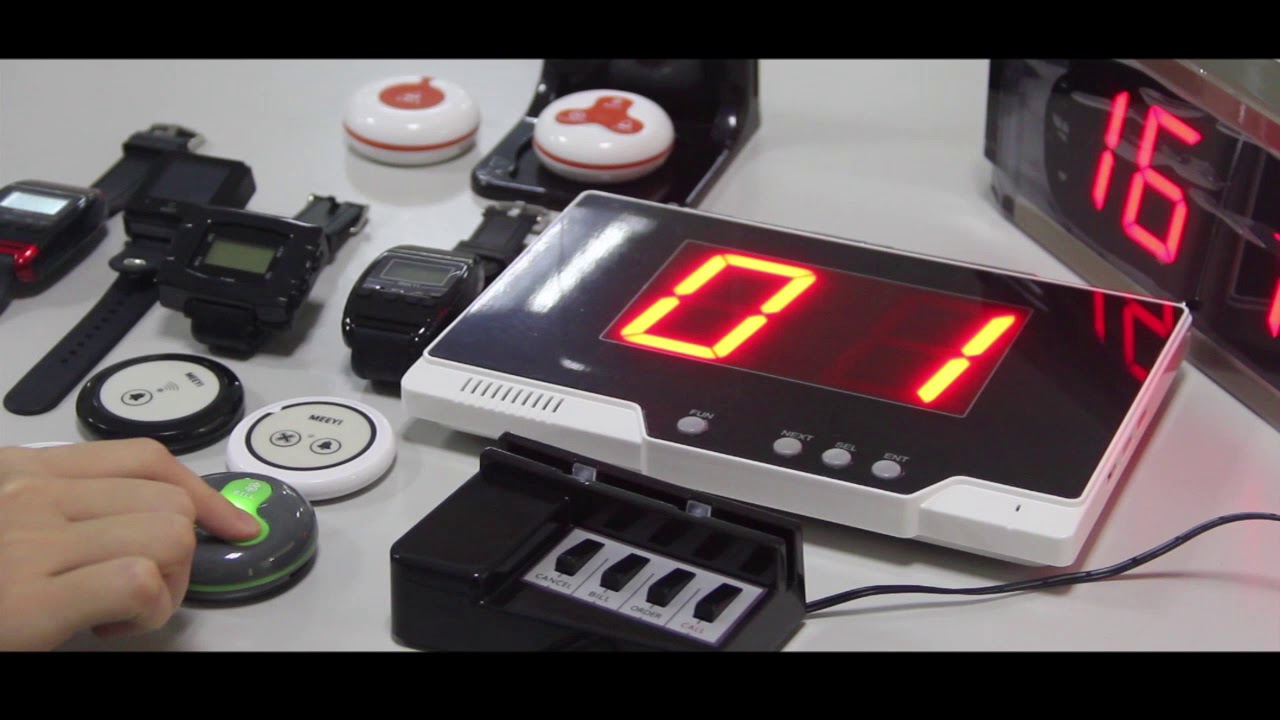
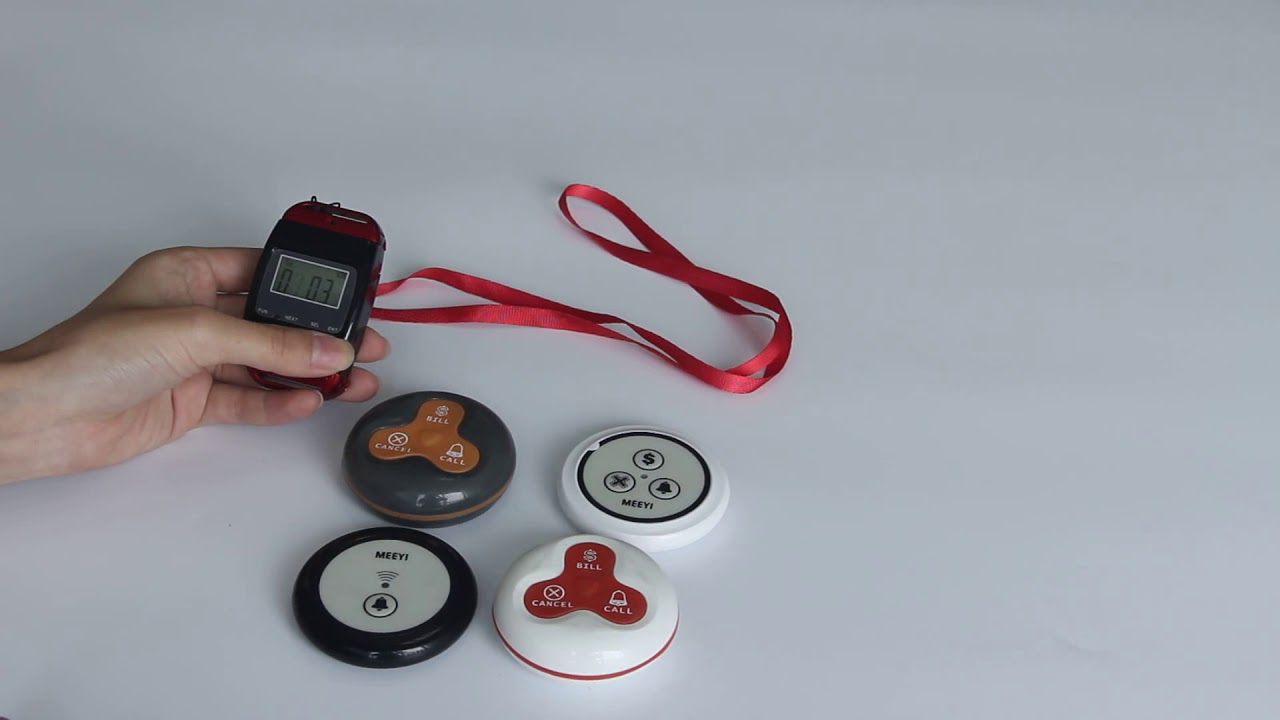
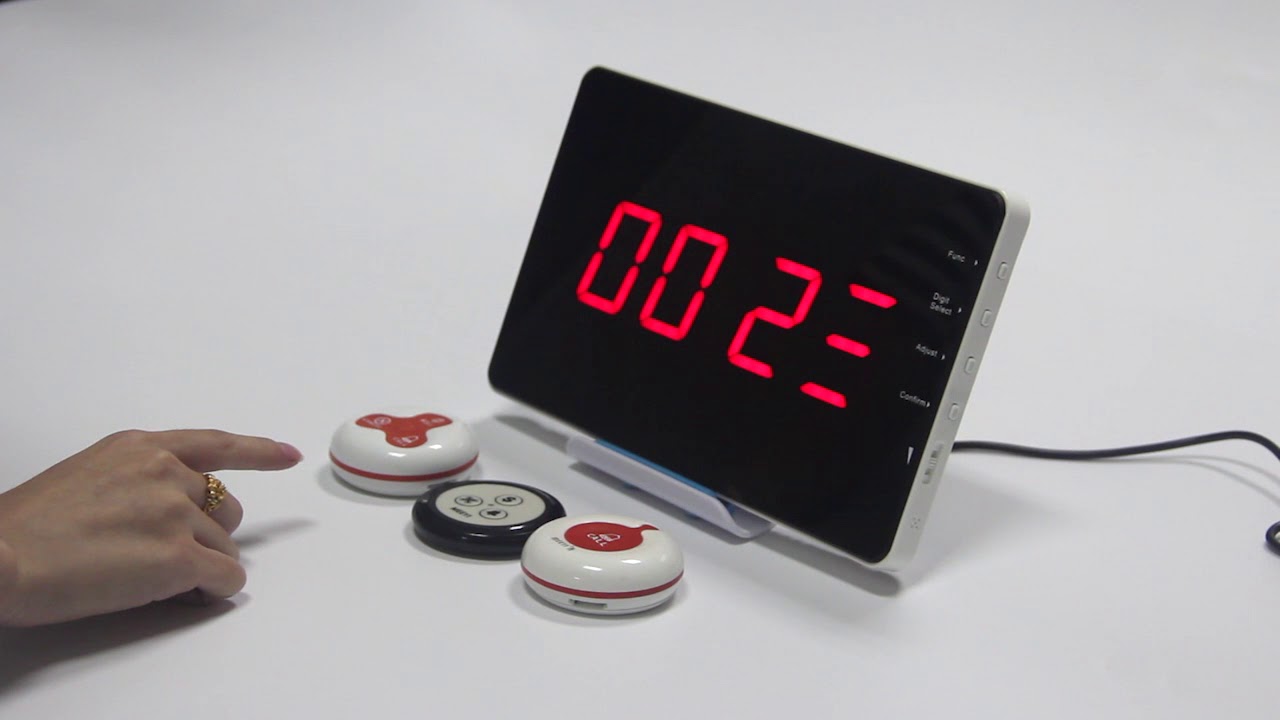
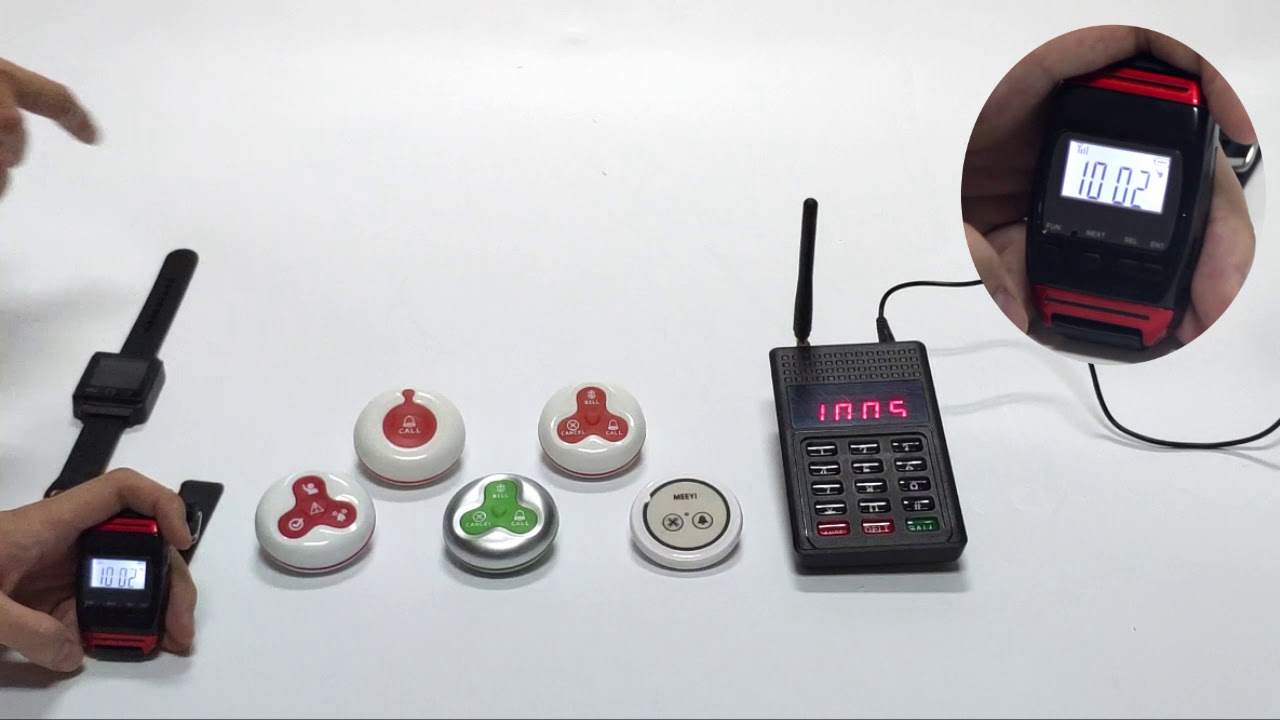
The MEEYI Y P301 + Y P301C + Y P801 Wireless Pager System provides a smart, efficient, and cable-free calling solution designed for hospitals, clinics, restaurants, and elderly care facilities.
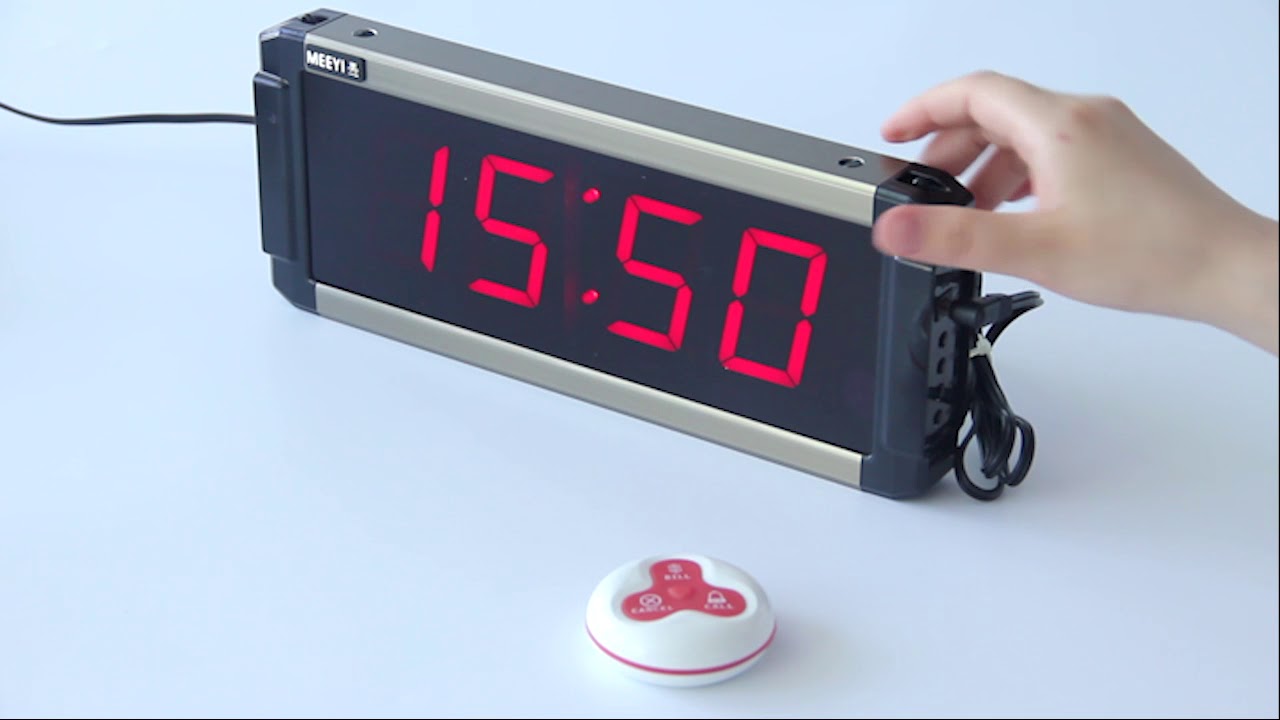
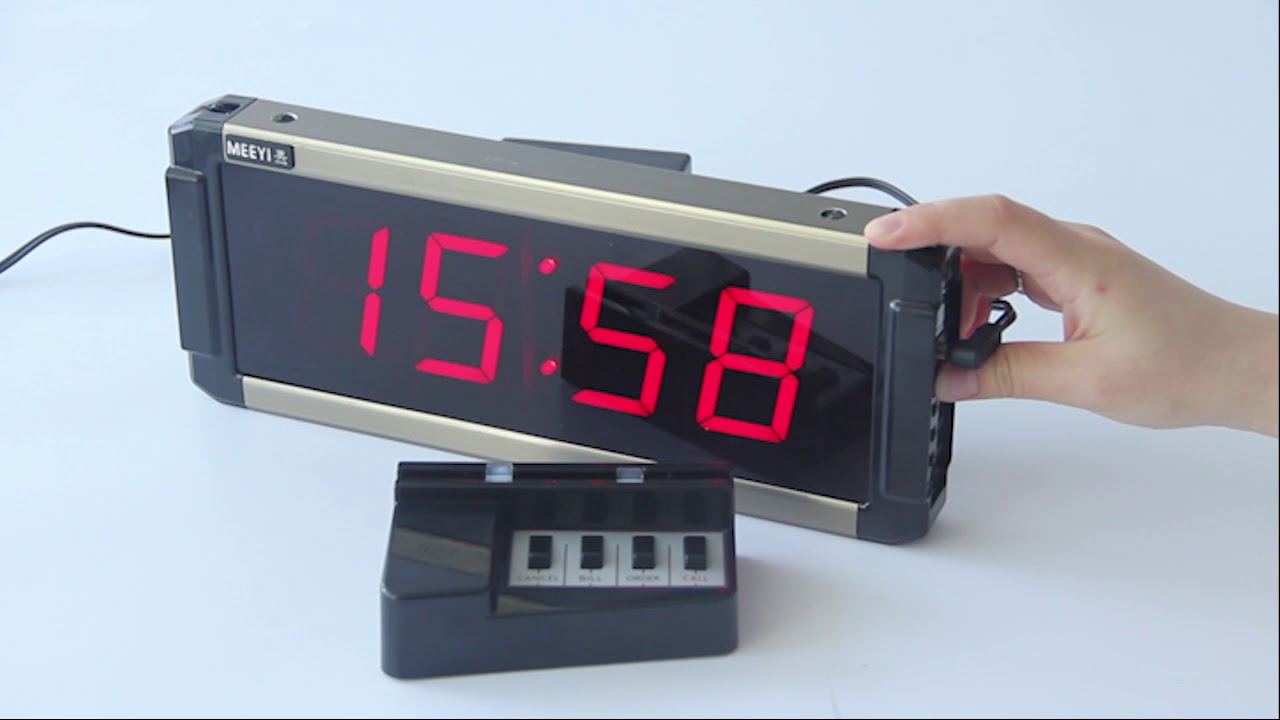
This complete system integrates the Y P301 call button, the Y P301C display receiver, and the Y P801 portable pager, allowing users to easily send calls for assistance. Staff can instantly see alerts on the display or receive vibrations and sound notifications on the portable pager, enabling them to respond quickly and effectively.
Using advanced wireless RF technology, this system ensures stable, interference-free communication. Its compact design, ease of installation, and long battery life make it an ideal choice for busy service environments where immediate attention is critical.
Wireless Calling: Eliminates the need for wiring, simplifying installation.
Instant Alerts: Clear audio, visual, and vibration notifications keep staff informed.
Multi-Device Integration: Supports call buttons, display screens, and portable pagers.
Stable RF Signal: Reliable, interference-resistant performance for demanding environments.
Long Battery Life: Reduces maintenance with energy-efficient components.
Wide Applications: Ideal for hospitals, nursing homes, restaurants, and more.
Insert batteries into the Y P301 call button, Y P301C display receiver, and Y P801 pager according to the manuals.
Pair the devices by pressing the pairing button on the display and pager, then activating the call button to register the signal.
Mount the Y P301 call button in accessible areas such as patient bedsides, tables, or walls.
Place the Y P301C display at the nurse station or front desk, and distribute Y P801 pagers to staff.
Patients or customers press the Y P301 call button to request service.
The Y P301C display shows the call number or room, while the Y P801 pager vibrates and beeps to notify staff instantly.
Staff respond promptly and reset the alert after assistance.
Regularly check battery levels and replace them when low.
Test the system weekly to confirm each device is functioning properly.
Keep all devices clean and dry to maintain hygiene and performance.
✅ Note:
Ensure call buttons are always within easy reach of users to guarantee fast and effective service.
 MEEYI
MEEYI