
You may also like
Page 1 of 3

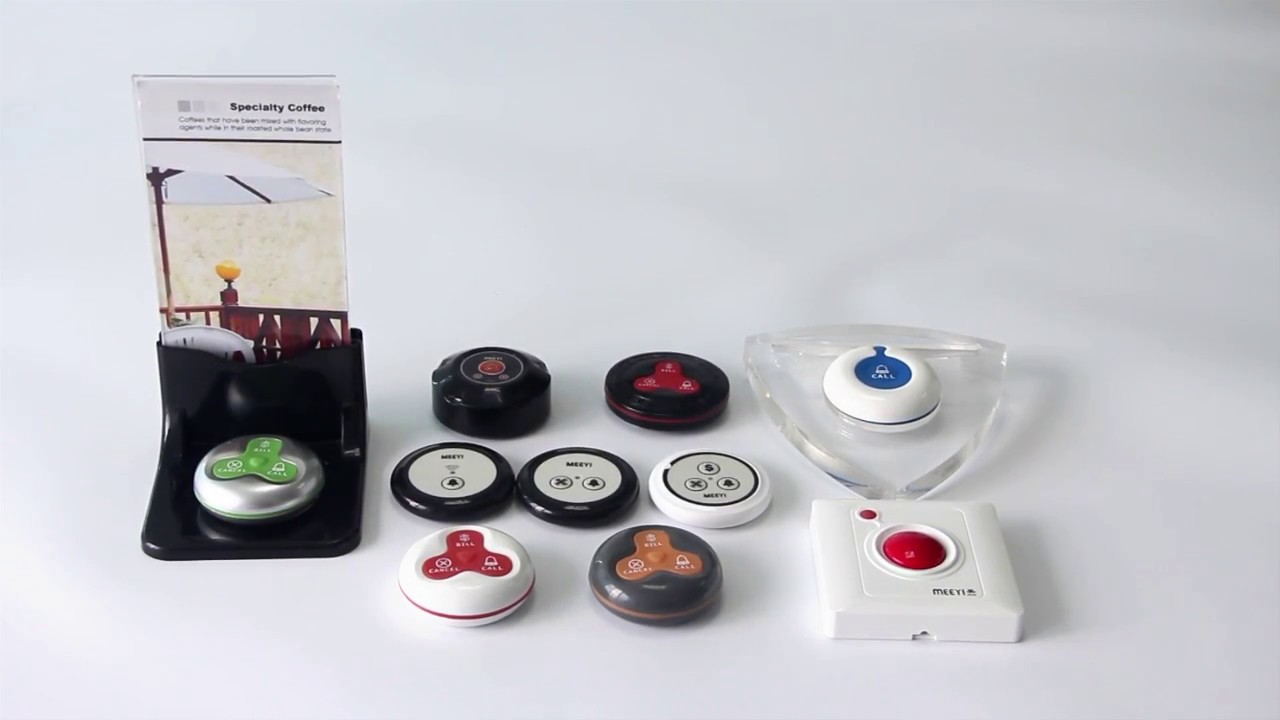
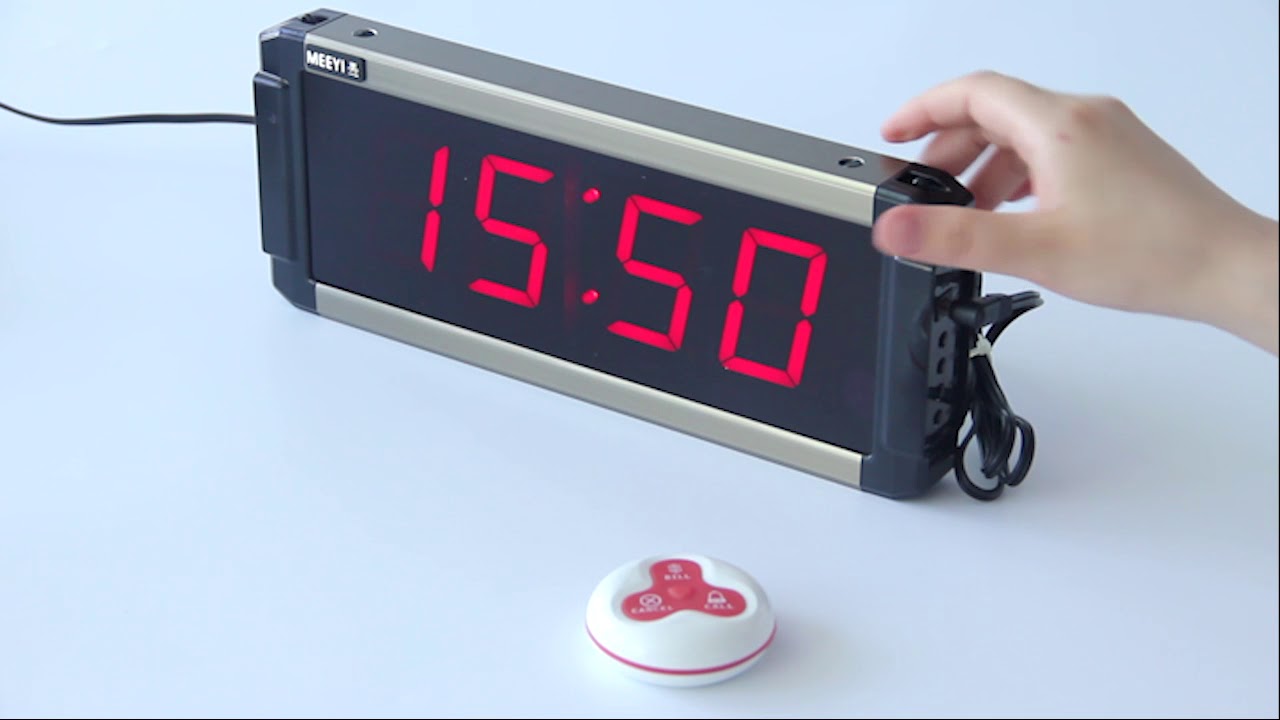
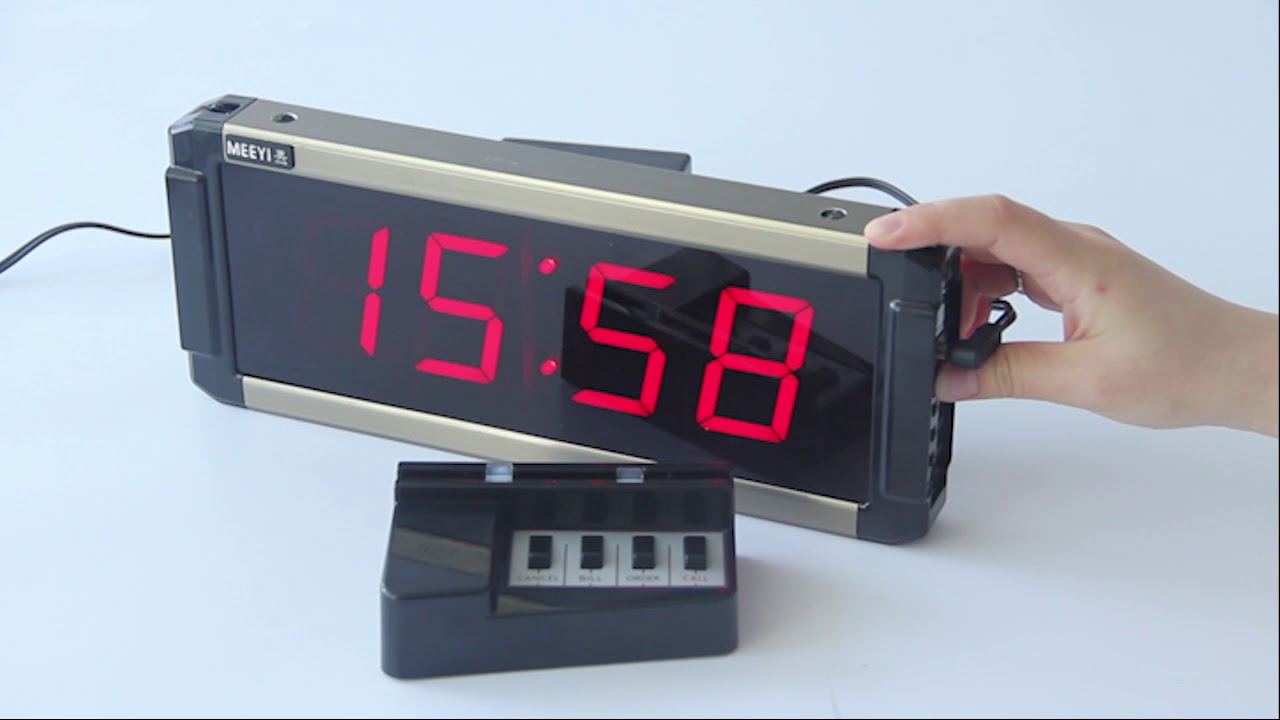
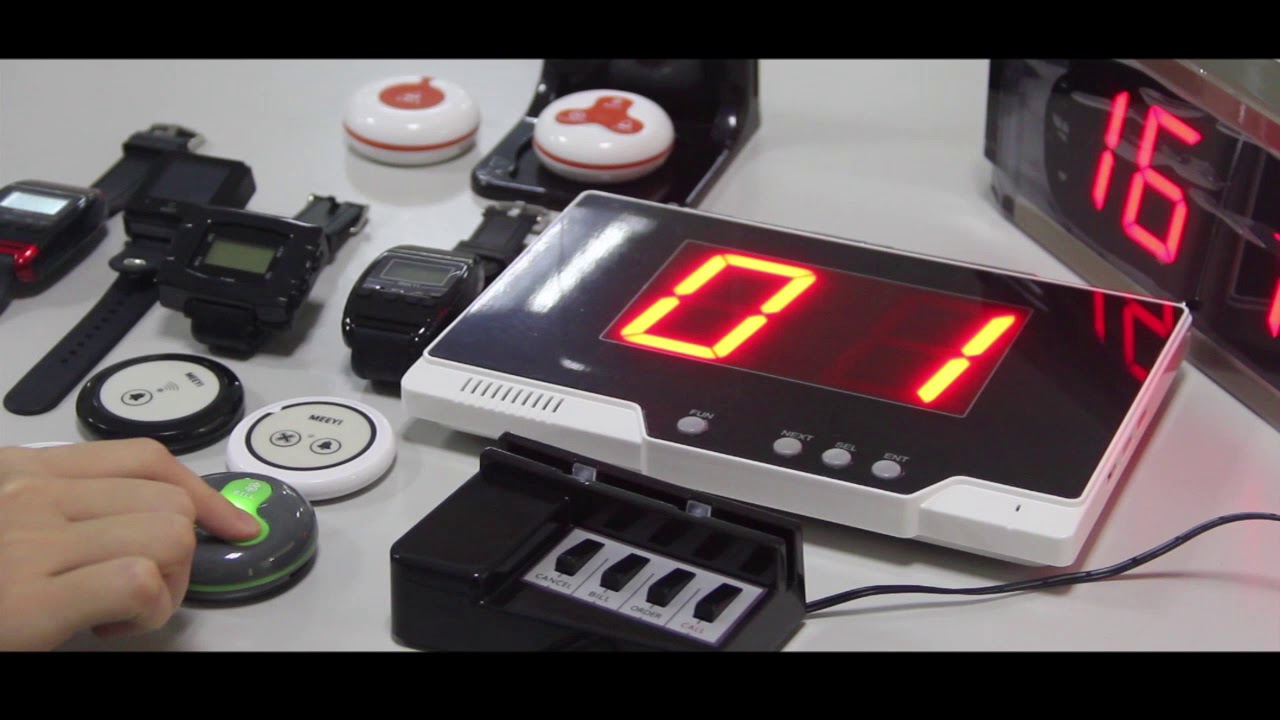
MEEYI Smart wireless call system is with a smart wireless calling receiver to collect the patients’ calling infomation, help hospital get more call data statistics.


MEEYI Wired nurse call system supports patients, nurse, doctors two-way voice communication.

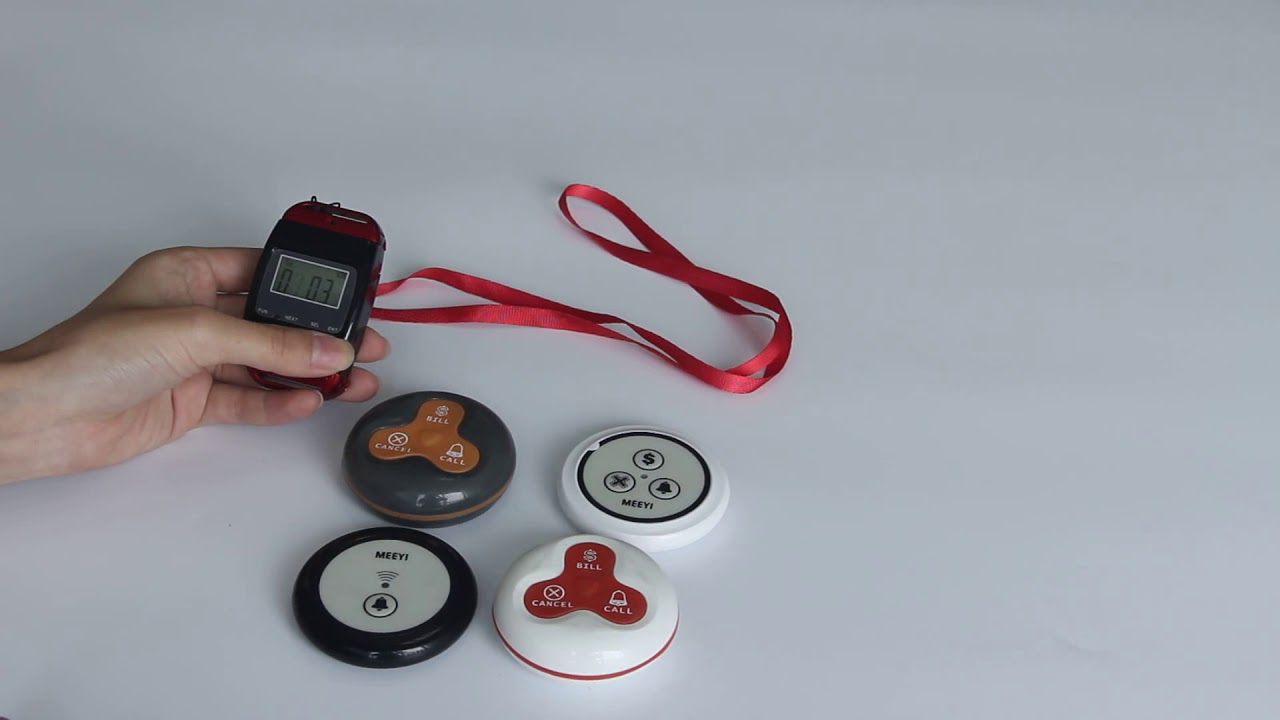
MEEYI pure wireless receiver in elderly care home’s reception can help caregivers fast respond the seniors’ request. MEEYI also provides wireless call lanyards to seniors. When they encounter any security situation, they can get the attention of the caregiver by pressing the call button.
MEEYI Smart Elderly nursing call system not only provide the convenience for the elderly to call and the nursing staff to respond to the call information at the first time, but also provide functions such as data collection and analysis, so that the nursing staff can analyze the situation of the elderly.
MEEYI Code Blue Wireless panic alarm systems provide a quick way to alert Hospitals’ rapid response teams ready to go when they get notified about a code blue. It is water and impact resistant and is a wireless hassle-free system with ODM & OEM support. The main receiver is for the Nurse Station, the Code Blue Lamp is for the corridor, and the Code blue buttons are for the bedside. Repeaters are optional.
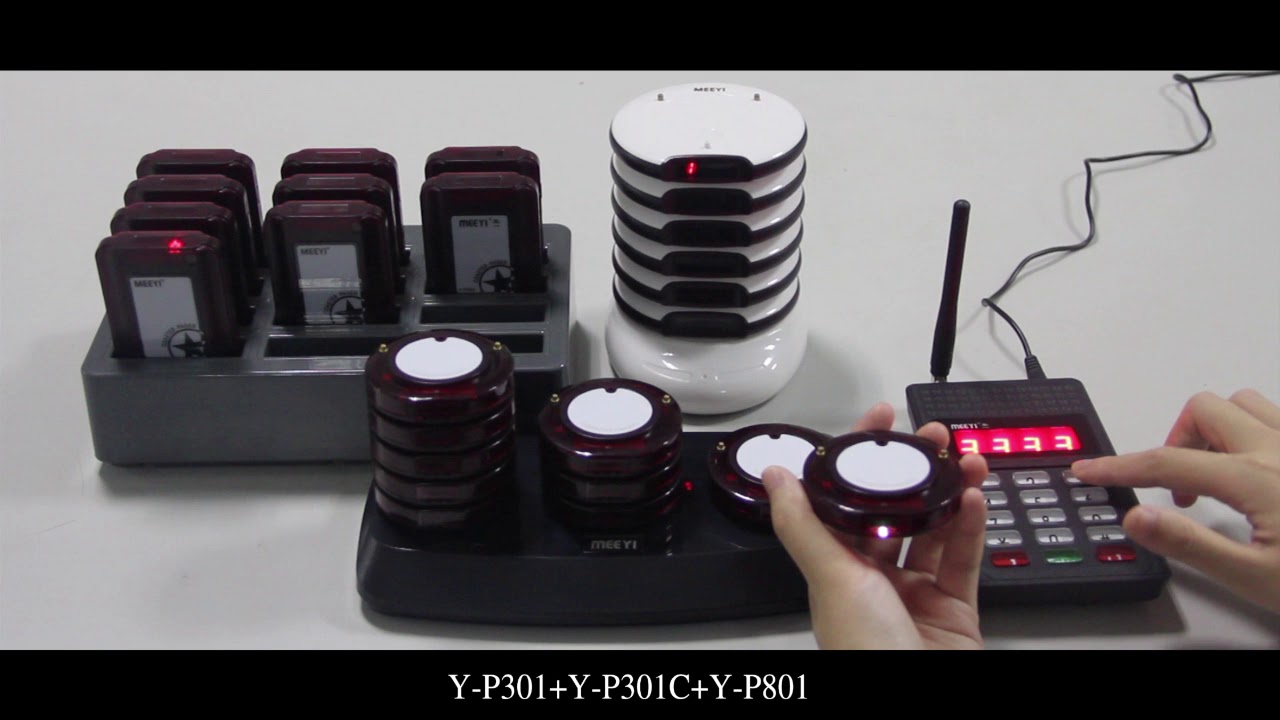
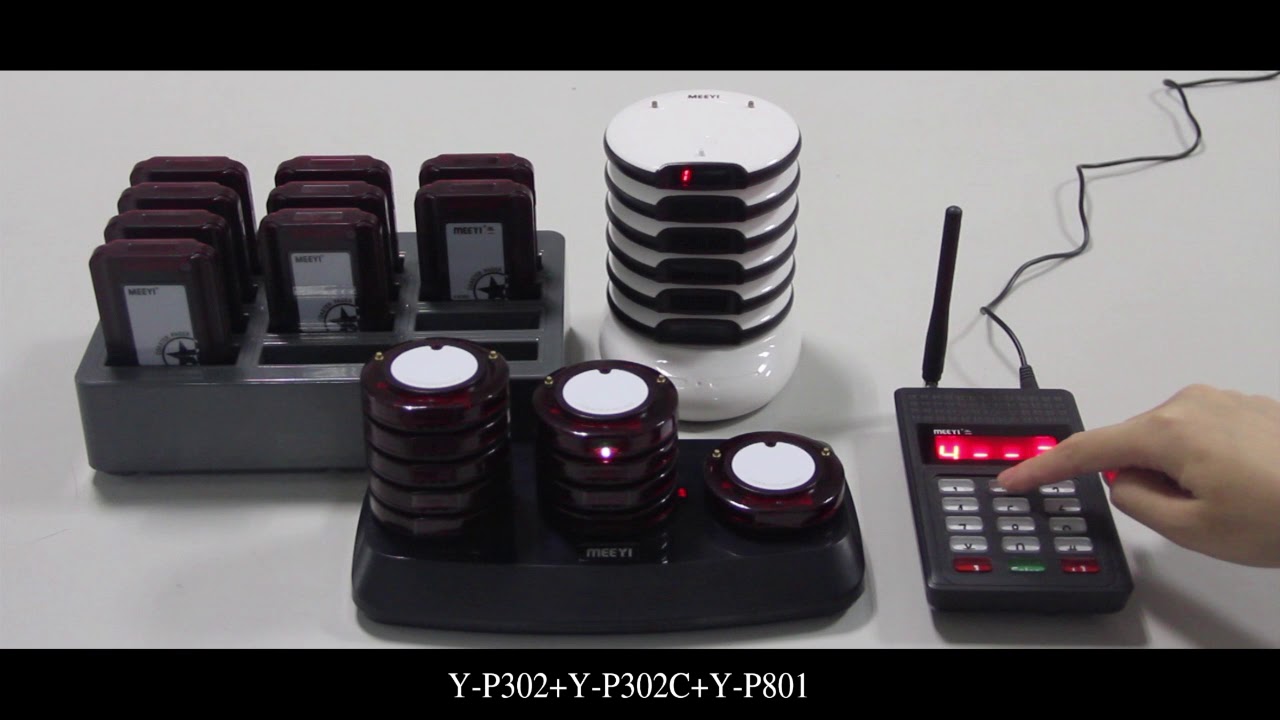
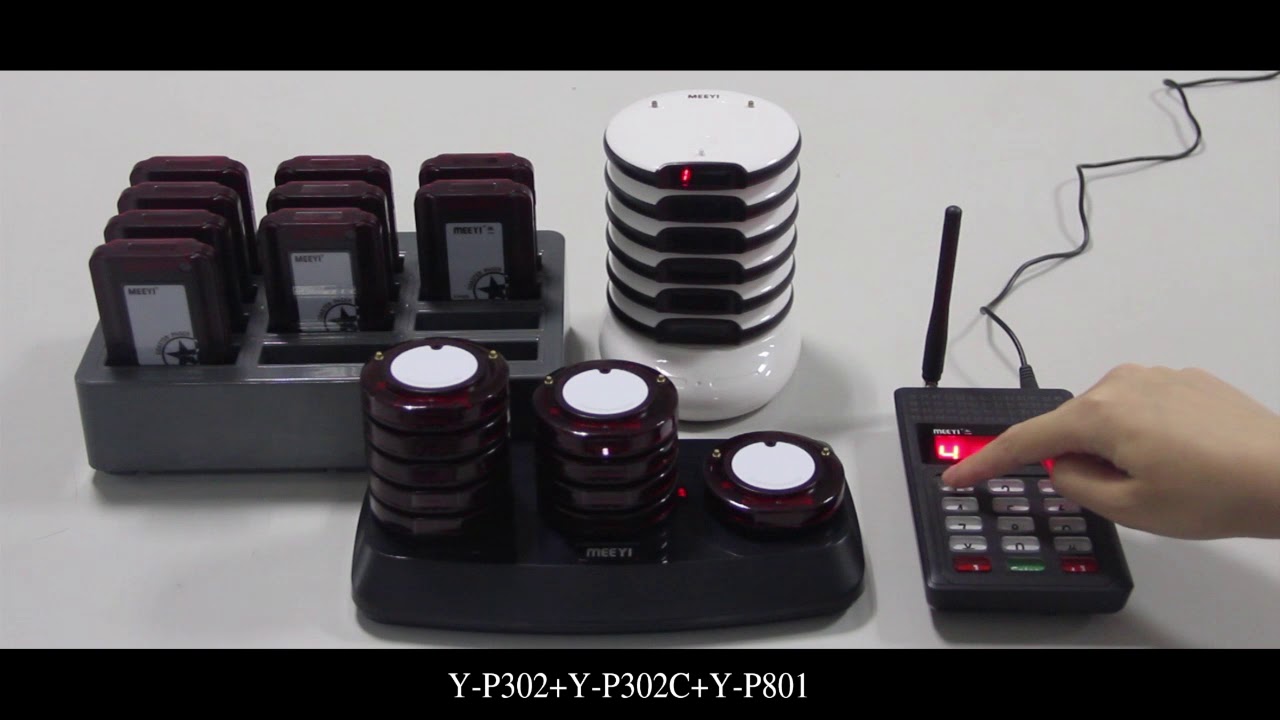
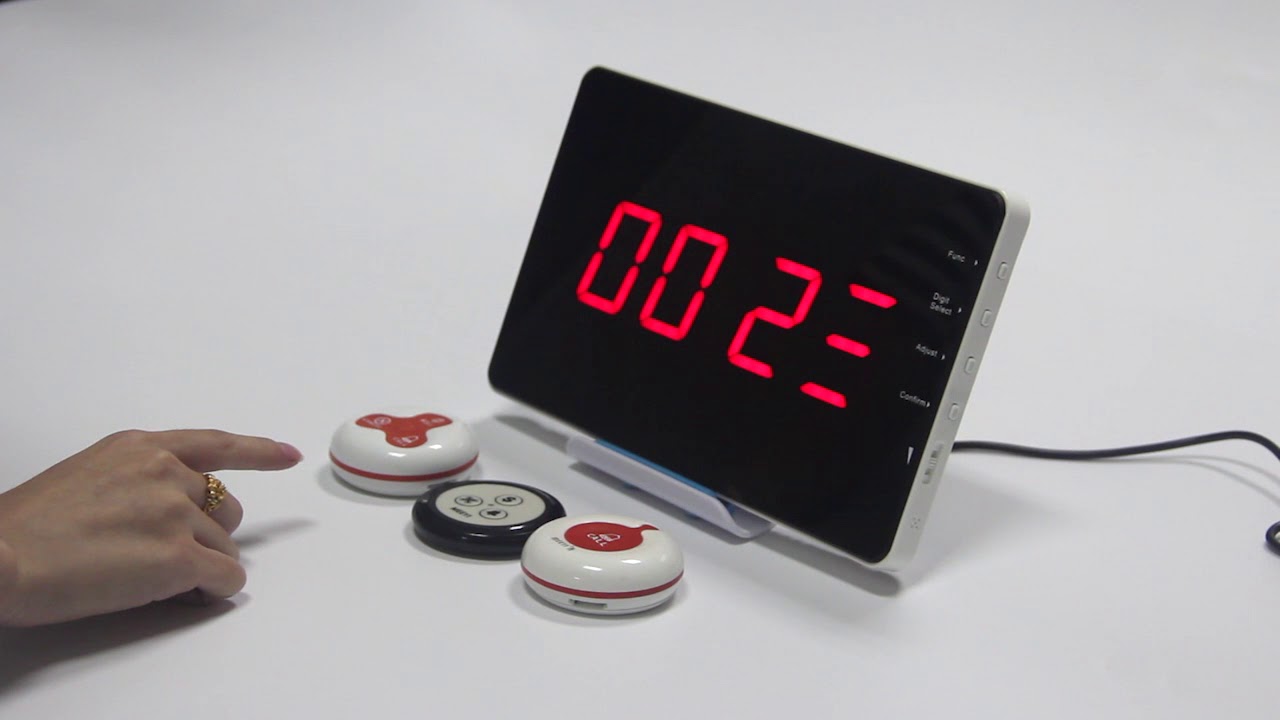
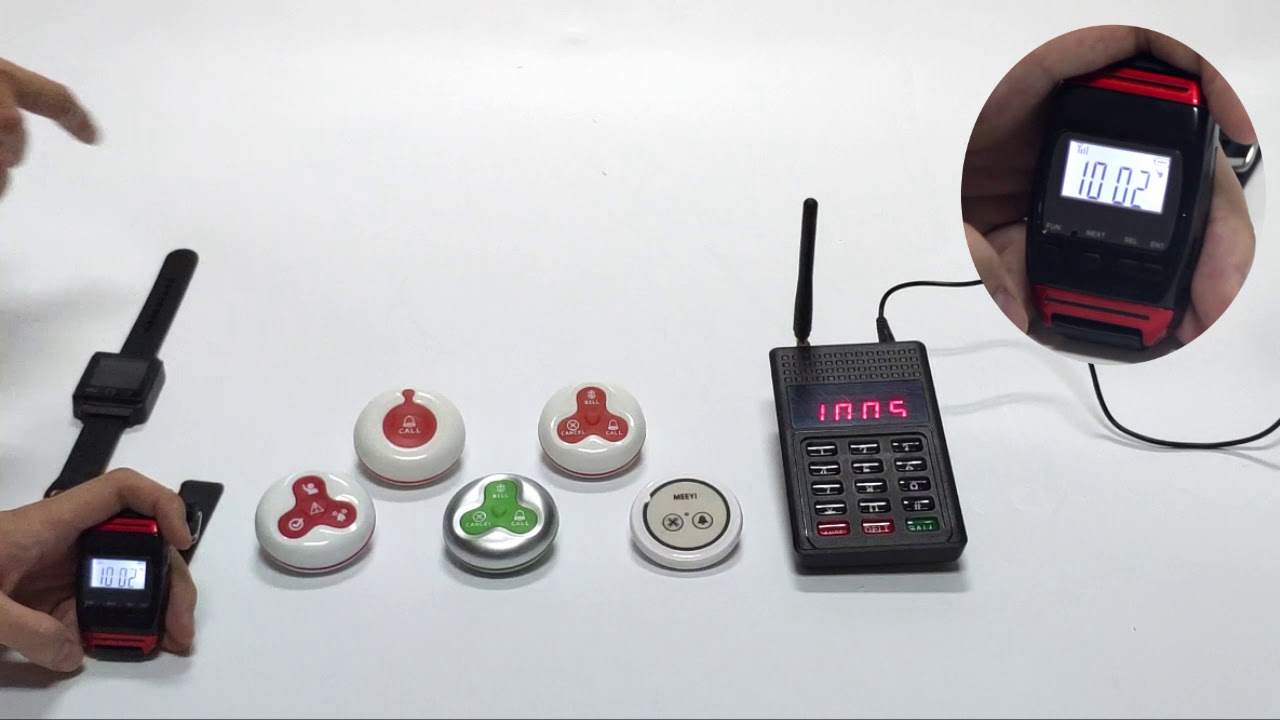
The MEEYI Y P305 + Y P305C + Y P801 Guest Pager System offers a wireless, efficient, and user-friendly calling solution ideal for restaurants, hotels, clinics, and service industries.
This system integrates the MEEYI Y P305 call button, the Y P305C display receiver, and the Y P801 guest pager, allowing guests or customers to request service effortlessly. When a call is made, staff receive clear visual and audio notifications on the display, while the Y P801 guest pager vibrates or sounds to alert the assigned staff promptly.
Equipped with advanced RF wireless technology, the system guarantees stable, interference-free communication. Its sleek design and long battery life make it perfect for busy environments requiring fast response and enhanced customer satisfaction.
Wireless Communication: Easy to install with no cables needed.
Instant Alerts: Audio, visual, and vibration notifications ensure prompt responses.
Multi-Device Support: Seamlessly links call buttons, display units, and pagers.
Stable RF Signal: Reliable operation even in busy settings.
Compact & Modern: Stylish design suits various service environments.
Long Battery Life: Minimizes maintenance requirements.
Insert batteries into the Y P305 call button, Y P305C display receiver, and Y P801 guest pager as instructed.
Pair the devices by pressing the pairing button on the receiver and pager, then pressing the call button to register.
Place the Y P305 call button where guests can easily access it, such as tables, rooms, or waiting areas.
Position the Y P305C display at the service station and distribute Y P801 guest pagers to staff or guests as needed.
Guests press the Y P305 call button to request service.
The Y P305C display immediately shows the call location or number, and the Y P801 guest pager vibrates or sounds, alerting staff.
Staff respond quickly and reset the system once assistance is provided.
Monitor battery status regularly and replace batteries promptly.
Test the system weekly to ensure all devices communicate effectively.
Clean devices gently with a soft cloth to maintain hygiene.
✅ Note:
Ensure call buttons remain within easy reach to facilitate quick and efficient service.
 MEEYI
MEEYI