
You may also like

Page 1 of 2

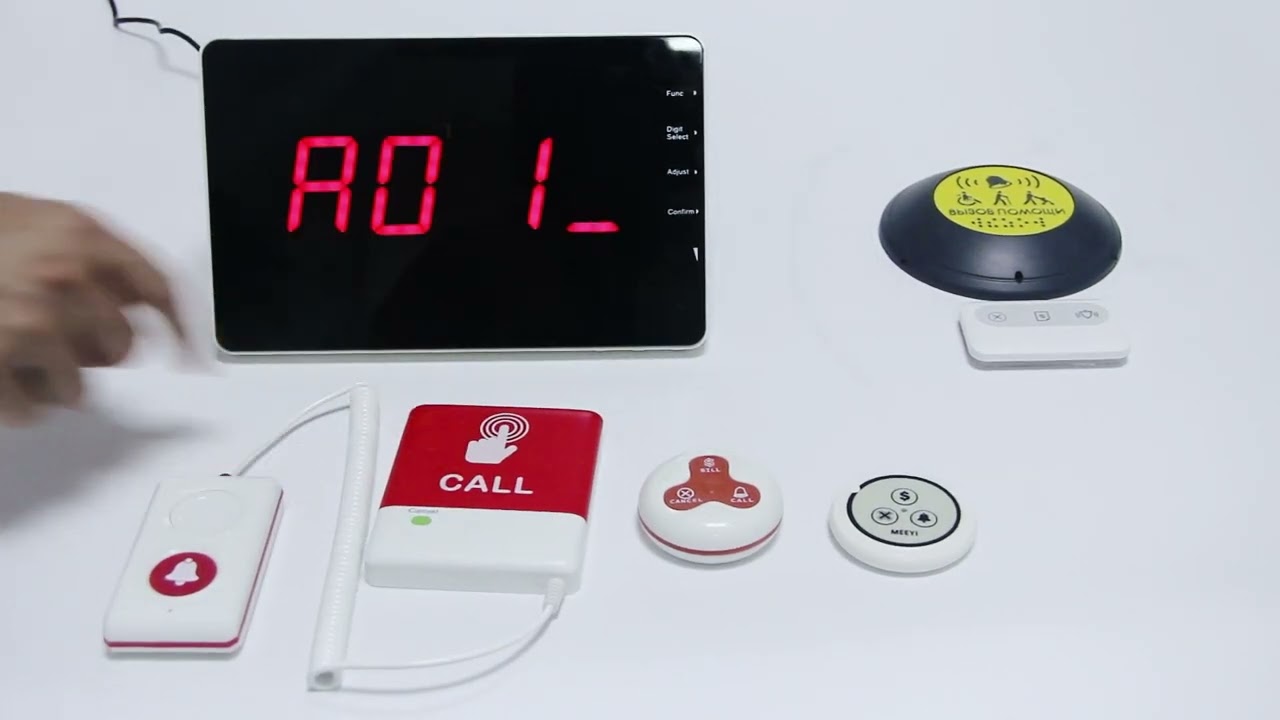
MEEYI Smart wireless call system is with a smart wireless calling receiver to collect the patients’ calling infomation, help hospital get more call data statistics.


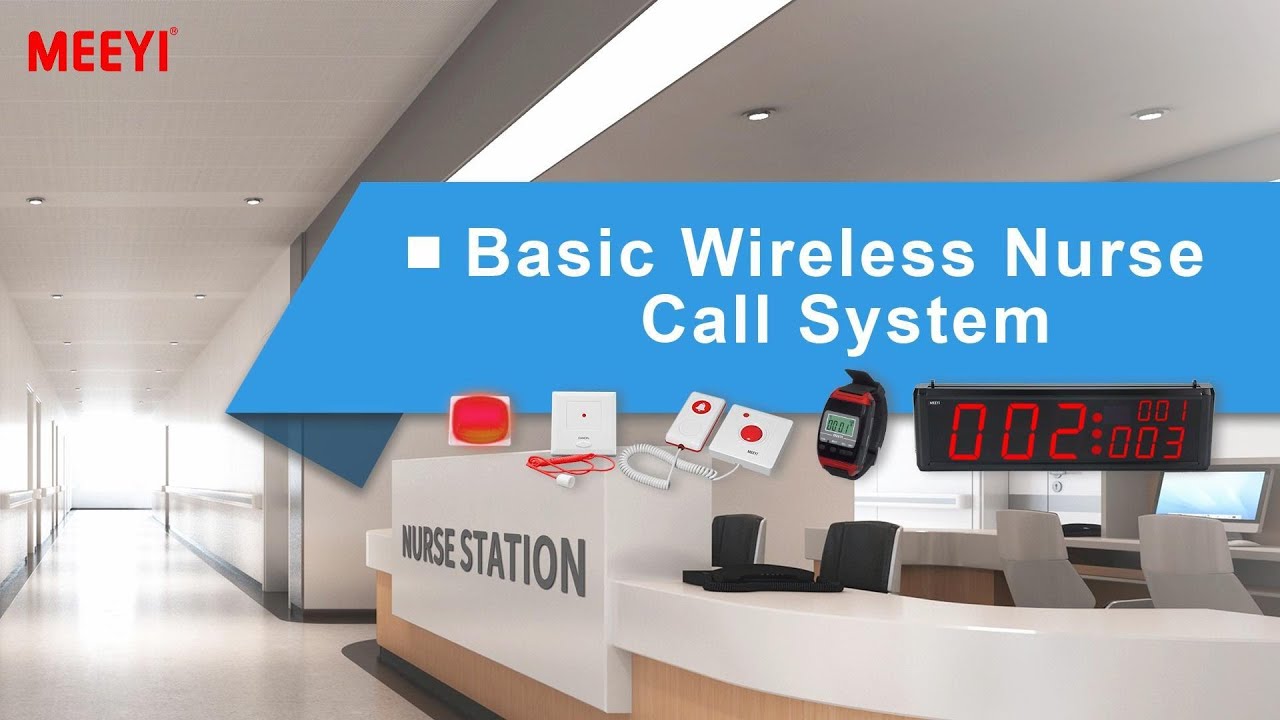
MEEYI Wired nurse call system supports patients, nurse, doctors two-way voice communication.

MEEYI pure wireless receiver in elderly care home’s reception can help caregivers fast respond the seniors’ request. MEEYI also provides wireless call lanyards to seniors. When they encounter any security situation, they can get the attention of the caregiver by pressing the call button.
MEEYI Smart Elderly nursing call system not only provide the convenience for the elderly to call and the nursing staff to respond to the call information at the first time, but also provide functions such as data collection and analysis, so that the nursing staff can analyze the situation of the elderly.
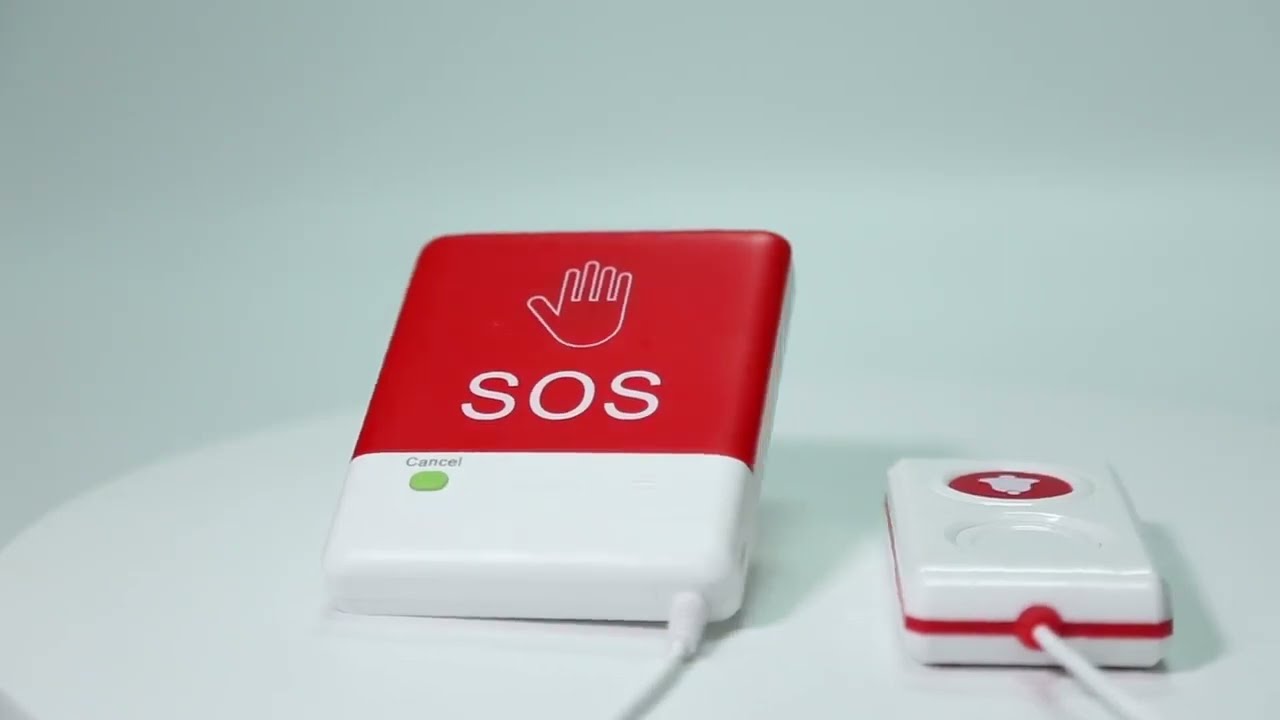
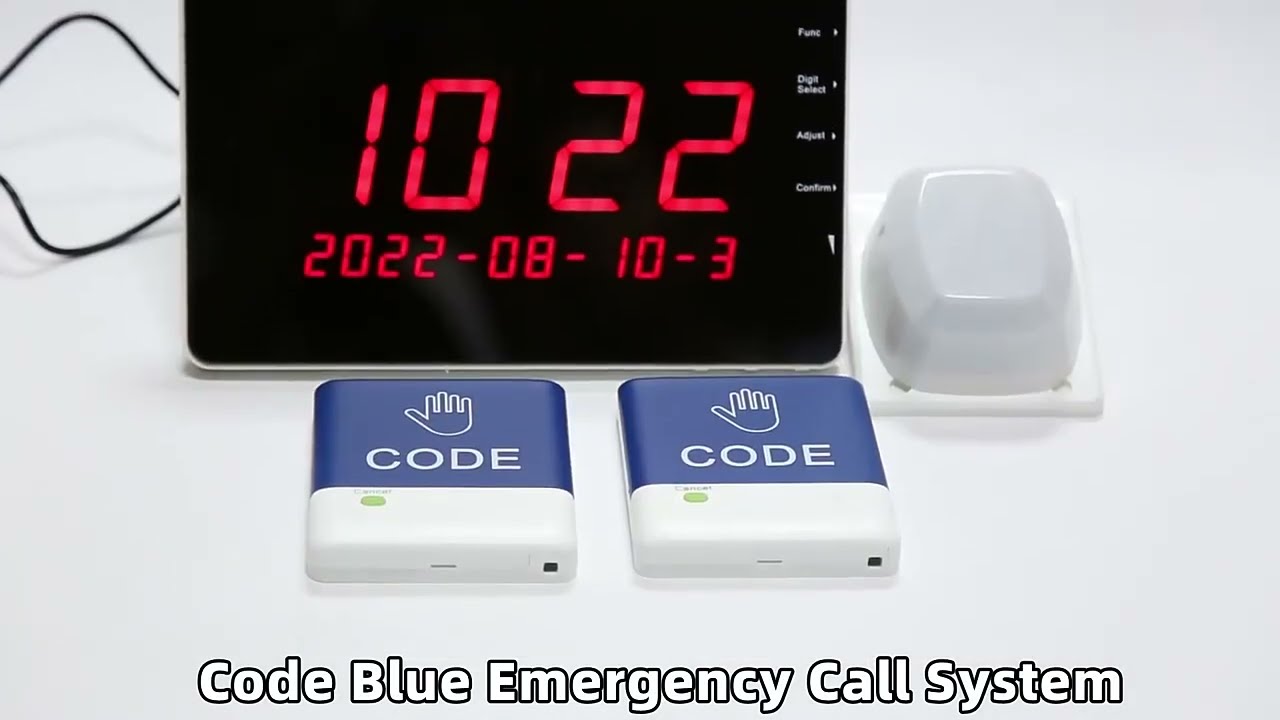
MEEYI Code Blue Wireless panic alarm systems provide a quick way to alert Hospitals’ rapid response teams ready to go when they get notified about a code blue. It is water and impact resistant and is a wireless hassle-free system with ODM & OEM support. The main receiver is for the Nurse Station, the Code Blue Lamp is for the corridor, and the Code blue buttons are for the bedside. Repeaters are optional.
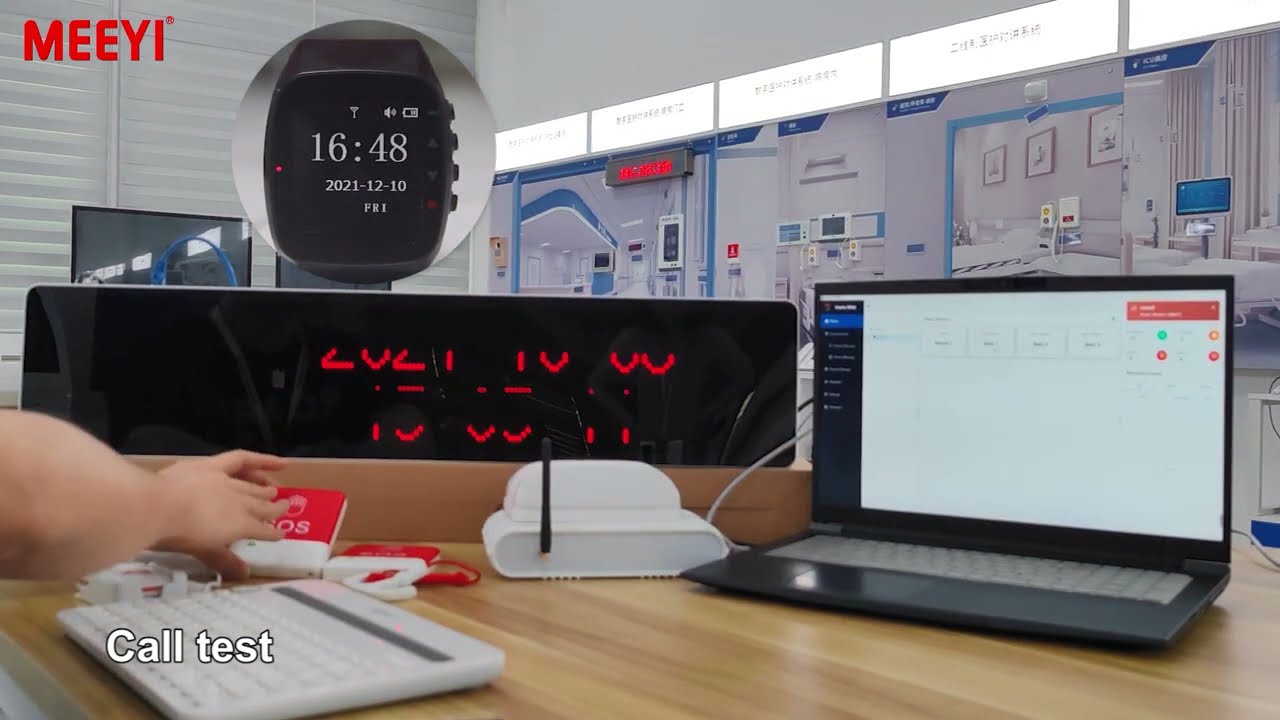
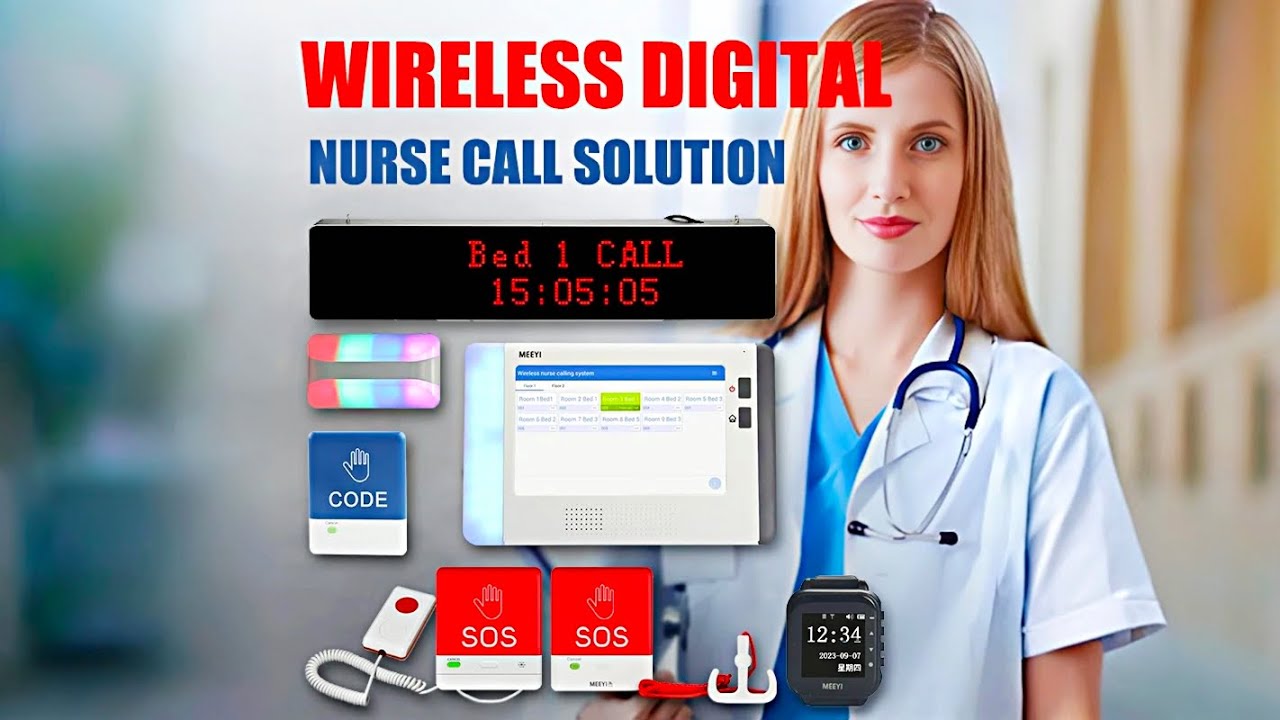
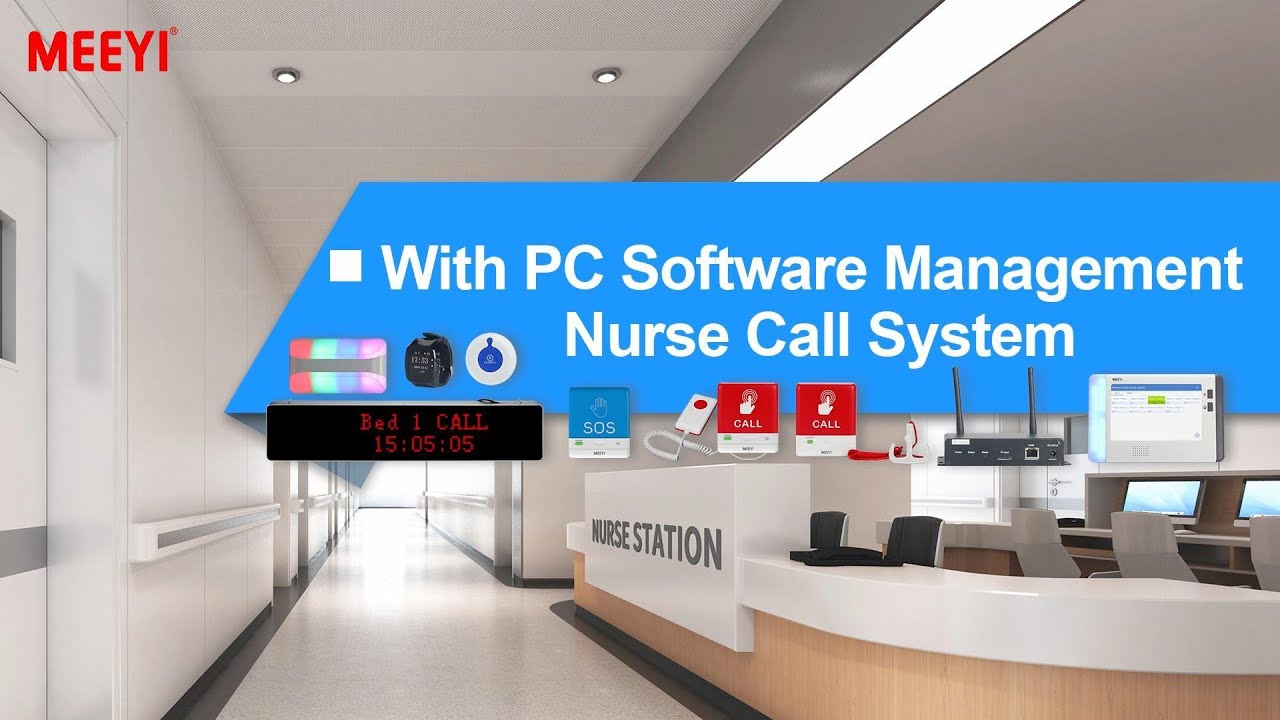
With PC Software Management Nurse Call System is a modern, intelligent nurse call solution designed for hospitals, clinics, nursing homes, and assisted living facilities. This advanced system integrates traditional nurse call functionalities with powerful PC software management, allowing administrators and staff to monitor, analyze, and respond to patient calls with greater efficiency.
Equipped with call buttons for patients and clear visual and audio alerts at nurse stations, the system ensures that patient needs are addressed promptly. The PC software provides a user-friendly interface for tracking call history, generating reports, and managing system settings, enabling better planning and improving overall care quality.
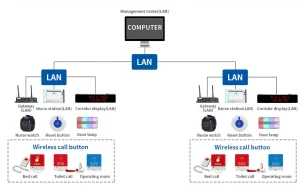
PC Software Integration: Centralized management of all calls and events on a computer, with real-time monitoring and detailed logs.
Multi-Point Calling: Multiple call buttons can be installed in patient rooms, bathrooms, and common areas.
Clear Alerts: Visual indicators (LED or display screens) combined with audible alarms for quick notification.
Call Prioritization: Different levels of alarms (e.g., emergency vs. routine) help staff respond appropriately.
Report & Analytics: The software records call data, duration, and response times for easy analysis and continuous improvement.
Easy Installation & Maintenance: Modular design with user-friendly interfaces reduces installation complexity and simplifies future upgrades.
Install the software on a dedicated PC at the nurse station following the provided installer guide.
Connect the system controller to the PC via LAN or USB as per wiring diagram.
Launch the software, configure network settings, and let it detect all connected call devices.
Patients press the call button located by the bed or in the bathroom when they need assistance.
The call is instantly displayed on the PC screen, with room number, call type, and timestamp.
Simultaneously, an audible alarm sounds, and indicator lights show the location of the call.
Nurses can acknowledge the call on the PC, which also stops the alert sound.
After attending the patient, staff can reset the call from the patient’s room panel.
Daily/weekly reports can be generated from the software, showing call frequency, response times, and unattended calls.
Supervisors can use this data to optimize staffing levels and improve patient care quality.
✅ Note:
Make sure the system remains connected to power and the PC is running the management software at all times.
Regularly back up data and update software to the latest version for enhanced security and performance.
 MEEYI
MEEYI