
You may also like

Page 1 of 2

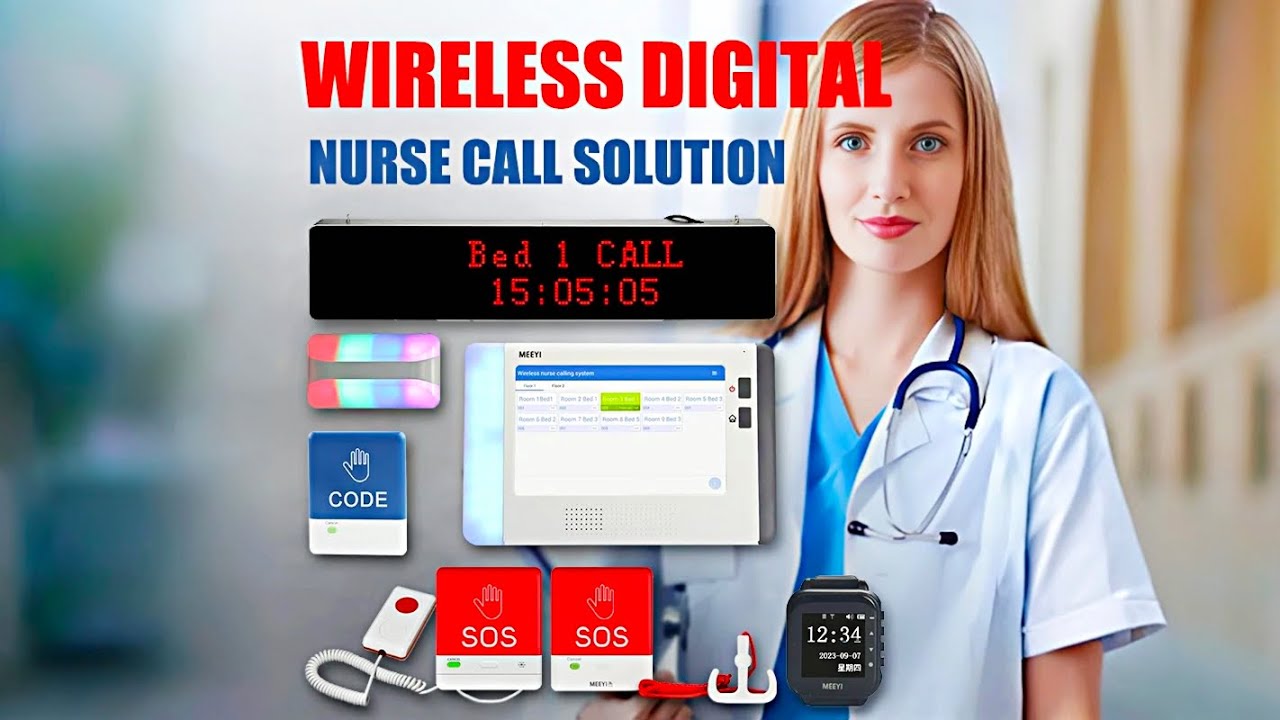
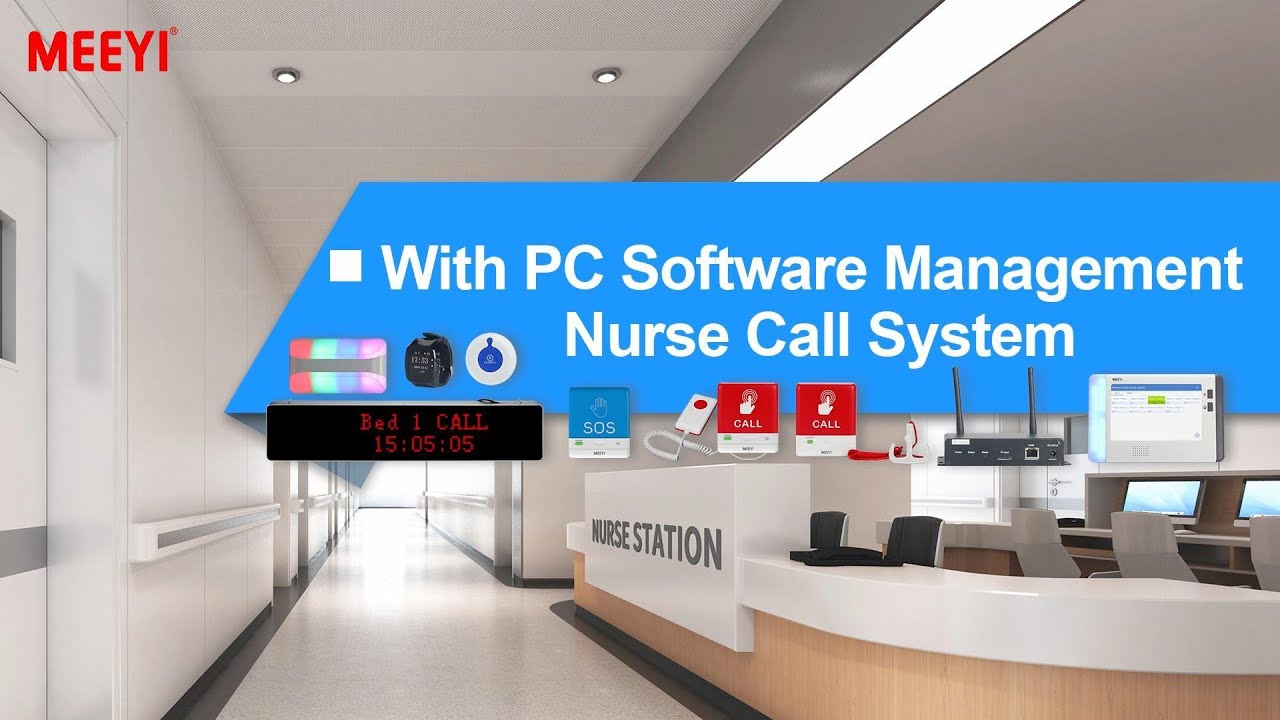
MEEYI Smart wireless call system is with a smart wireless calling receiver to collect the patients’ calling infomation, help hospital get more call data statistics.


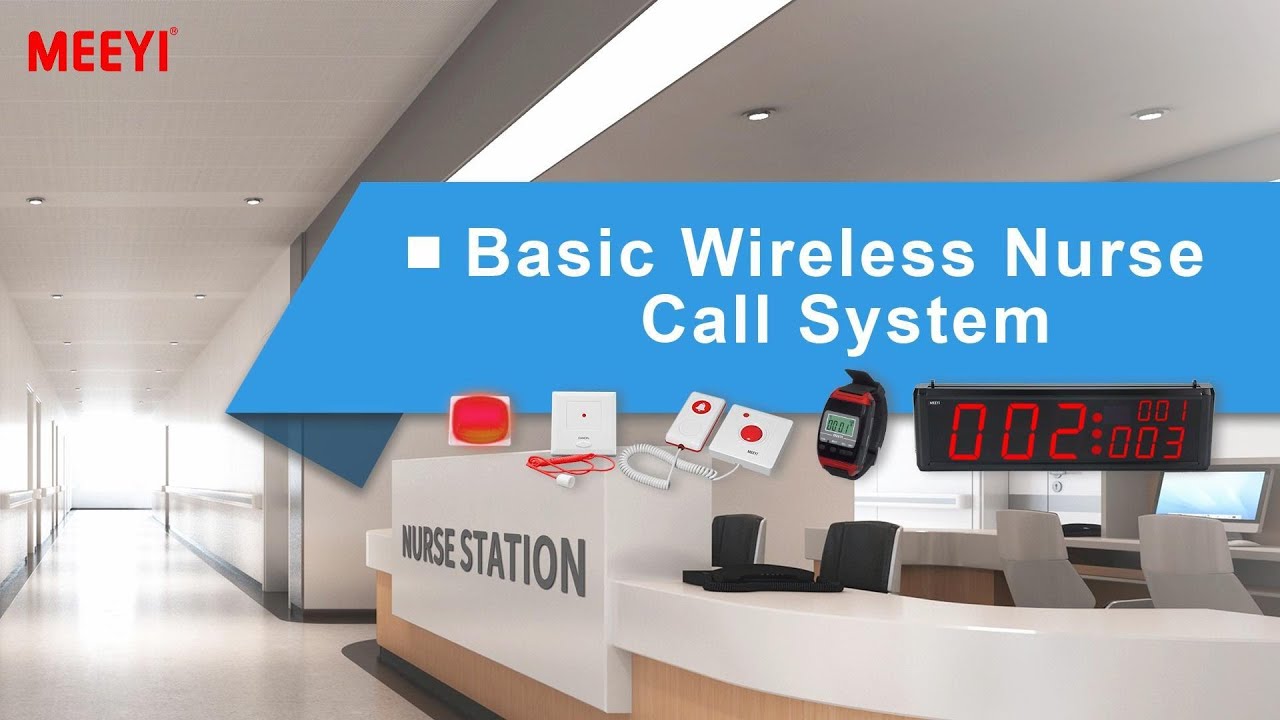
MEEYI Wired nurse call system supports patients, nurse, doctors two-way voice communication.

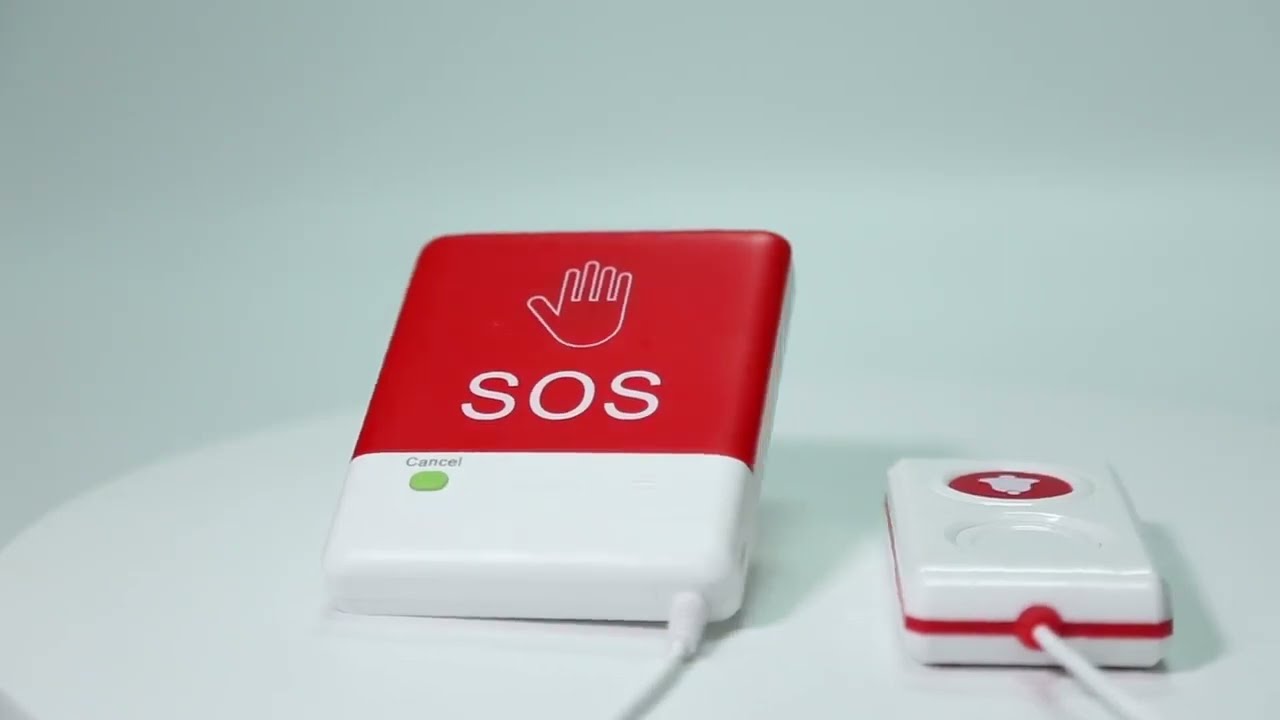
MEEYI pure wireless receiver in elderly care home’s reception can help caregivers fast respond the seniors’ request. MEEYI also provides wireless call lanyards to seniors. When they encounter any security situation, they can get the attention of the caregiver by pressing the call button.
MEEYI Smart Elderly nursing call system not only provide the convenience for the elderly to call and the nursing staff to respond to the call information at the first time, but also provide functions such as data collection and analysis, so that the nursing staff can analyze the situation of the elderly.
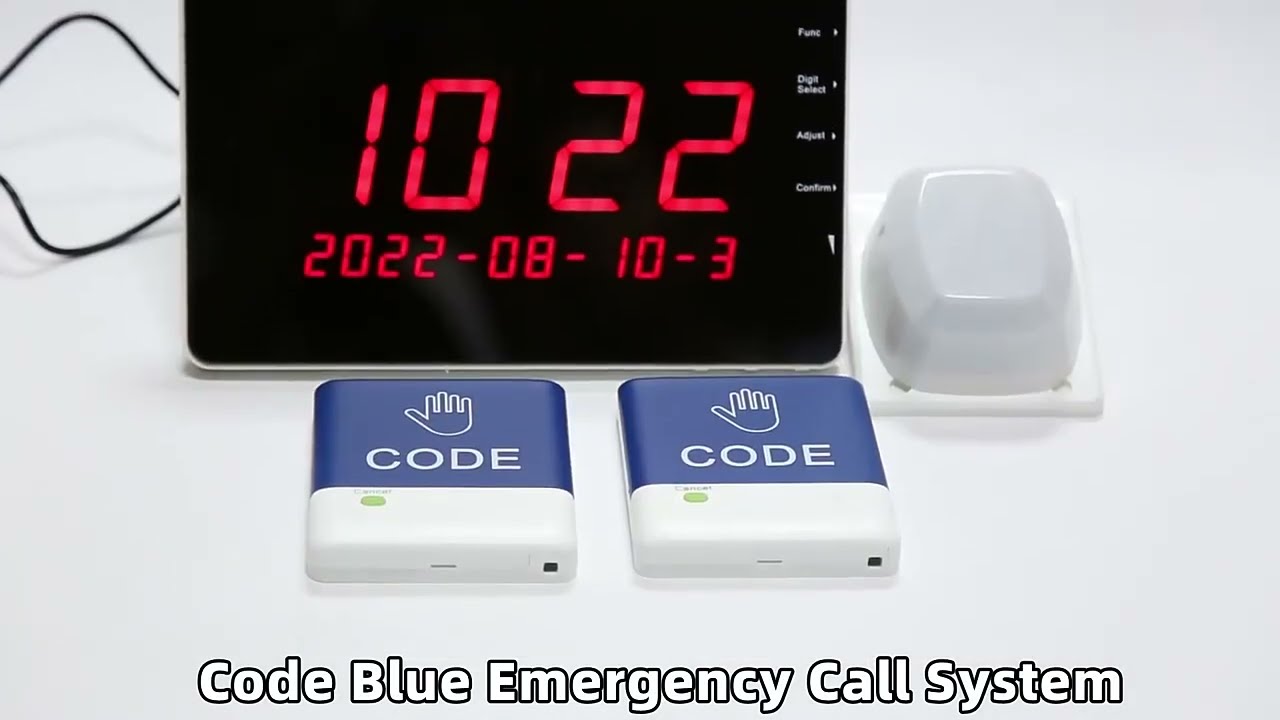
MEEYI Code Blue Wireless panic alarm systems provide a quick way to alert Hospitals’ rapid response teams ready to go when they get notified about a code blue. It is water and impact resistant and is a wireless hassle-free system with ODM & OEM support. The main receiver is for the Nurse Station, the Code Blue Lamp is for the corridor, and the Code blue buttons are for the bedside. Repeaters are optional.
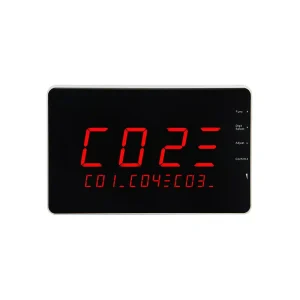
The W611-G10-BC wireless call system receiver by MEEYI is a powerful and efficient communication device. It is designed for environments that require fast service alerts and smooth staff coordination. The system is ideal for restaurants, hospitals, nursing homes, hotels, and various service facilities. It improves response speed and simplifies workflow.
Stable Wireless Reception
The W611-G10-BC uses high-frequency RF technology. It receives signals from multiple transmitters or call buttons. The system offers real-time communication and strong resistance to interference, even over long distances.
Clear Visual and Audio Alerts
This receiver features a bright LED screen and a loud built-in speaker. It gives both visual and sound alerts when a call is received. Staff can see the calling number or code clearly and react immediately.
User-Friendly Interface
The receiver has adjustable volume and call memory storage. Its intuitive display helps staff understand and prioritize tasks. It can queue multiple calls at once without confusion.
Compact and Versatile Design
The unit is lightweight and easy to install. It can be wall-mounted, placed on desks, or integrated into nurse station consoles.
Powering On the Device
Connect the receiver to a power source. The screen lights up and shows a welcome message to confirm startup.
Pairing with Transmitters
Press the pairing button on the receiver. Then press the call button on a transmitter, such as Y-303 or Y-SW2. A beep sound and a display signal will confirm successful pairing.
Receiving Calls
When someone presses a call button, the receiver sounds an alert and shows the location ID or number. This allows staff to respond promptly.
Call Reset and Memory
You can clear calls manually with the reset button. Some calls may also clear automatically after a set time. The system stores unacknowledged calls to ensure no signal is missed.
Volume and Display Adjustment
Adjust the volume and brightness to suit your surroundings. This ensures alerts are clear even in noisy or dim areas.
Maintenance Tips
Clean the receiver regularly to avoid dust buildup. Check the power connection and call signal strength. Restart the unit if it delays or malfunctions. Ensure all paired transmitters stay within range.
The W611-G10-BC wireless call system helps improve team coordination and service speed. With simple setup, instant alerts, and easy maintenance, it fits perfectly into busy and demanding environments.
 MEEYI
MEEYI