
You may also like

Page 1 of 2

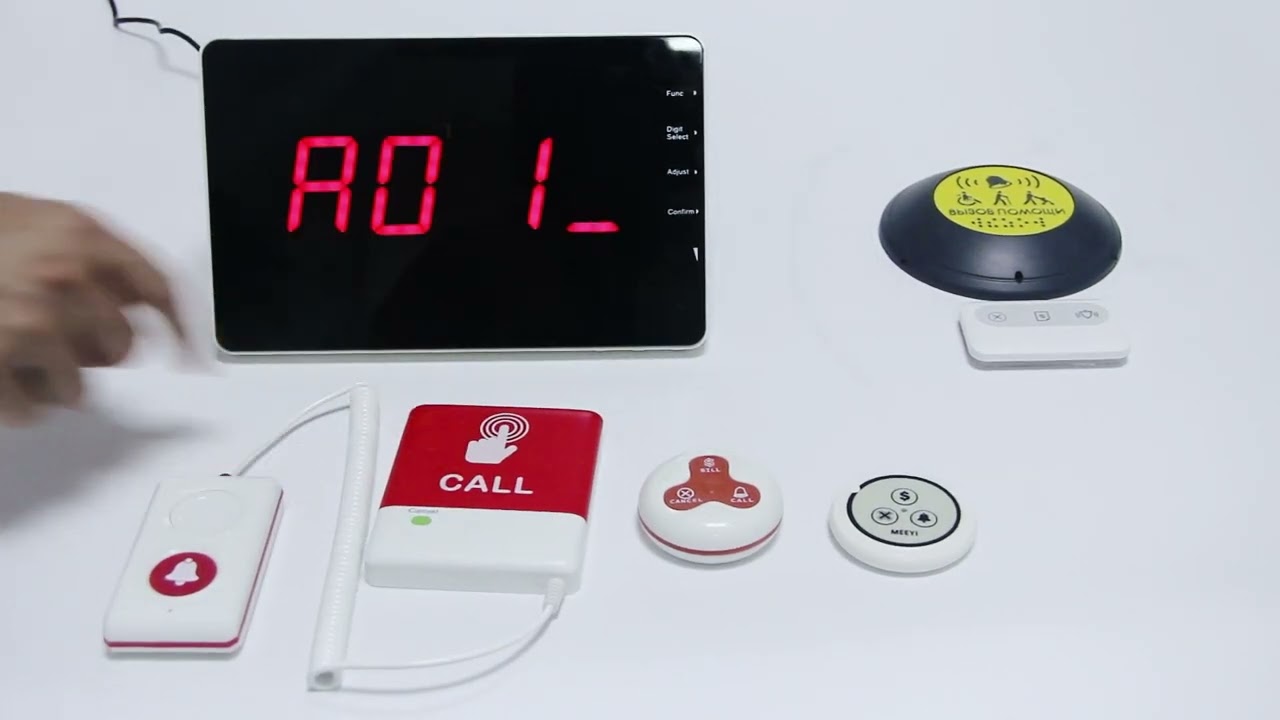
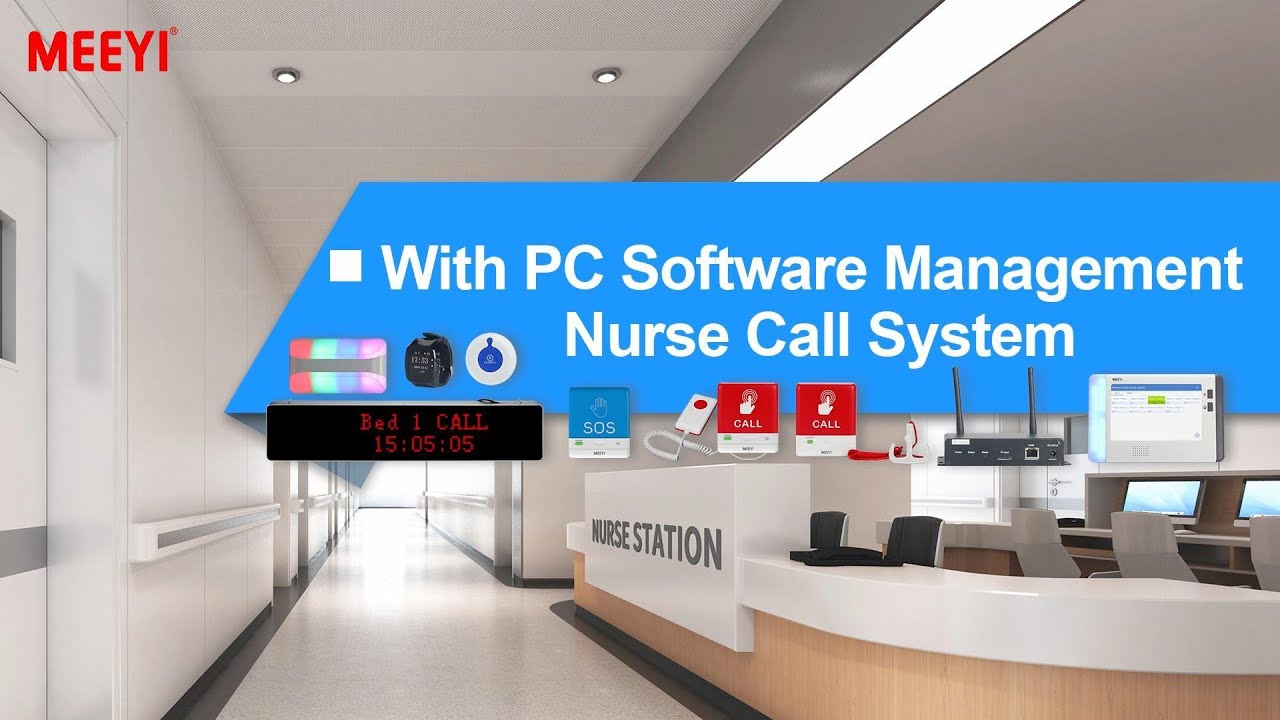
MEEYI Smart wireless call system is with a smart wireless calling receiver to collect the patients’ calling infomation, help hospital get more call data statistics.


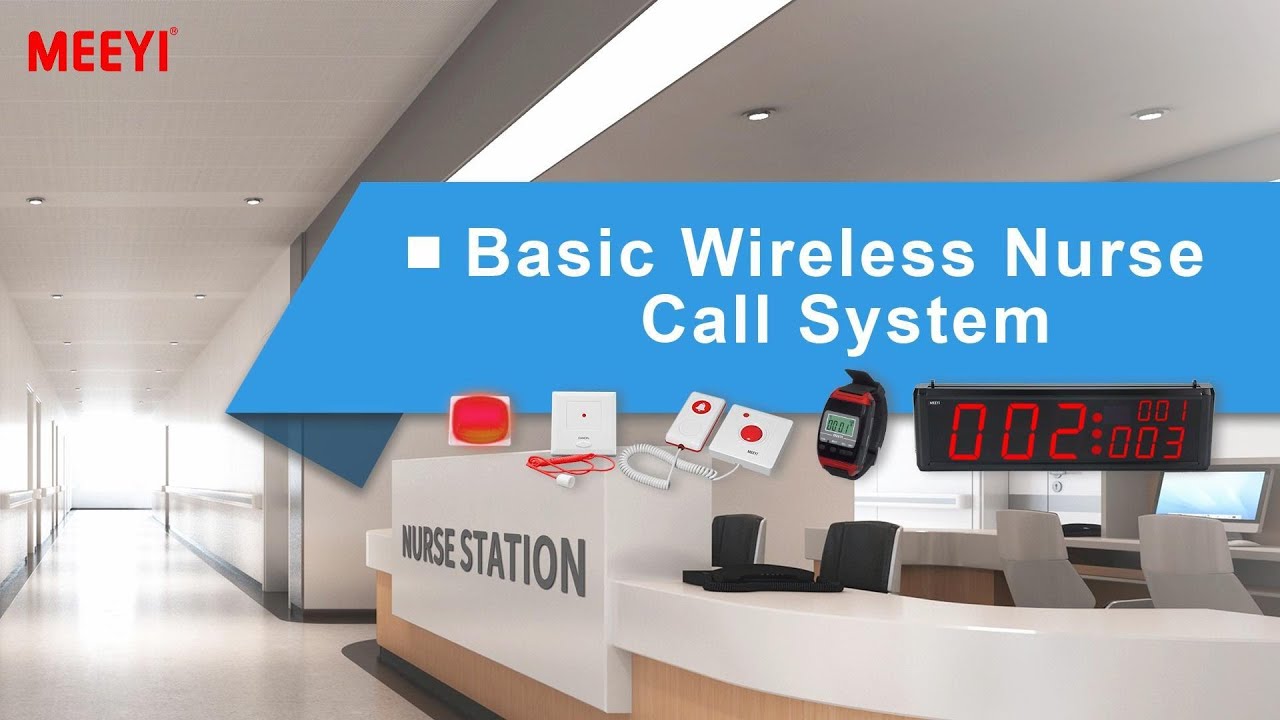
MEEYI Wired nurse call system supports patients, nurse, doctors two-way voice communication.

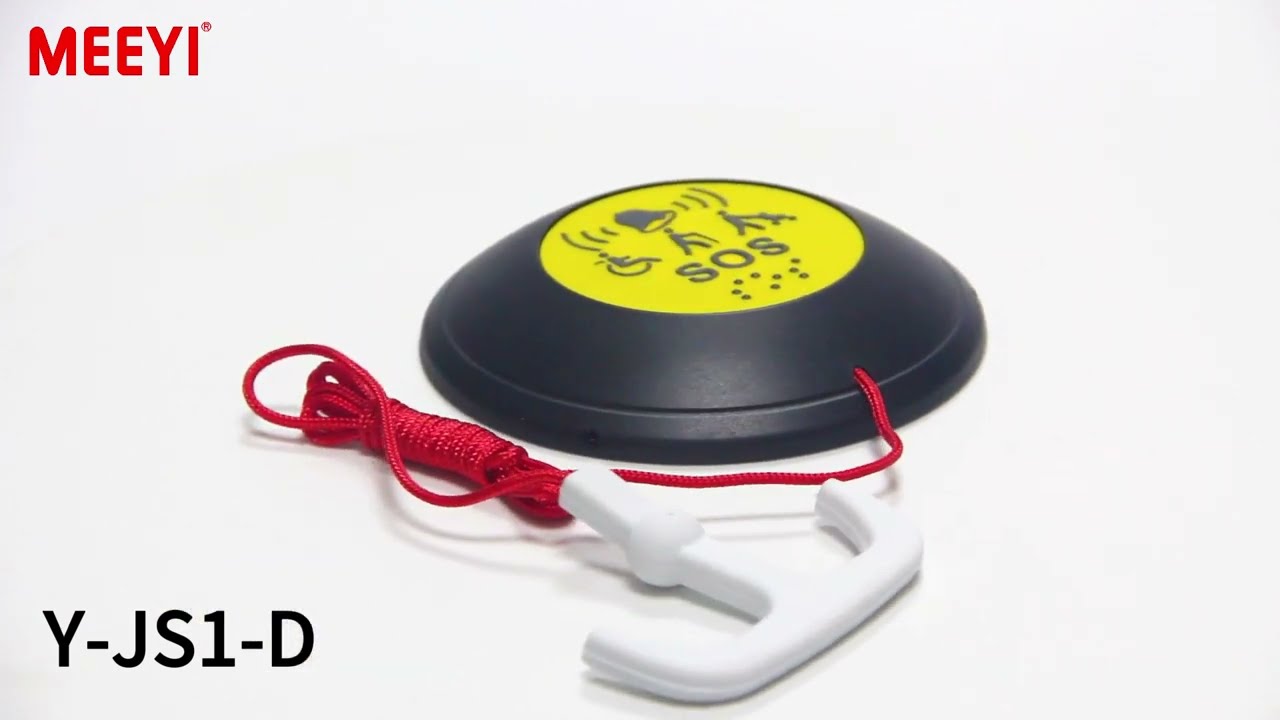
MEEYI pure wireless receiver in elderly care home’s reception can help caregivers fast respond the seniors’ request. MEEYI also provides wireless call lanyards to seniors. When they encounter any security situation, they can get the attention of the caregiver by pressing the call button.
MEEYI Smart Elderly nursing call system not only provide the convenience for the elderly to call and the nursing staff to respond to the call information at the first time, but also provide functions such as data collection and analysis, so that the nursing staff can analyze the situation of the elderly.
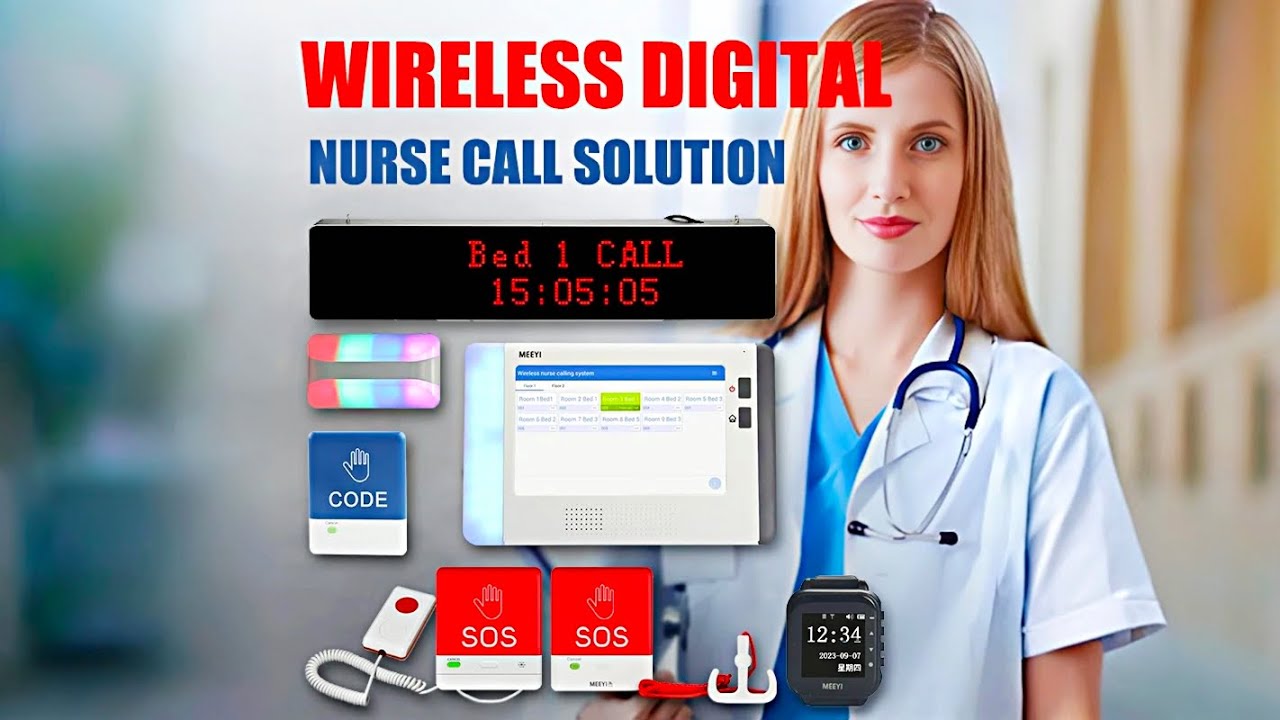
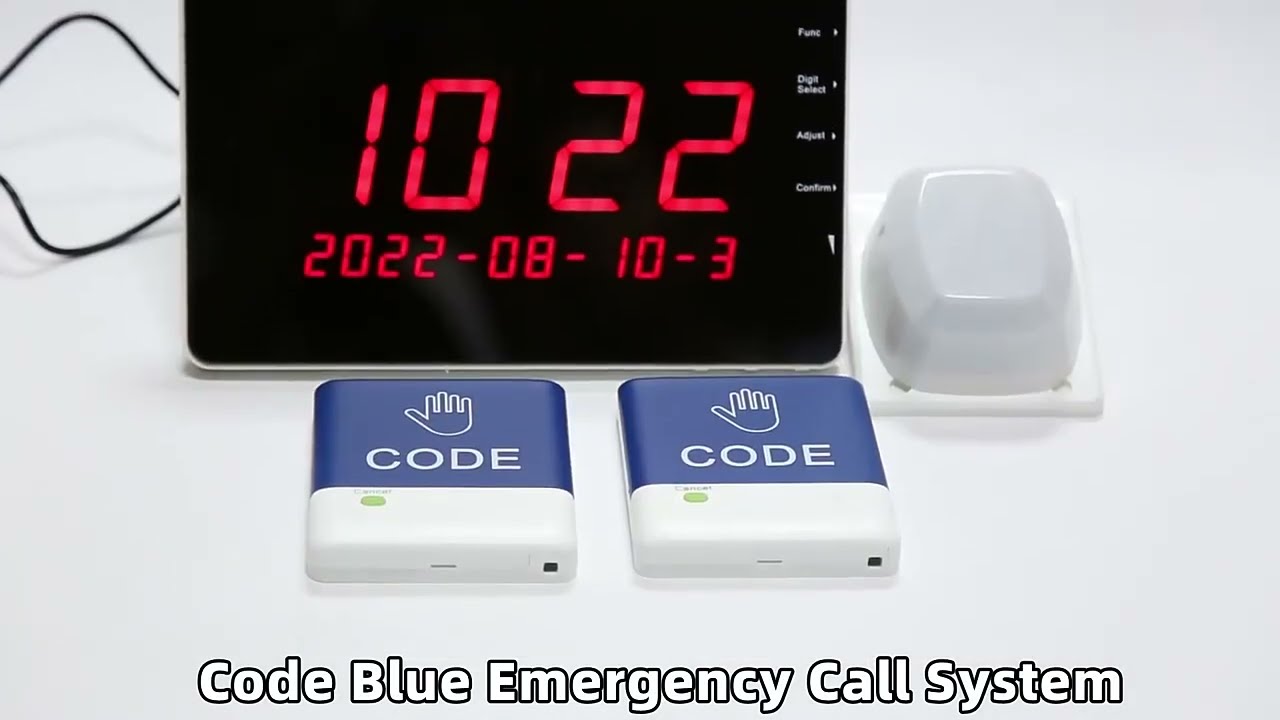
MEEYI Code Blue Wireless panic alarm systems provide a quick way to alert Hospitals’ rapid response teams ready to go when they get notified about a code blue. It is water and impact resistant and is a wireless hassle-free system with ODM & OEM support. The main receiver is for the Nurse Station, the Code Blue Lamp is for the corridor, and the Code blue buttons are for the bedside. Repeaters are optional.
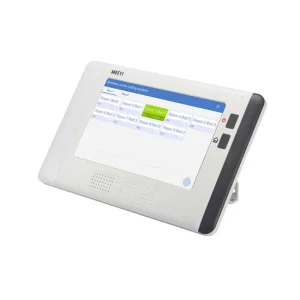
The W920 Series Digital Wireless Nurse Call System is a high-performance solution designed to enhance communication between patients and medical staff in healthcare environments. With a focus on speed, clarity, and flexibility, it ensures caregivers receive timely alerts, enabling faster response and improved patient care. This system is ideal for hospitals, clinics, senior care centers, and rehabilitation facilities that require efficient and scalable communication tools.
Reliable Wireless Technology:
The system uses advanced digital wireless transmission, ensuring strong signal stability across multiple floors and rooms. Unlike analog systems, the W920 Series provides better interference resistance and longer communication range.
User-Friendly Interface:
Both the receiver and the call button feature intuitive controls and clear visual indicators. Staff can easily recognize incoming alerts through the LED display and audio signals.
Multi-Point Integration:
One receiver can connect with several call buttons simultaneously, making it suitable for busy wards or care units. Moreover, it supports room ID customization, helping caregivers identify the source instantly.
Energy-Efficient Performance:
Low power consumption extends battery life in call buttons, reducing maintenance effort. Backup power ensures continuous operation during outages.
Step 1 – System Setup:
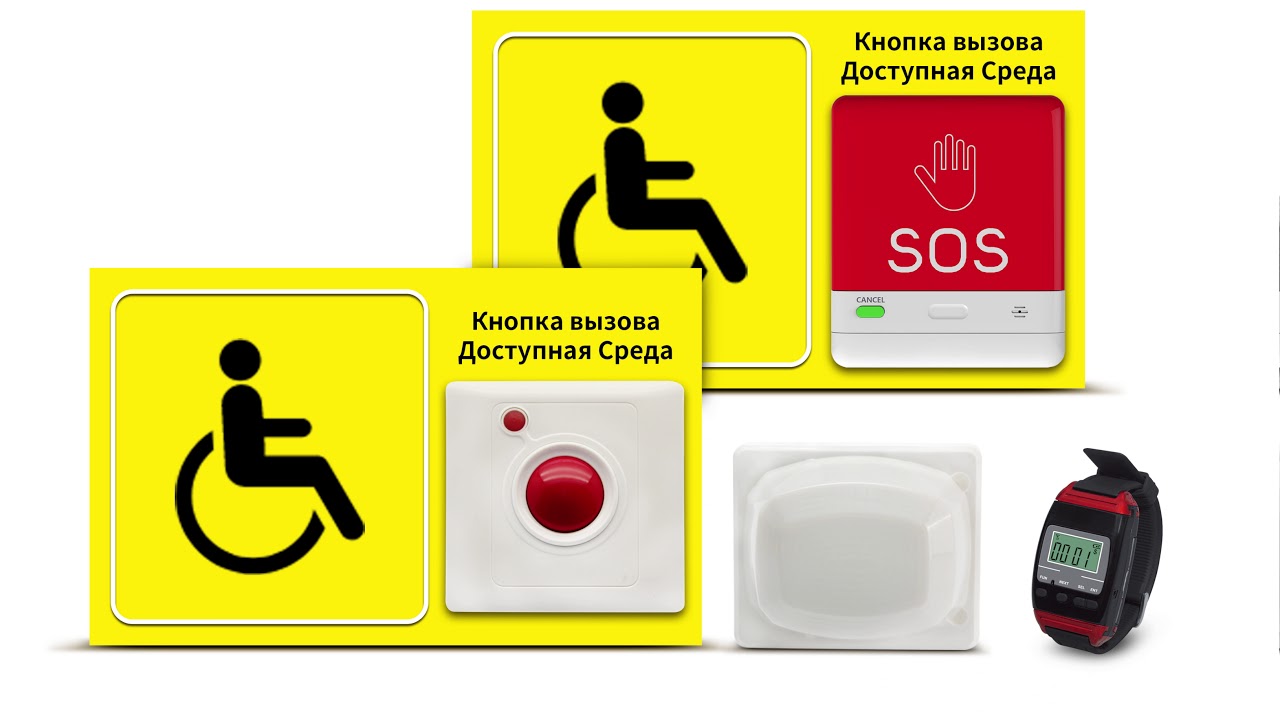
Install the receiver in a central monitoring location. Then, mount the wireless call buttons near patient beds, restrooms, or wheelchair-accessible zones.
Step 2 – Device Pairing:
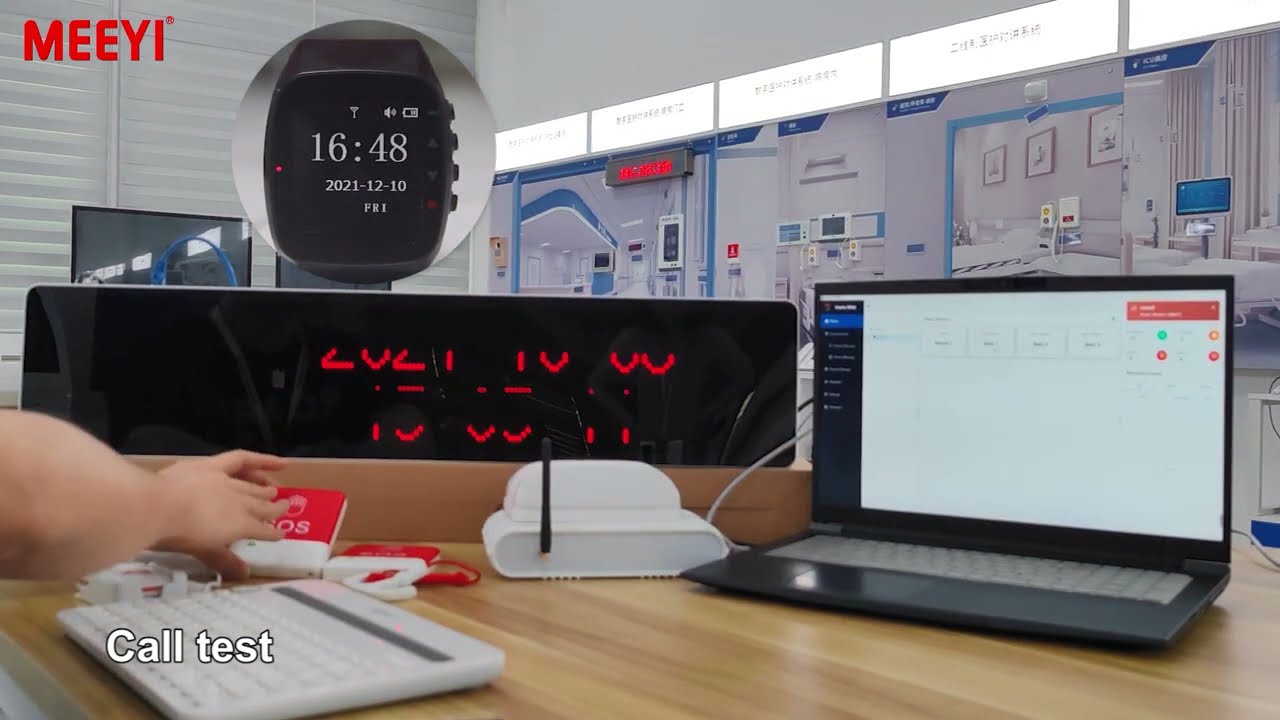
To pair, press the pairing key on the receiver. Next, press the call button. A beep and display confirmation will indicate successful synchronization.
Step 3 – Sending a Call:
When assistance is needed, the patient presses the call button. Instantly, the receiver emits a sound and displays the associated room number or ID.
Step 4 – Responding to Calls:
Caregivers can view incoming alerts and proceed to the patient’s location. After assistance, staff can reset the alert directly from the receiver or button.
Step 5 – Maintenance Tips:
Regularly inspect battery levels and test signal transmission. Clean buttons and displays to maintain hygiene and usability.
The W920 Series not only simplifies communication but also elevates patient satisfaction. Its easy installation, flexible deployment, and robust performance make it an essential tool in any modern healthcare setup. With the W920 Series, facilities can reduce response time, improve workflow, and foster a safer care environment.
 MEEYI
MEEYI