
You may also like

Page 1 of 2

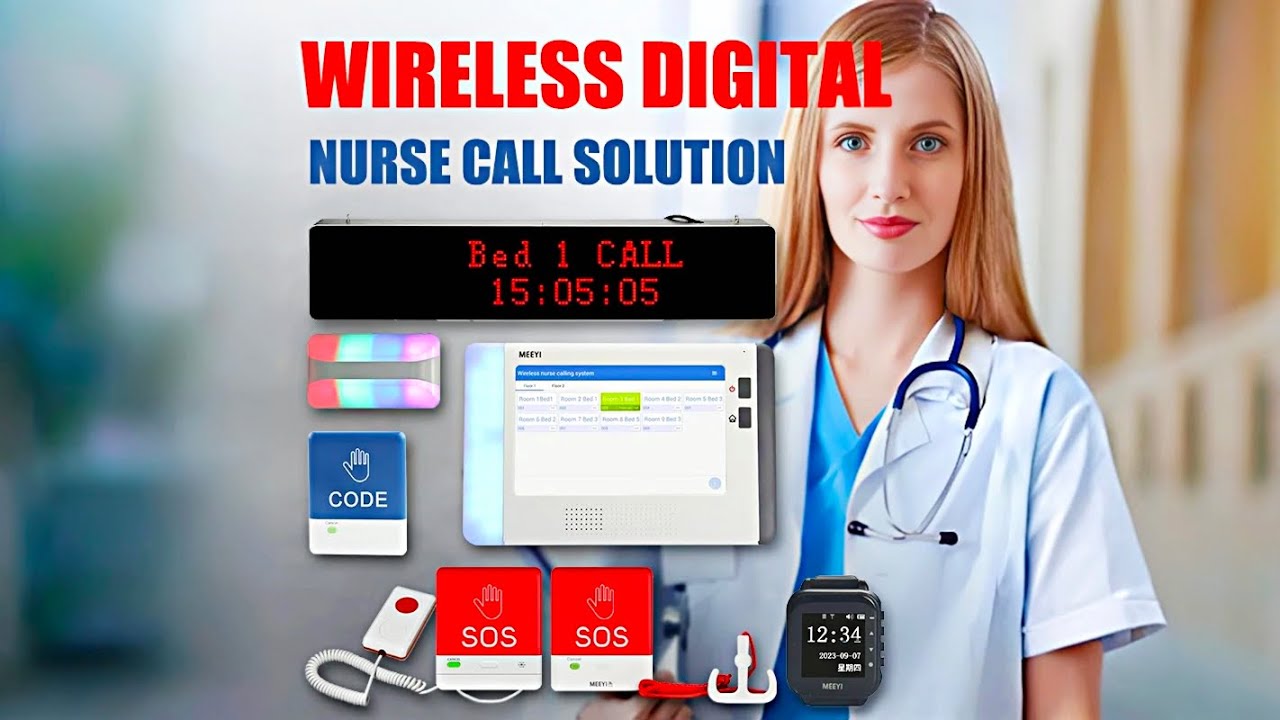
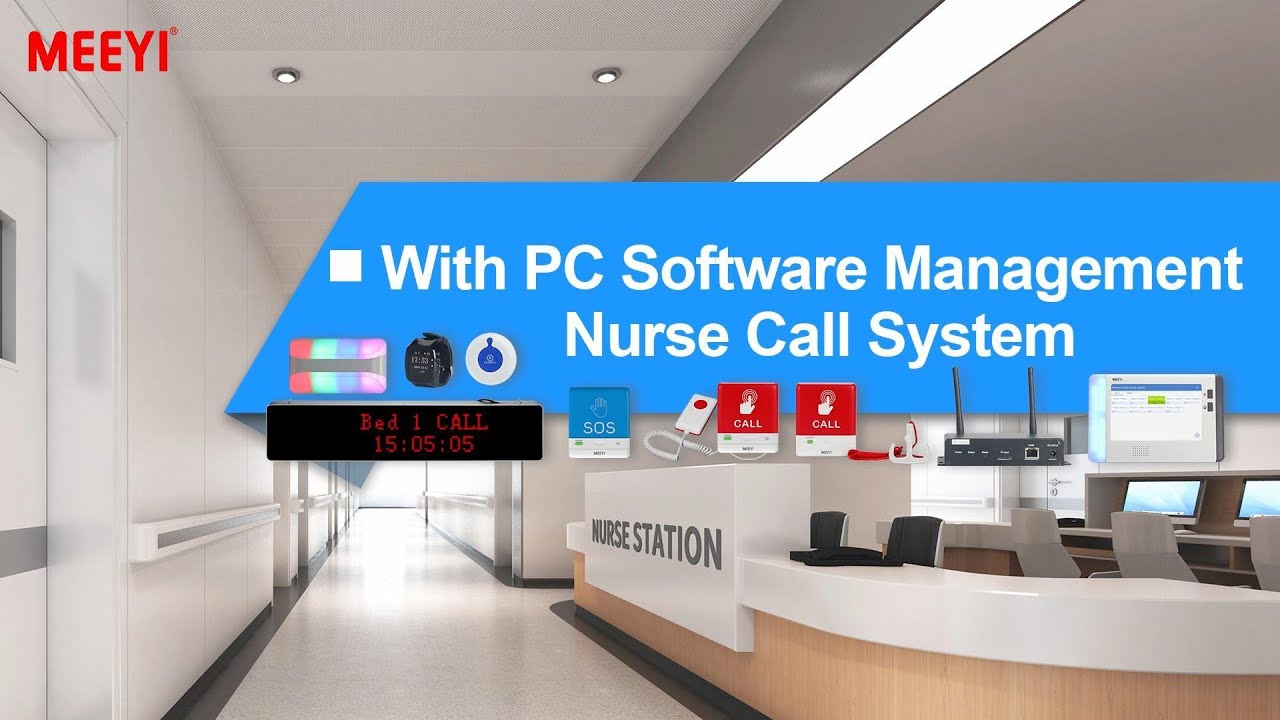
MEEYI Smart wireless call system is with a smart wireless calling receiver to collect the patients’ calling infomation, help hospital get more call data statistics.


MEEYI Wired nurse call system supports patients, nurse, doctors two-way voice communication.

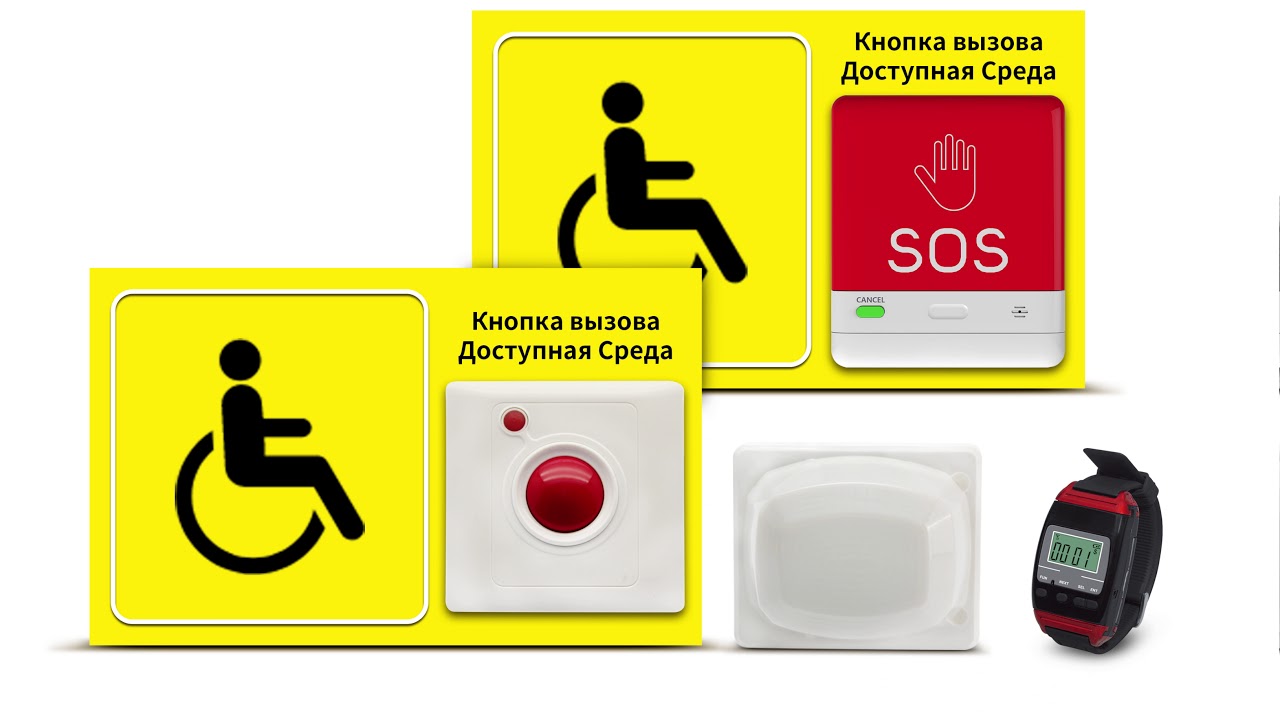
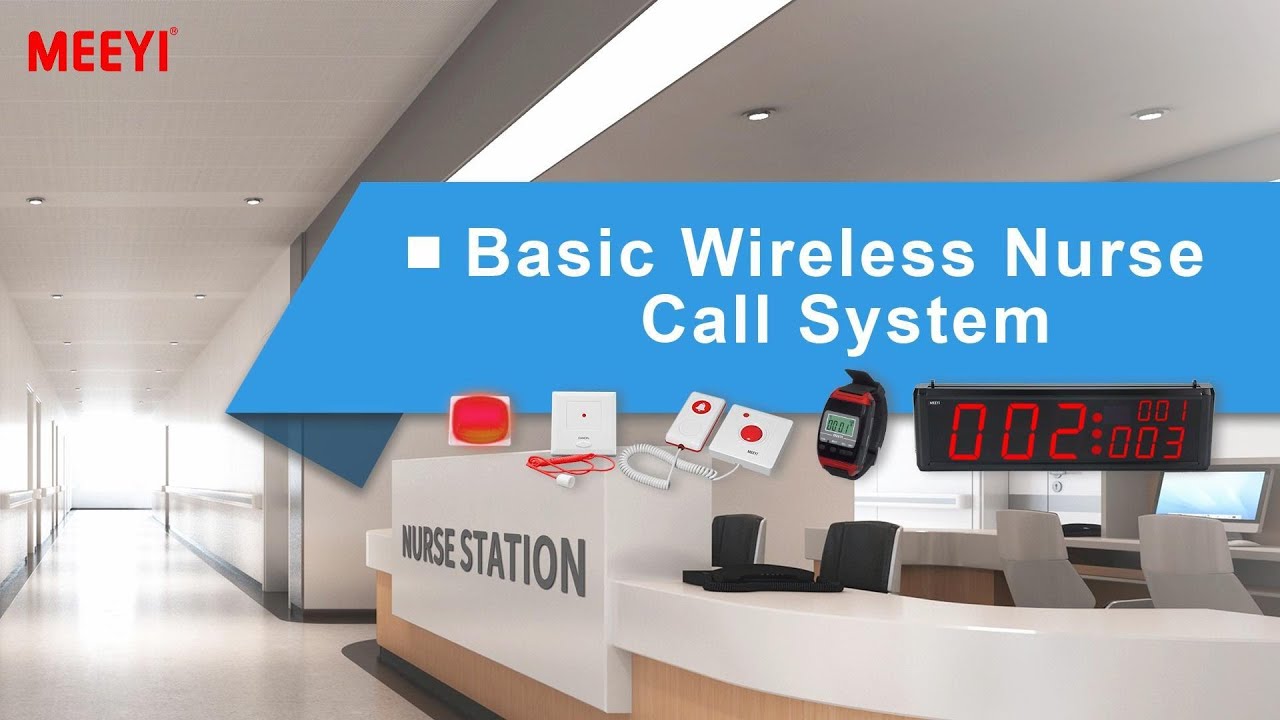
MEEYI pure wireless receiver in elderly care home’s reception can help caregivers fast respond the seniors’ request. MEEYI also provides wireless call lanyards to seniors. When they encounter any security situation, they can get the attention of the caregiver by pressing the call button.
MEEYI Smart Elderly nursing call system not only provide the convenience for the elderly to call and the nursing staff to respond to the call information at the first time, but also provide functions such as data collection and analysis, so that the nursing staff can analyze the situation of the elderly.
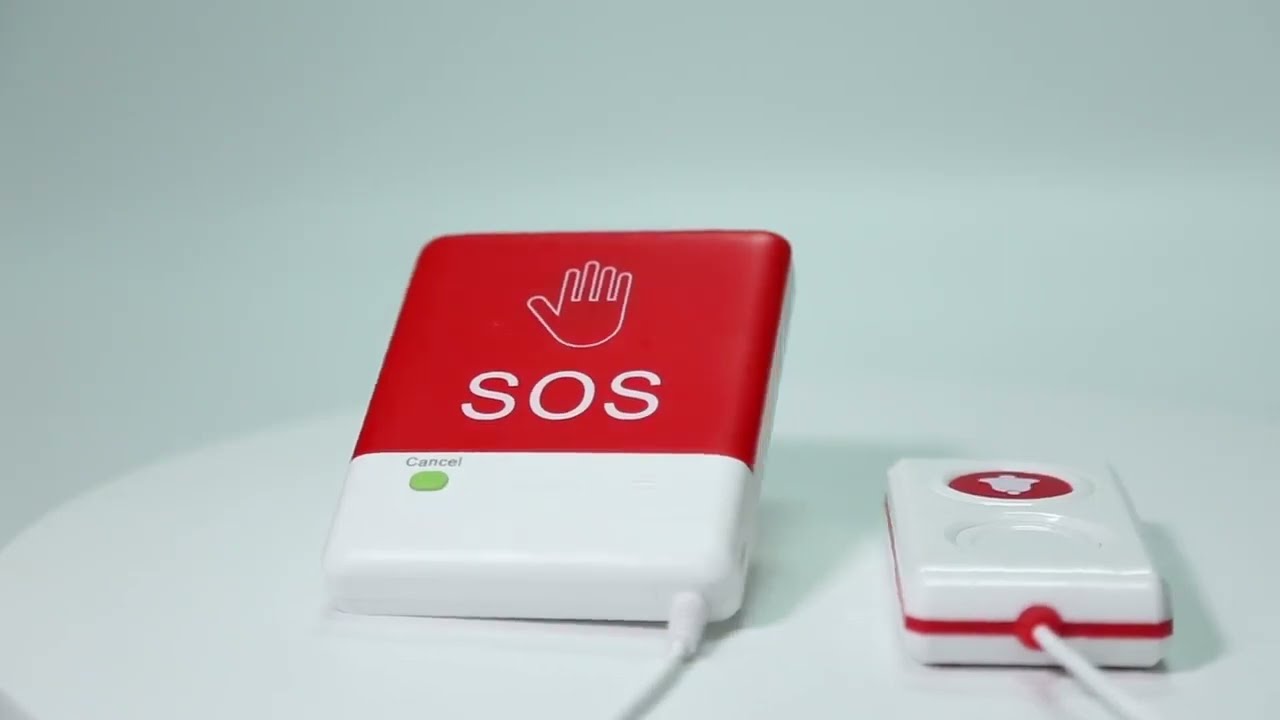
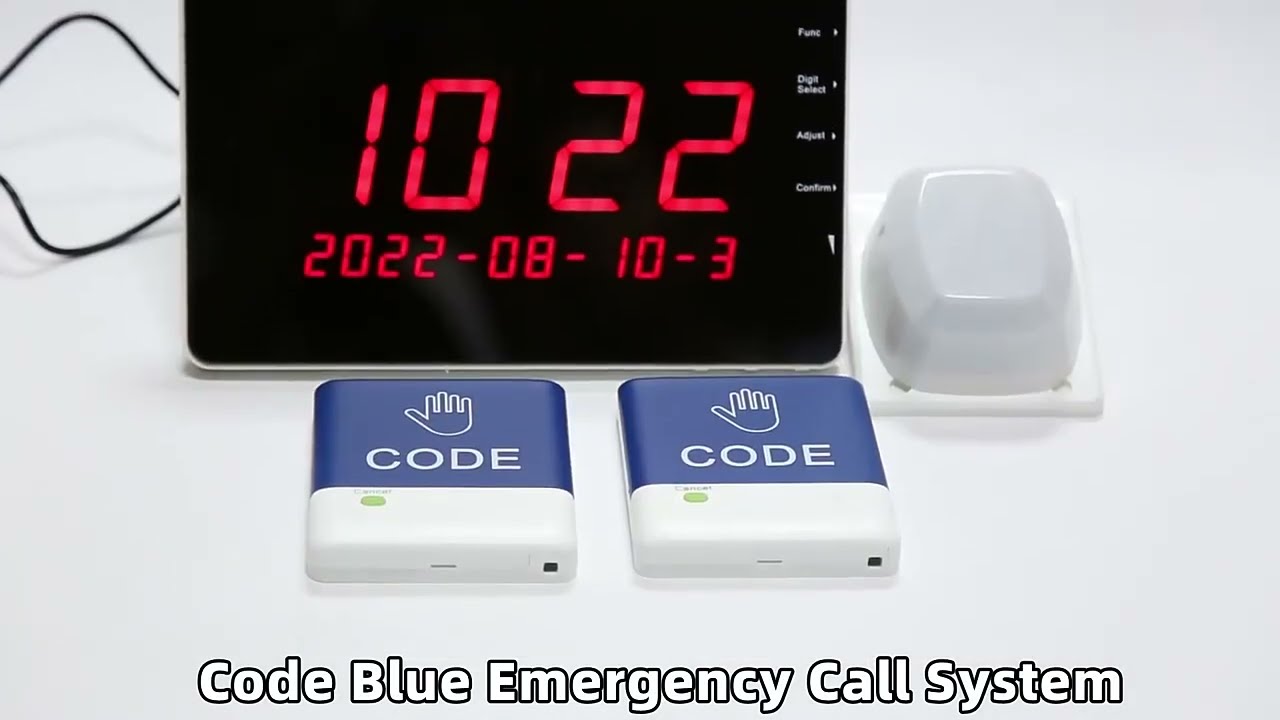
MEEYI Code Blue Wireless panic alarm systems provide a quick way to alert Hospitals’ rapid response teams ready to go when they get notified about a code blue. It is water and impact resistant and is a wireless hassle-free system with ODM & OEM support. The main receiver is for the Nurse Station, the Code Blue Lamp is for the corridor, and the Code blue buttons are for the bedside. Repeaters are optional.
Product Description and Operation Guide: W900 System Setting – Wireless Digital Calling System
Overview
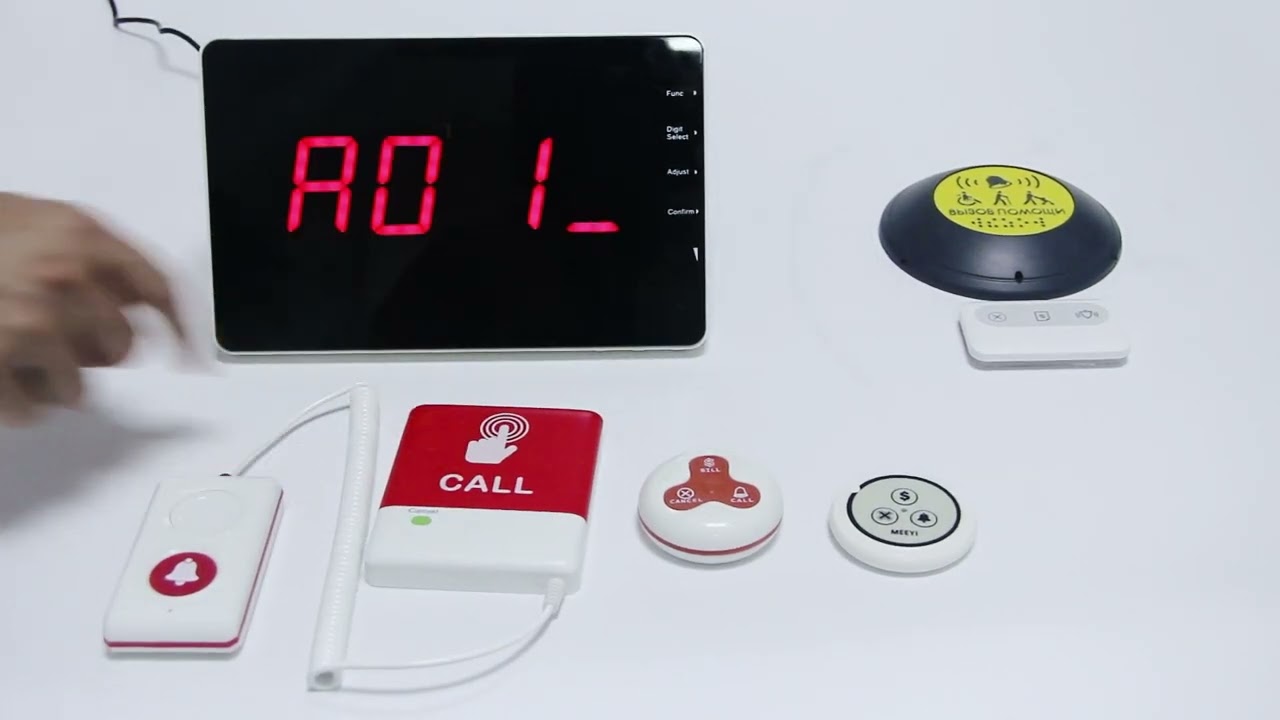
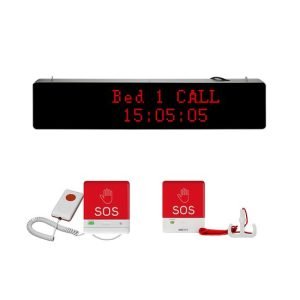
The W900 Wireless Digital Calling System is an advanced communication solution designed for healthcare facilities, hospitality venues, and service industries. It enhances staff responsiveness and streamlines workflow by enabling instant, wireless communication between users and service providers. This system supports long-distance calls with stable connectivity and clear signal transmission.
Key Features
Wireless digital transmission ensures stable and interference-free communication.
Long-range connectivity supports large facilities and multi-zone operations.
Multiple alert modes, including sound, vibration, and visual indicators.
Easy pairing of call buttons and receivers.
Compact, durable design suitable for various settings.
Adjustable volume and notification preferences.
Low power consumption extends battery life and reduces maintenance.
Setup Instructions
Power On: Connect the receiver to a power source and ensure it powers on successfully.
Pairing Devices: Put the receiver in pairing mode by pressing the pairing button. Then, press the call button to establish a wireless connection. Confirm pairing through the receiver’s LED or sound notification.
Using the System
Sending Calls: Users press the wireless call button to send an alert signal to the receiver. The receiver notifies staff immediately through sound, light, or vibration alerts.
Adjusting Alerts: Modify volume levels and alert types on the receiver to suit the environment, ensuring notifications are noticeable without being disruptive.
Canceling Calls: Calls can be canceled manually via the receiver or automatically after a preset time.
Maintenance and Tips
Regularly check battery status on call buttons and ensure the receiver maintains strong signal reception for consistent performance. Proper maintenance helps avoid interruptions and prolongs system life.
 MEEYI
MEEYI