
You may also like

Page 1 of 2

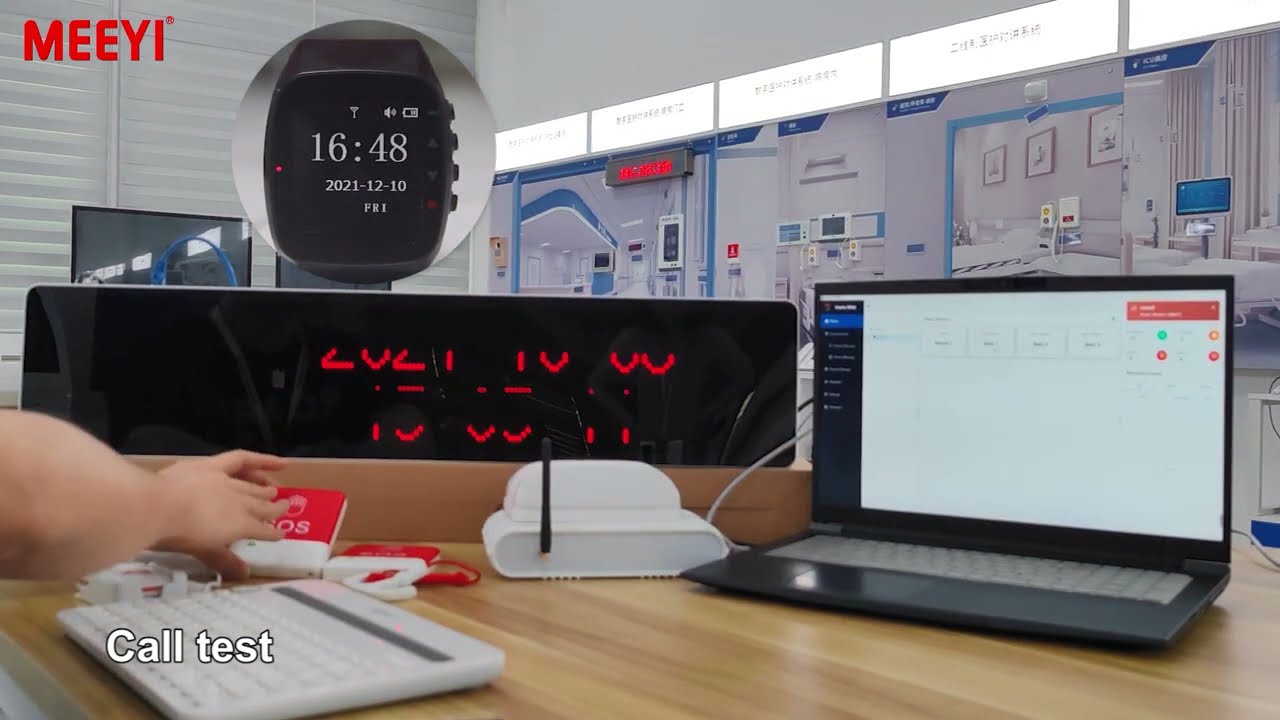
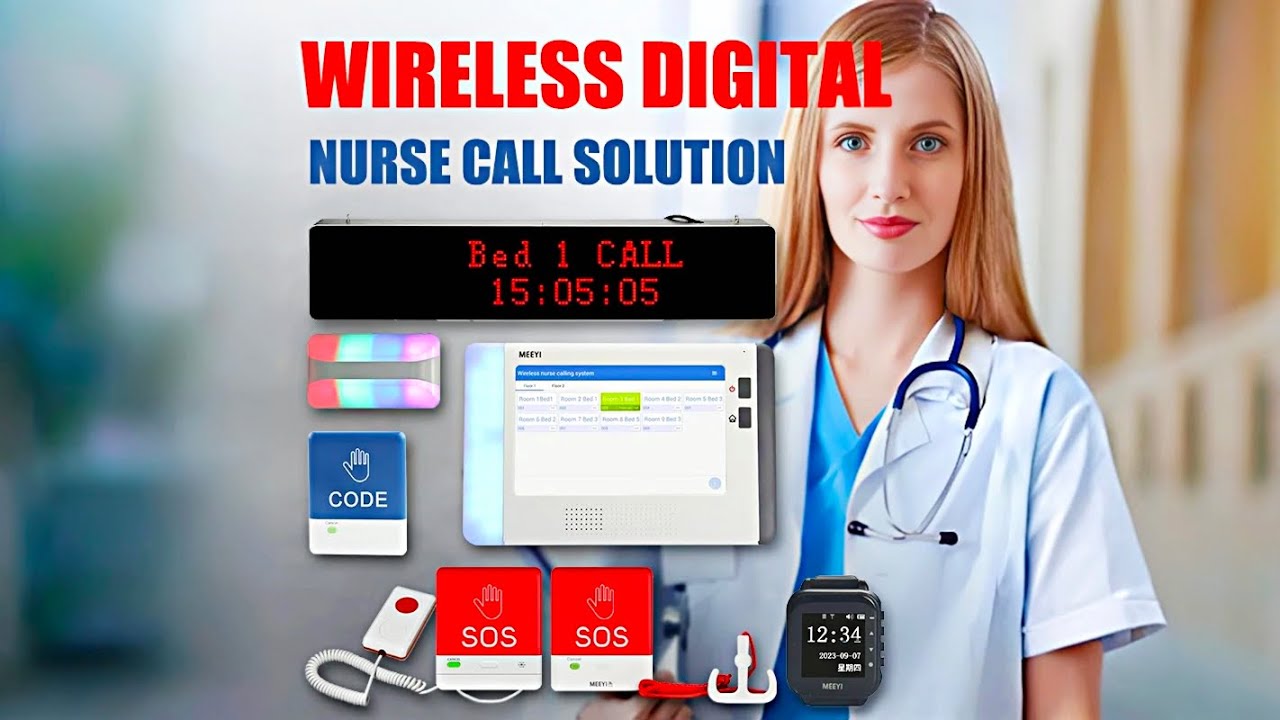
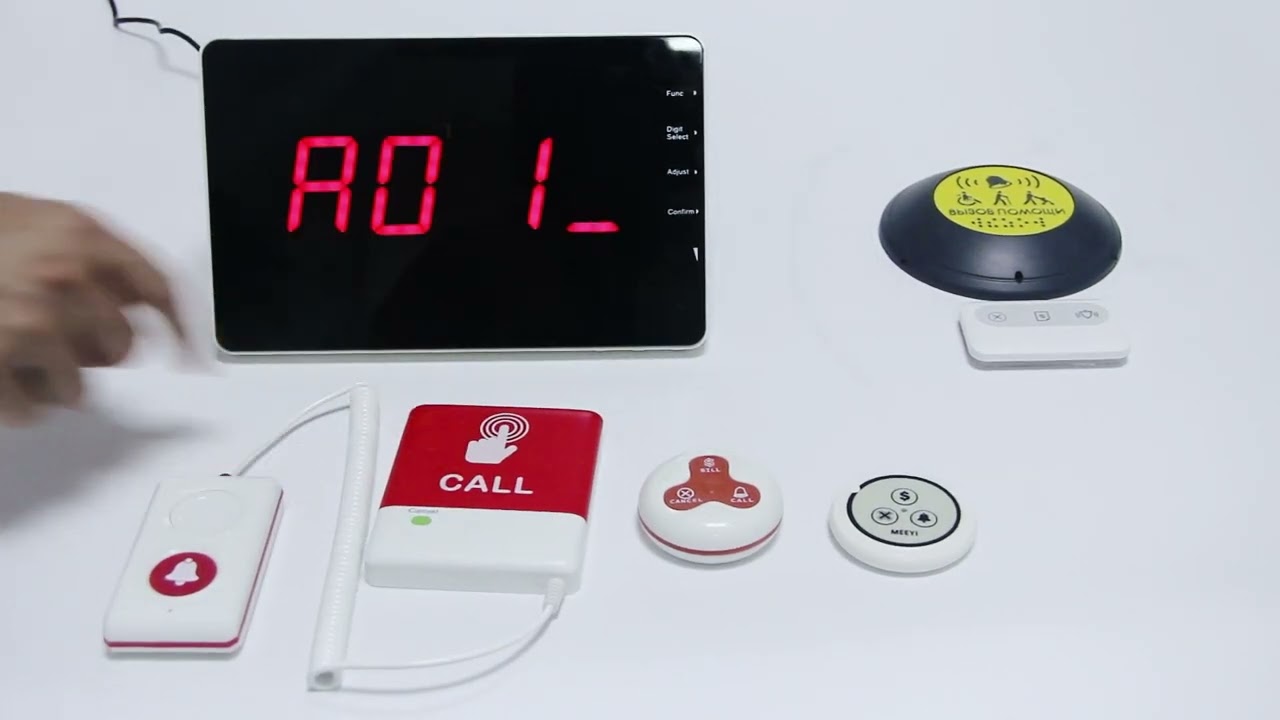
MEEYI Smart wireless call system is with a smart wireless calling receiver to collect the patients’ calling infomation, help hospital get more call data statistics.


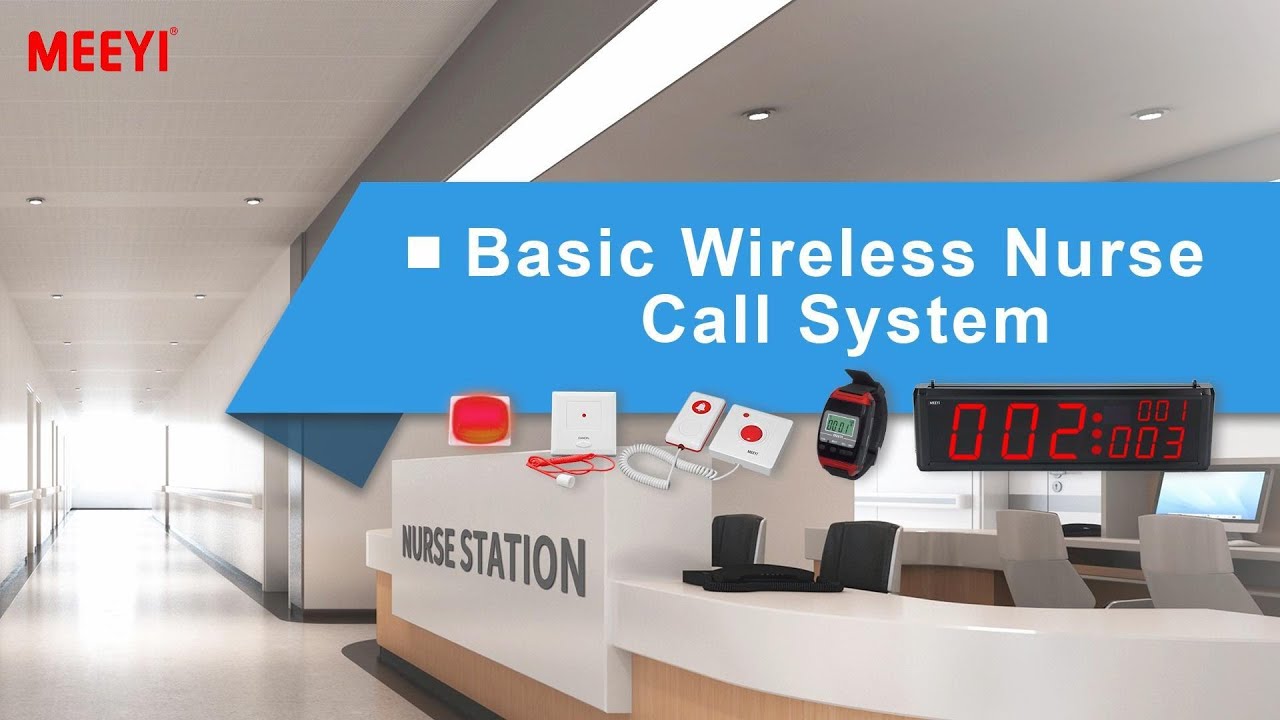
MEEYI Wired nurse call system supports patients, nurse, doctors two-way voice communication.

MEEYI pure wireless receiver in elderly care home’s reception can help caregivers fast respond the seniors’ request. MEEYI also provides wireless call lanyards to seniors. When they encounter any security situation, they can get the attention of the caregiver by pressing the call button.
MEEYI Smart Elderly nursing call system not only provide the convenience for the elderly to call and the nursing staff to respond to the call information at the first time, but also provide functions such as data collection and analysis, so that the nursing staff can analyze the situation of the elderly.
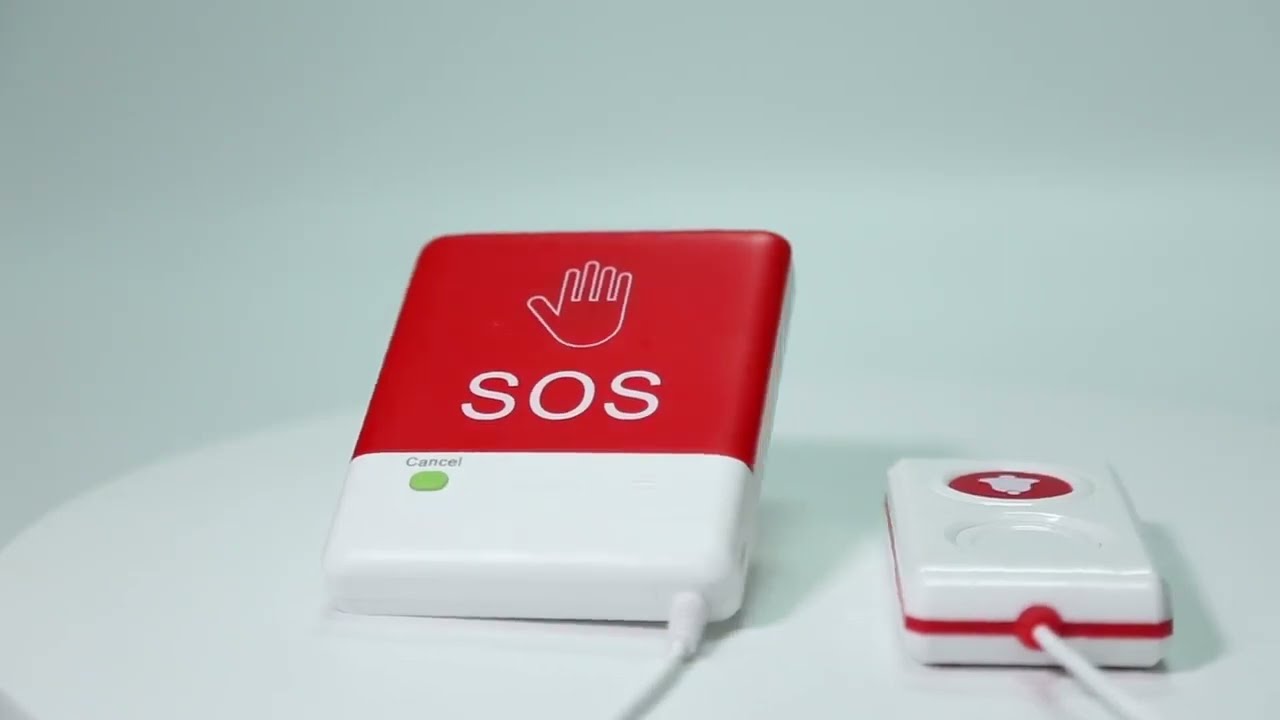
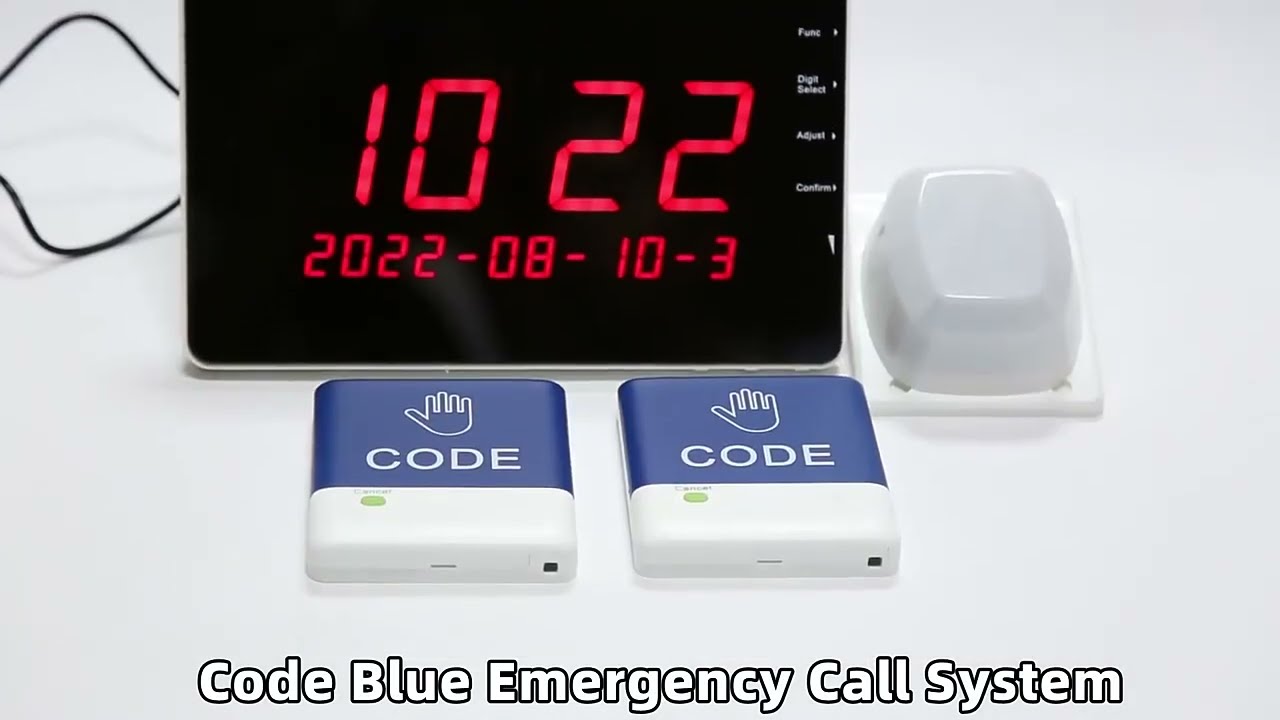
MEEYI Code Blue Wireless panic alarm systems provide a quick way to alert Hospitals’ rapid response teams ready to go when they get notified about a code blue. It is water and impact resistant and is a wireless hassle-free system with ODM & OEM support. The main receiver is for the Nurse Station, the Code Blue Lamp is for the corridor, and the Code blue buttons are for the bedside. Repeaters are optional.
The W811L-S105 Audio Gateway For W900 System acts as a crucial communication bridge between the W900 nurse call system and the facility’s audio network. It enables clear, real-time voice communication between patients and caregivers, enhancing response efficiency and care quality.
Designed for easy integration, the W811L-S105 supports multiple audio channels and provides stable, interference-free sound transmission. Its compact and robust design fits seamlessly into existing W900 systems, making upgrades simple without extensive rewiring or complex setup. The gateway also offers flexible configuration options, allowing healthcare facilities to tailor audio settings to their specific needs for improved operational workflow and patient satisfaction.
Seamless Integration: Connects smoothly with the W900 system for enhanced audio communication.
Clear Voice Transmission: Ensures high-quality, real-time audio between patient and nurse stations.
Multi-Channel Support: Handles multiple calls simultaneously without interference.
Compact & Durable: Space-saving design built for daily healthcare environments.
Easy Installation: Minimal setup required, compatible with existing system infrastructure.
Connect the W811L-S105 Audio Gateway to the W900 system controller using the provided interface cables.
Power on the gateway and verify the connection indicators show normal operation.
Configure audio channel settings via the system software according to your facility’s needs.
When a patient initiates a call through the W900 system, the audio gateway automatically activates voice communication between the patient’s room and nurse station.
Caregivers can respond directly via intercom at the nurse station without needing to physically visit immediately.
After communication, the call ends automatically or can be manually terminated via system controls.
Regularly check all cable connections to ensure secure links.
Keep the gateway clean and dust-free for optimal performance.
Update system firmware and software as recommended by the manufacturer.
✅ Note:
Ensure compatibility with your current W900 system firmware before installation to avoid integration issues.
 MEEYI
MEEYI