
You may also like


Page 1 of 2

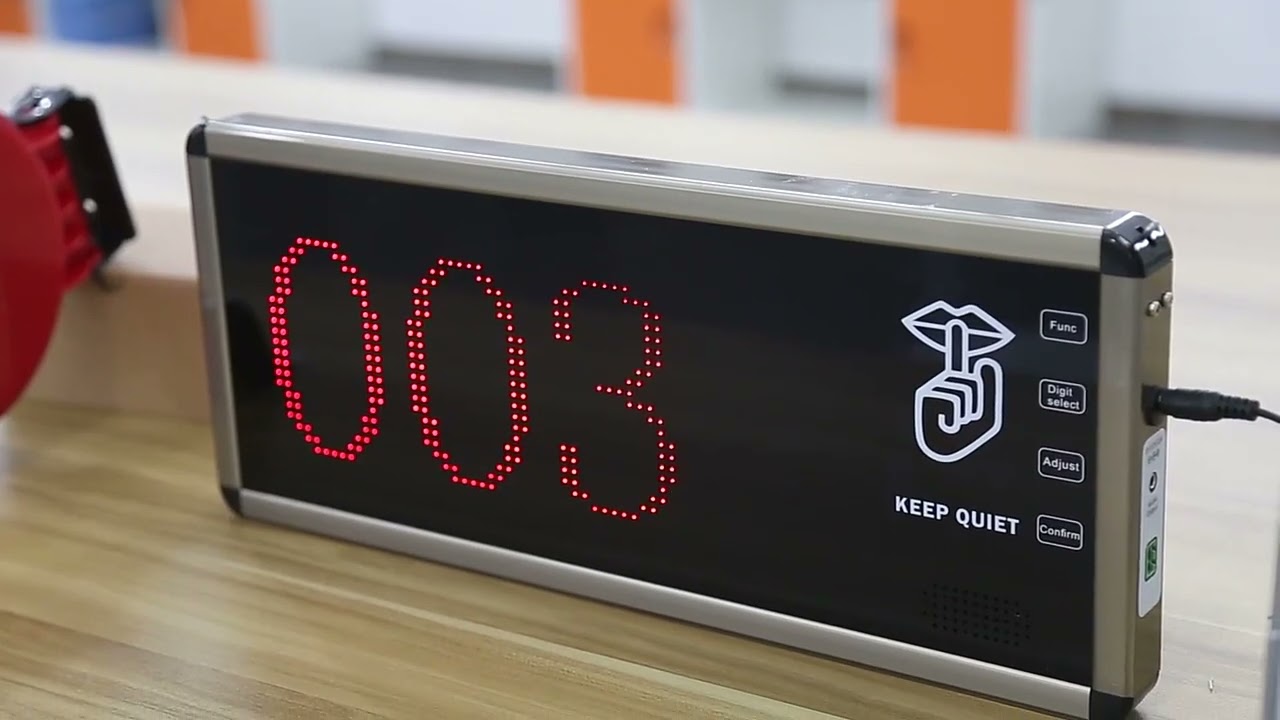
MEEYI Smart wireless call system is with a smart wireless calling receiver to collect the patients’ calling infomation, help hospital get more call data statistics.


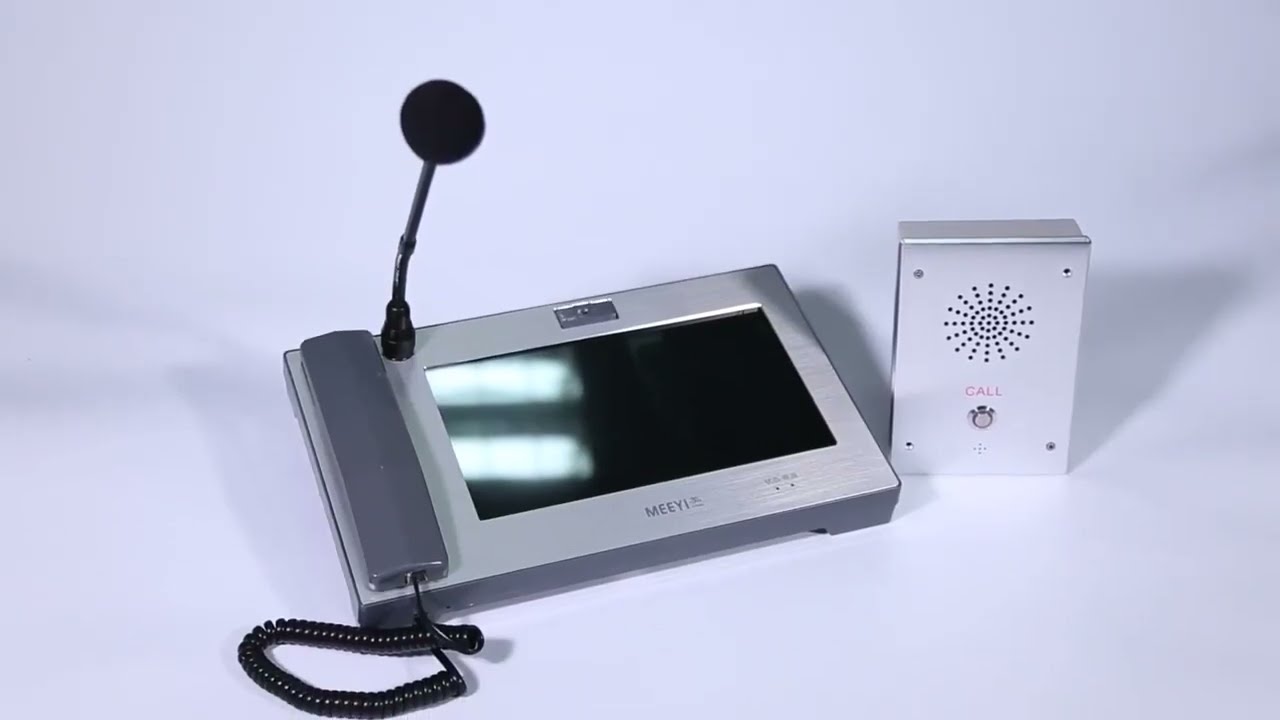
MEEYI Wired nurse call system supports patients, nurse, doctors two-way voice communication.

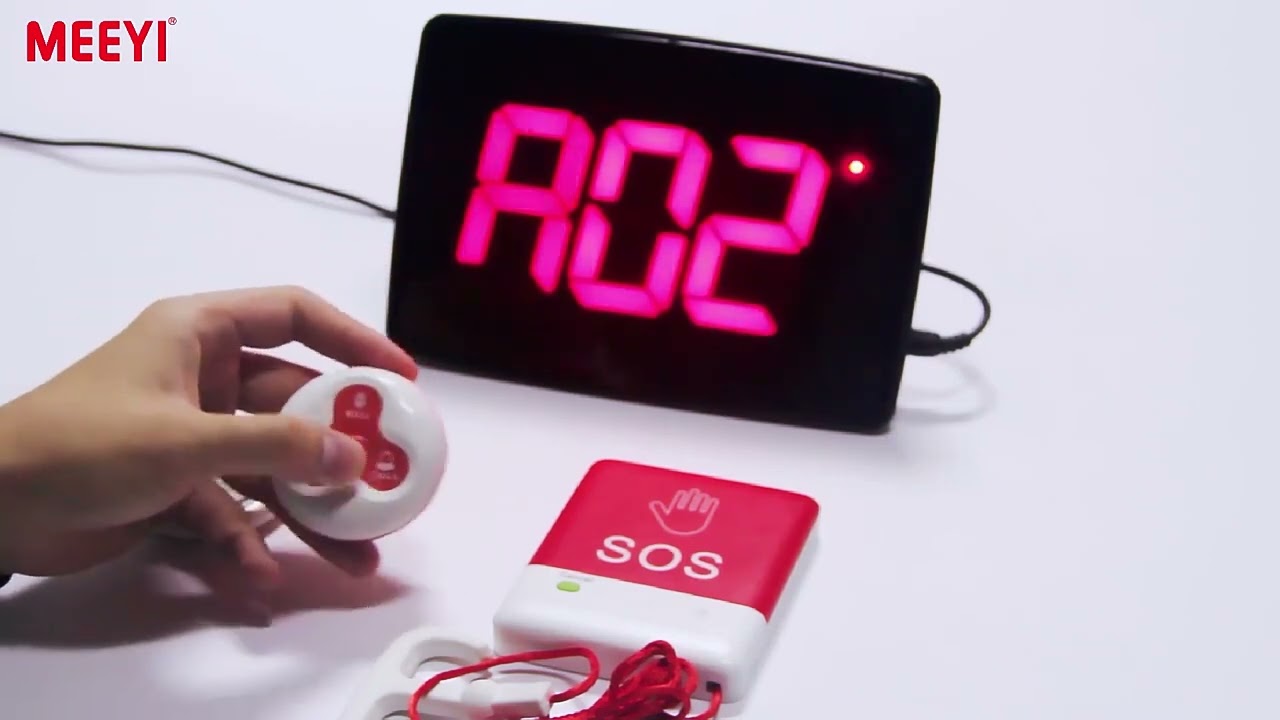
MEEYI pure wireless receiver in elderly care home’s reception can help caregivers fast respond the seniors’ request. MEEYI also provides wireless call lanyards to seniors. When they encounter any security situation, they can get the attention of the caregiver by pressing the call button.
MEEYI Smart Elderly nursing call system not only provide the convenience for the elderly to call and the nursing staff to respond to the call information at the first time, but also provide functions such as data collection and analysis, so that the nursing staff can analyze the situation of the elderly.
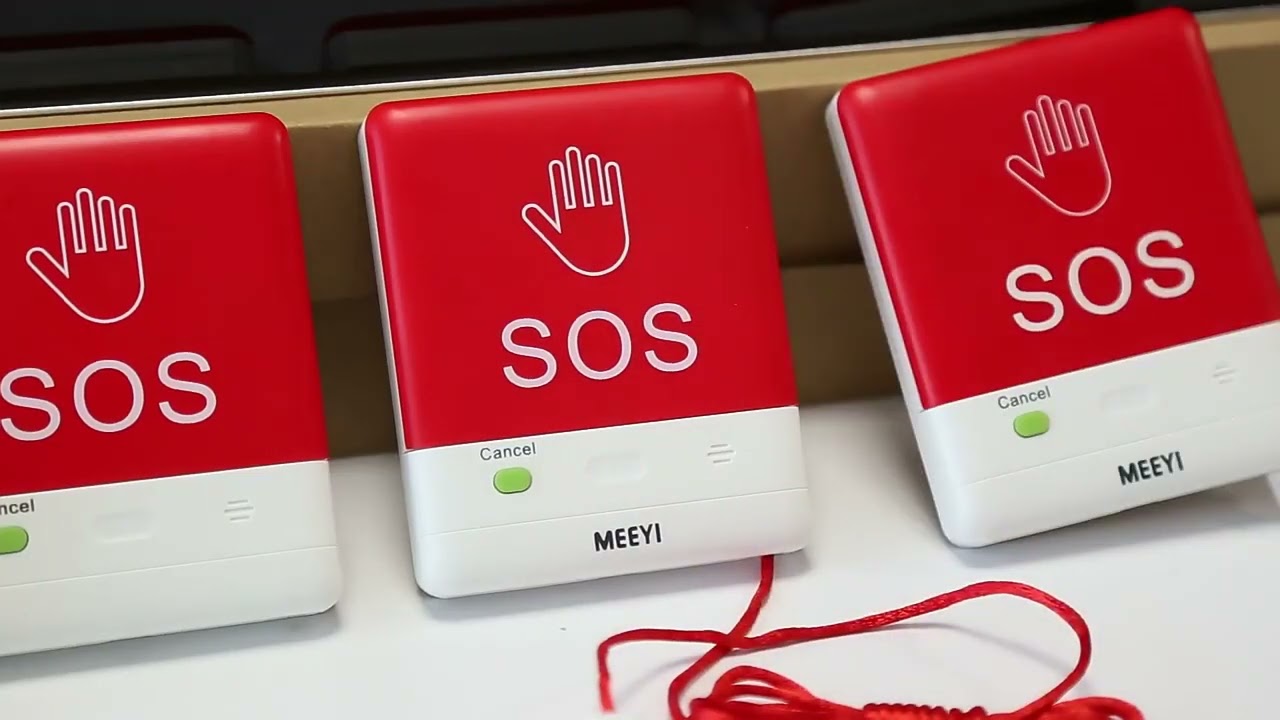
MEEYI Code Blue Wireless panic alarm systems provide a quick way to alert Hospitals’ rapid response teams ready to go when they get notified about a code blue. It is water and impact resistant and is a wireless hassle-free system with ODM & OEM support. The main receiver is for the Nurse Station, the Code Blue Lamp is for the corridor, and the Code blue buttons are for the bedside. Repeaters are optional.
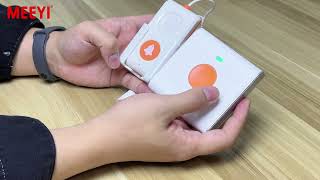
Product Operation and Demonstration: Connecting Y-303B and Y-P800
The Y-303B and Y-P800 devices work together as part of an efficient wireless communication system commonly used in healthcare and hospitality environments. This guide walks you through the step-by-step process of connecting these two devices and demonstrates their seamless interaction.
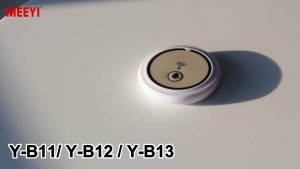
Start by powering on both the Y-303B transmitter and the Y-P800 receiver. Ensure both units have fully charged batteries or are properly connected to power sources.
Press and hold the pairing button on the Y-303B until the LED indicator starts flashing, signaling it is in pairing mode. Similarly, activate the pairing mode on the Y-P800 receiver by pressing its pairing button. This allows the devices to discover each other.
Once in pairing mode, the Y-303B and Y-P800 will automatically connect. The LED indicators on both devices will turn solid, confirming a successful pairing.
Press the call button on the Y-303B transmitter. The Y-P800 receiver should immediately receive the signal, producing an audible alert and visual notification to indicate an incoming call.
Use the receiver’s interface to adjust alert volume, notification tone, or display settings according to your preference and environment requirements. This customization ensures that alerts are noticeable without causing disturbance.
Regularly check battery levels on both devices to avoid communication interruptions. Replace or recharge batteries as needed. Clean the devices periodically to maintain optimal performance.
Demonstration Highlights:
Shows the ease of pairing and setup between them.
Demonstrates instant alert reception and clear communication.
Explains adjustment of alert modes to fit different operational environments.
Emphasizes battery management for uninterrupted use.
By following this operation and demonstration guide, users can quickly set up the Y-303B and Y-P800 system to ensure reliable, efficient wireless communication tailored to their facility’s needs.
 MEEYI
MEEYI