
You may also like


Page 1 of 2

MEEYI Smart wireless call system is with a smart wireless calling receiver to collect the patients’ calling infomation, help hospital get more call data statistics.


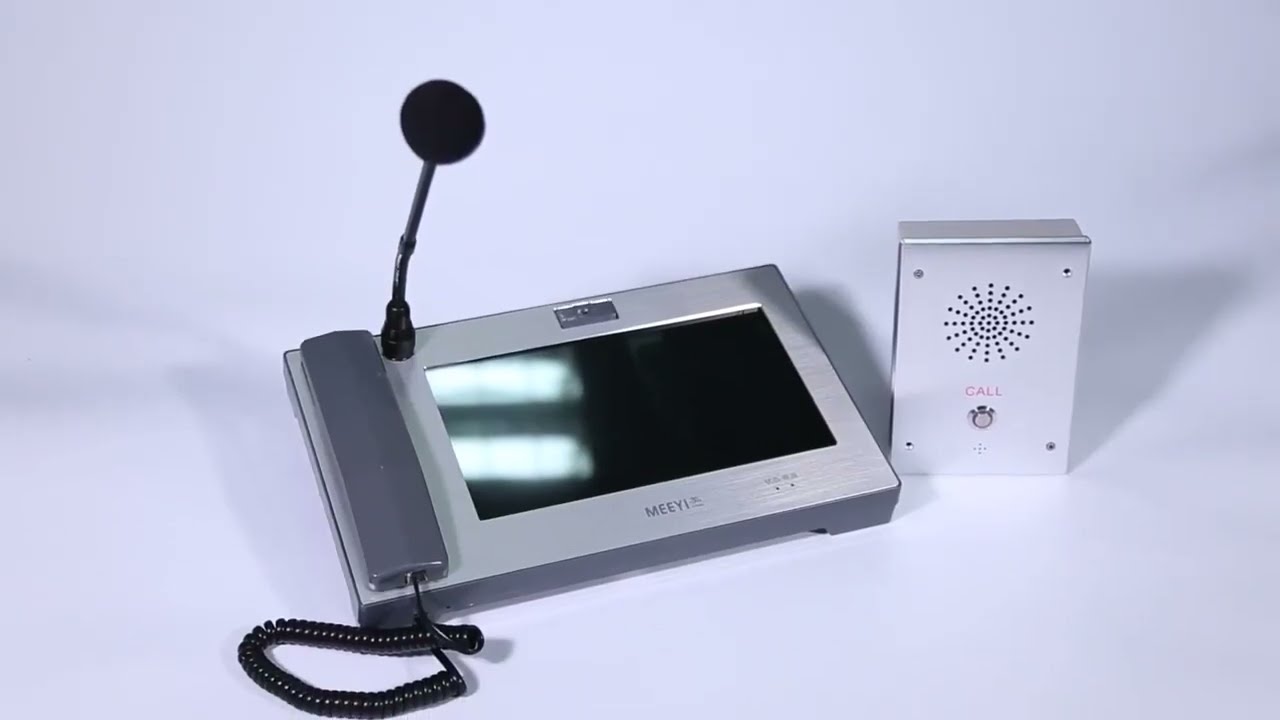
MEEYI Wired nurse call system supports patients, nurse, doctors two-way voice communication.

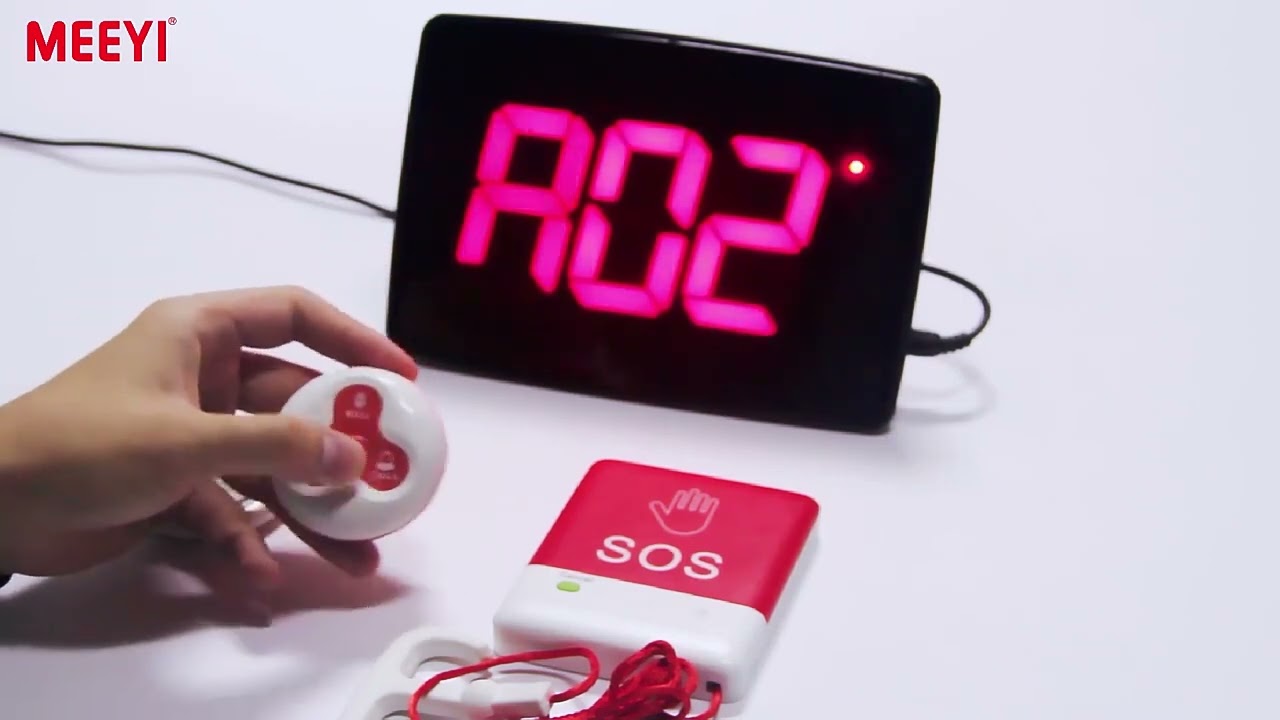
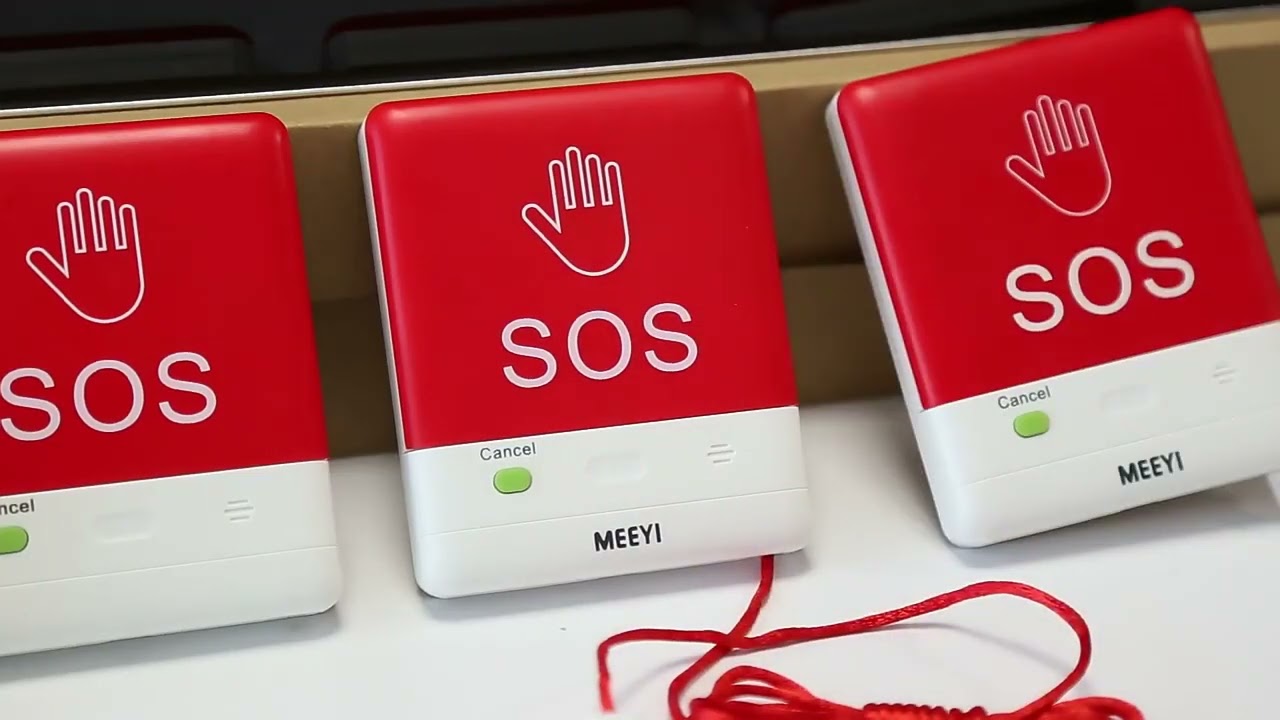
MEEYI pure wireless receiver in elderly care home’s reception can help caregivers fast respond the seniors’ request. MEEYI also provides wireless call lanyards to seniors. When they encounter any security situation, they can get the attention of the caregiver by pressing the call button.
MEEYI Smart Elderly nursing call system not only provide the convenience for the elderly to call and the nursing staff to respond to the call information at the first time, but also provide functions such as data collection and analysis, so that the nursing staff can analyze the situation of the elderly.
MEEYI Code Blue Wireless panic alarm systems provide a quick way to alert Hospitals’ rapid response teams ready to go when they get notified about a code blue. It is water and impact resistant and is a wireless hassle-free system with ODM & OEM support. The main receiver is for the Nurse Station, the Code Blue Lamp is for the corridor, and the Code blue buttons are for the bedside. Repeaters are optional.
Product Operation and Demonstration: MEEYI Waterproof Wireless Calling System
The MEEYI Waterproof Wireless Calling System is designed to provide reliable communication in challenging environments where water resistance is essential. It is ideal for healthcare, hospitality, industrial sites, swimming pools, and outdoor venues where calls for assistance must be sent quickly and clearly, even in wet conditions.
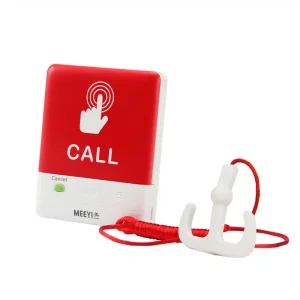
Begin by installing batteries into the waterproof call buttons and ensuring the receiver is connected to a power source. Check that the LED indicators on the call buttons light up, confirming proper power.
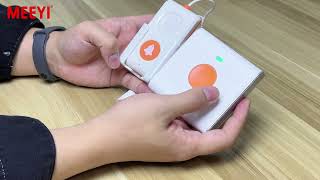
Put the receiver into pairing mode by pressing and holding the designated button until the indicator flashes. Then, activate pairing on each waterproof call button by pressing its call button or pairing key. Once paired, the receiver’s LED will become steady, confirming a successful connection.
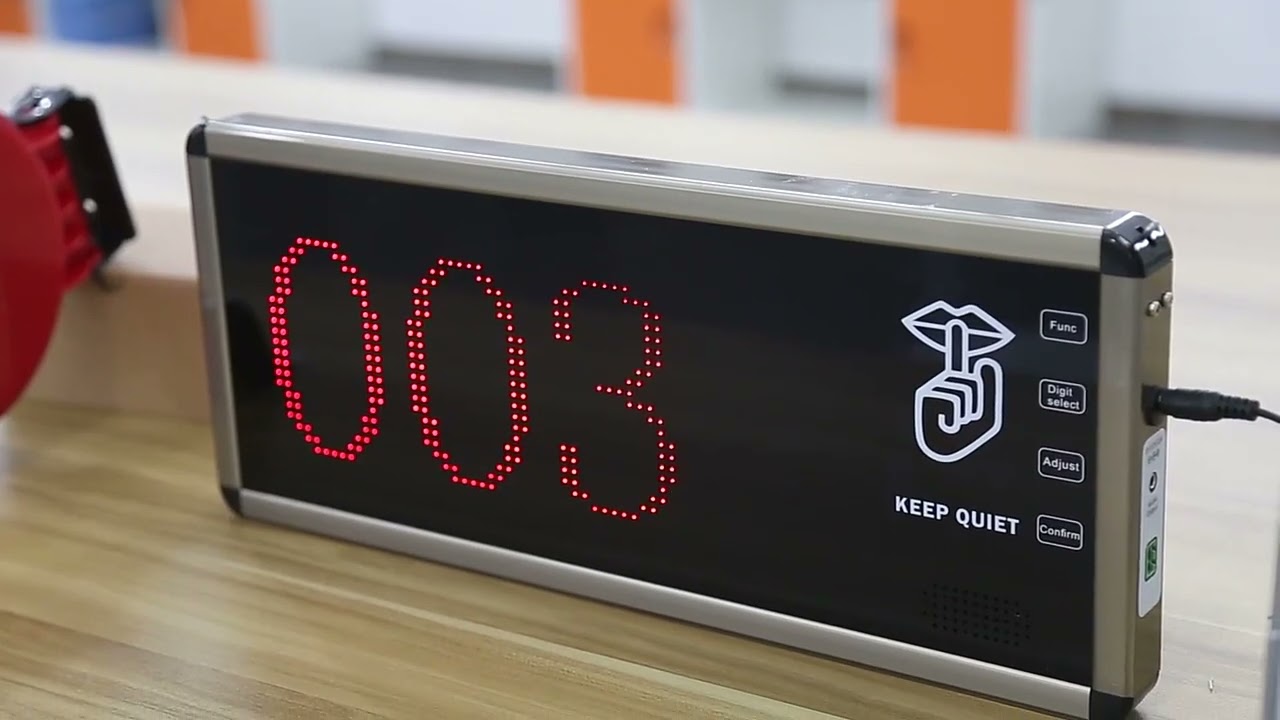
Press the call button on the waterproof transmitter. The receiver will emit a loud alert sound and show a visual notification on its display, indicating the location or ID of the call button pressed. This immediate notification helps staff respond promptly.
Adjust the volume and type of alerts on the receiver according to the environment. Choose between sound, vibration, or light alerts to suit noisy or busy areas without disturbing others unnecessarily.
Mount the waterproof call buttons in areas prone to moisture, such as bathrooms, poolsides, or outdoor walkways. The receiver can be placed at nurse stations, control rooms, or service desks for centralized monitoring.
Regularly inspect the waterproof seals and battery levels to maintain system integrity and reliability. Replace batteries as needed to ensure continuous operation.
Shows simple pairing of waterproof call buttons and receivers.
Demonstrates clear alerts despite wet or harsh environments.
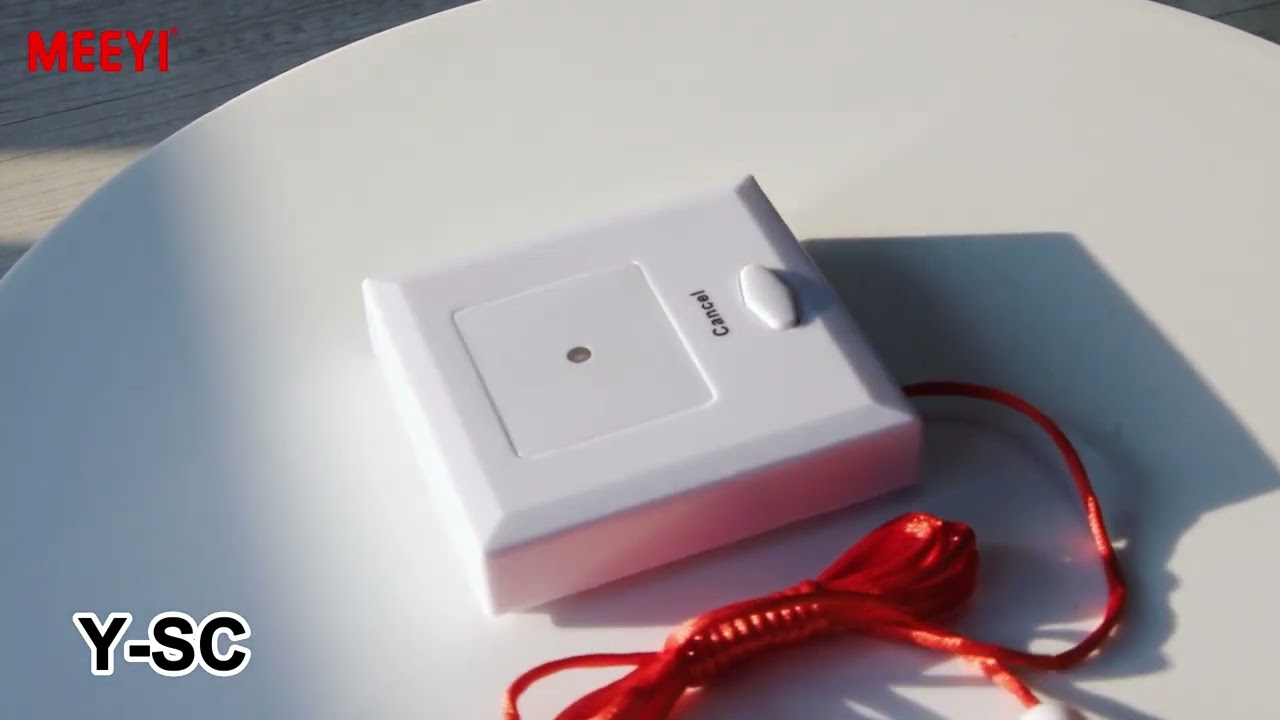
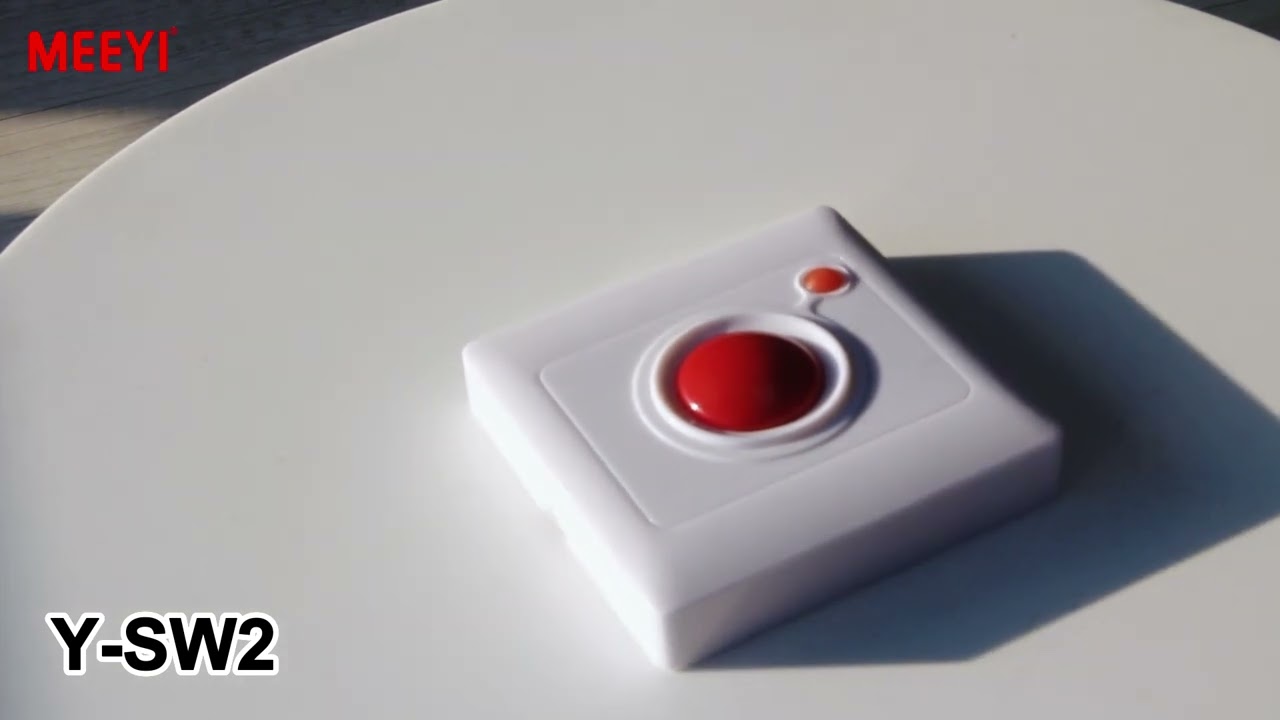
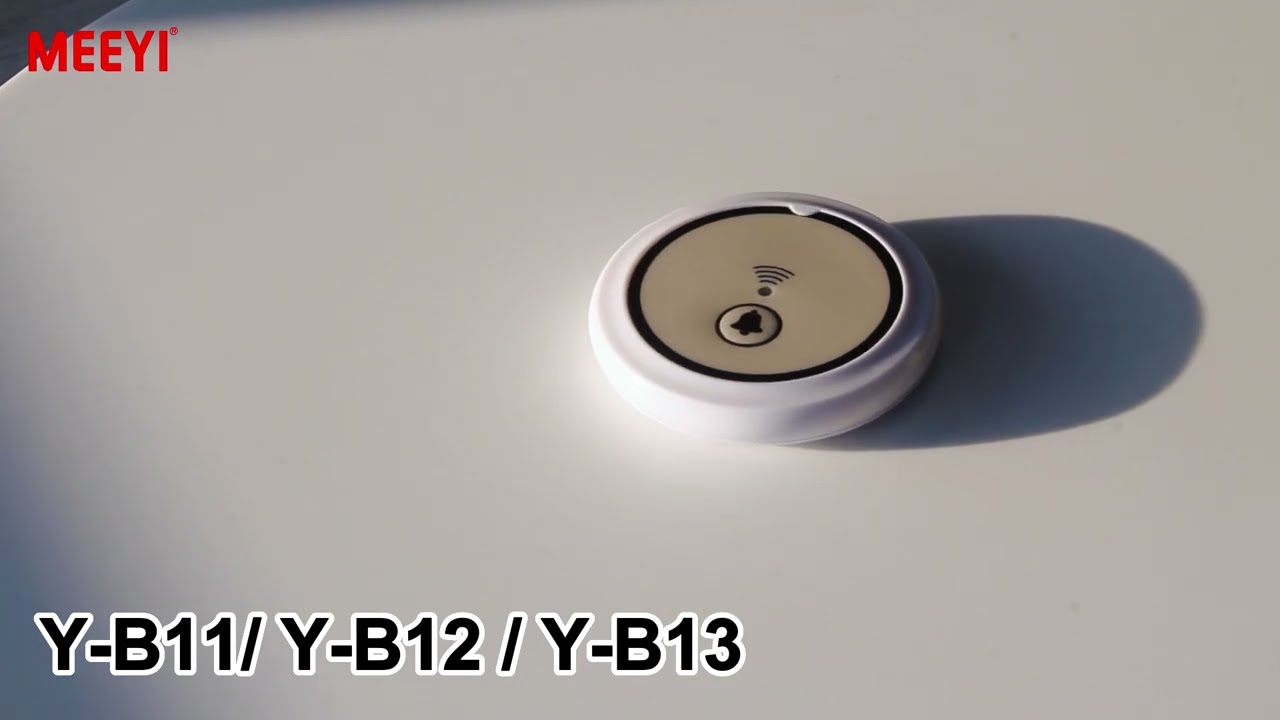
Highlights the durability and water-resistant design of the call buttons.
Explains customization of alert modes to fit different facility needs.
Emphasizes easy maintenance to ensure long-term reliable service.
By following this guide, users will effectively set up and operate the MEEYI Waterproof Wireless Calling System to guarantee fast, dependable communication in any wet or demanding environment.
 MEEYI
MEEYI