


Product Description and Operation Guide: Y-P802 + Y-670 Kitchen Communication Solution
📦 Product Description:
The Y-P802 + Y-670 Kitchen Communication System offers a smart, wireless solution for seamless interaction between kitchen chefs, waiters, and customers. Specifically designed for fast-paced food service environments, this system improves communication flow, reduces service delays, and ensures a smoother dining experience.
The Y-P802 functions as a compact, user-friendly wireless call button that staff can install in kitchens or at service counters. Chefs or kitchen staff simply press it to send instant call signals. Meanwhile, the Y-670 receiver, featuring a clear LED display and loud audio alerts, immediately notifies waiters or servers when dishes are ready or customer support is required.
Moreover, this system is ideal for restaurants, cafés, hotel kitchens, and food courts. It eliminates unnecessary shouting, speeds up order delivery, and enhances overall efficiency during busy hours. As a result, customer satisfaction improves and team coordination becomes more seamless.

🎬 Product Operation and Demonstration:
Powering On:
First, connect the Y-670 receiver to a power source and insert batteries into the Y-P802 call button. The LED indicator lights up, confirming the system is ready for use.Pairing Devices:
Then, press and hold the receiver’s pairing key. After that, press the call button to complete the pairing. A confirmation beep signals successful connection.Sending a Call Signal:
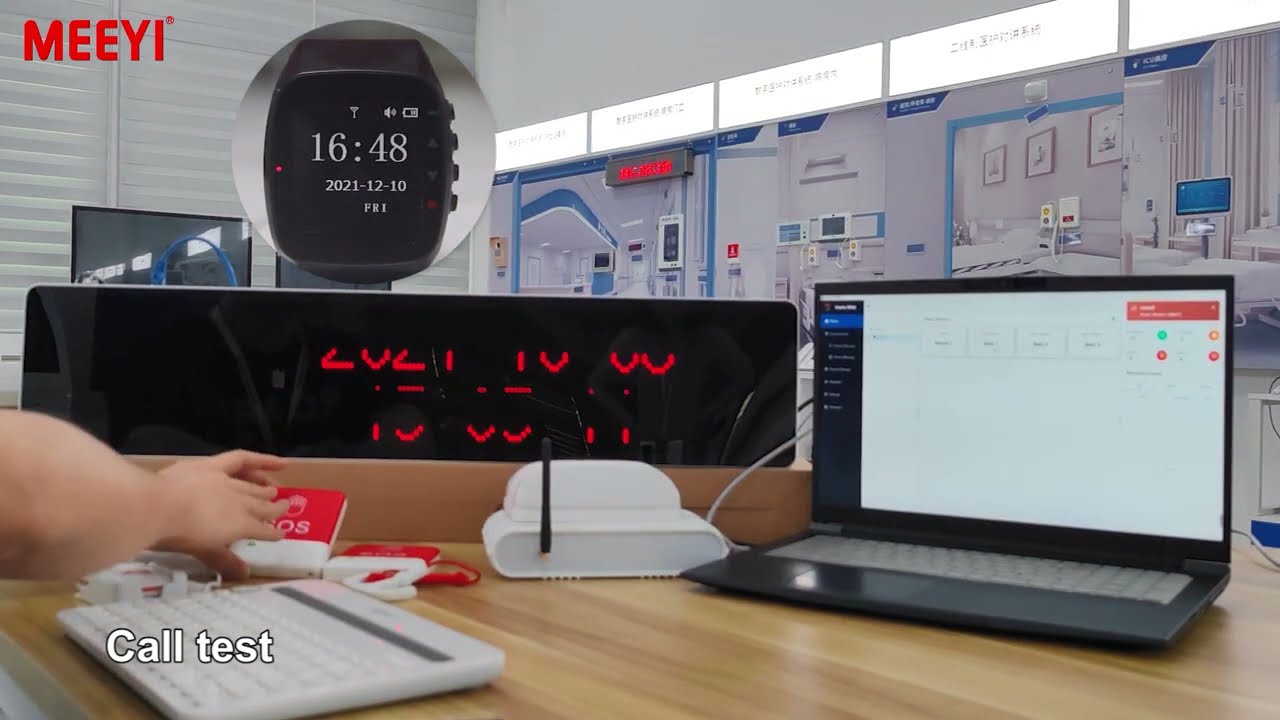
Chefs or staff members press the Y-P802 to send a signal. Consequently, the Y-670 receiver immediately sounds an alert and displays the corresponding number or code.Volume Adjustment:
In addition, users can adjust the receiver’s volume settings based on the surrounding noise level to ensure all alerts are clearly heard.Call Cancellation:
Depending on system settings, users can cancel the call either by pressing the button again or by manually resetting the receiver.Resetting and Maintenance:
To reset, power the devices off and back on. Finally, regularly replace batteries and clean the devices to maintain optimal performance.
By using the Y-P802 + Y-670 system, food service teams can communicate more effectively, improve service speed, and enhance the overall dining experience. This step-by-step operation guide ensures users can easily set up the system and keep it running efficiently in dynamic kitchen environments.
 MEEYI
MEEYI